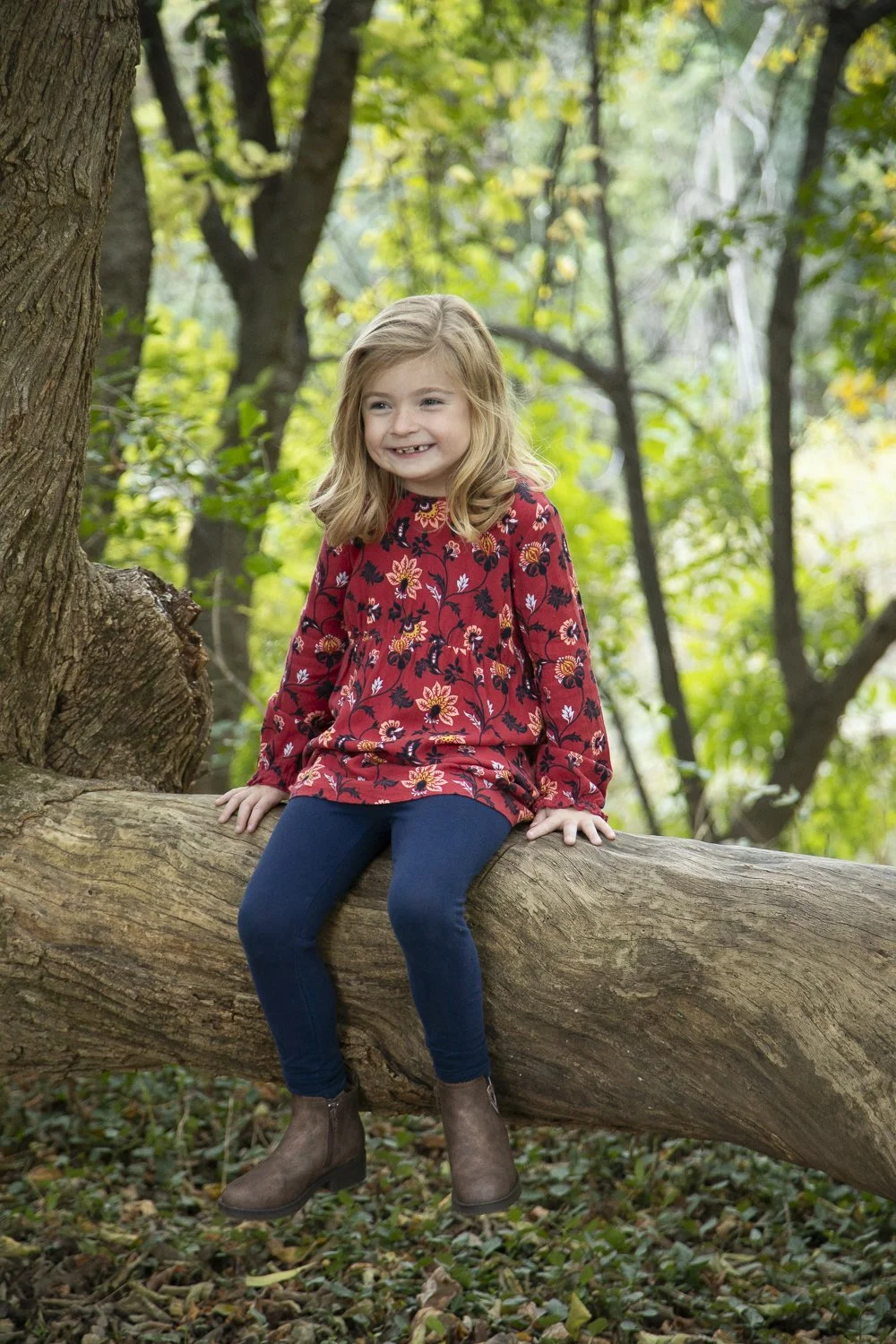
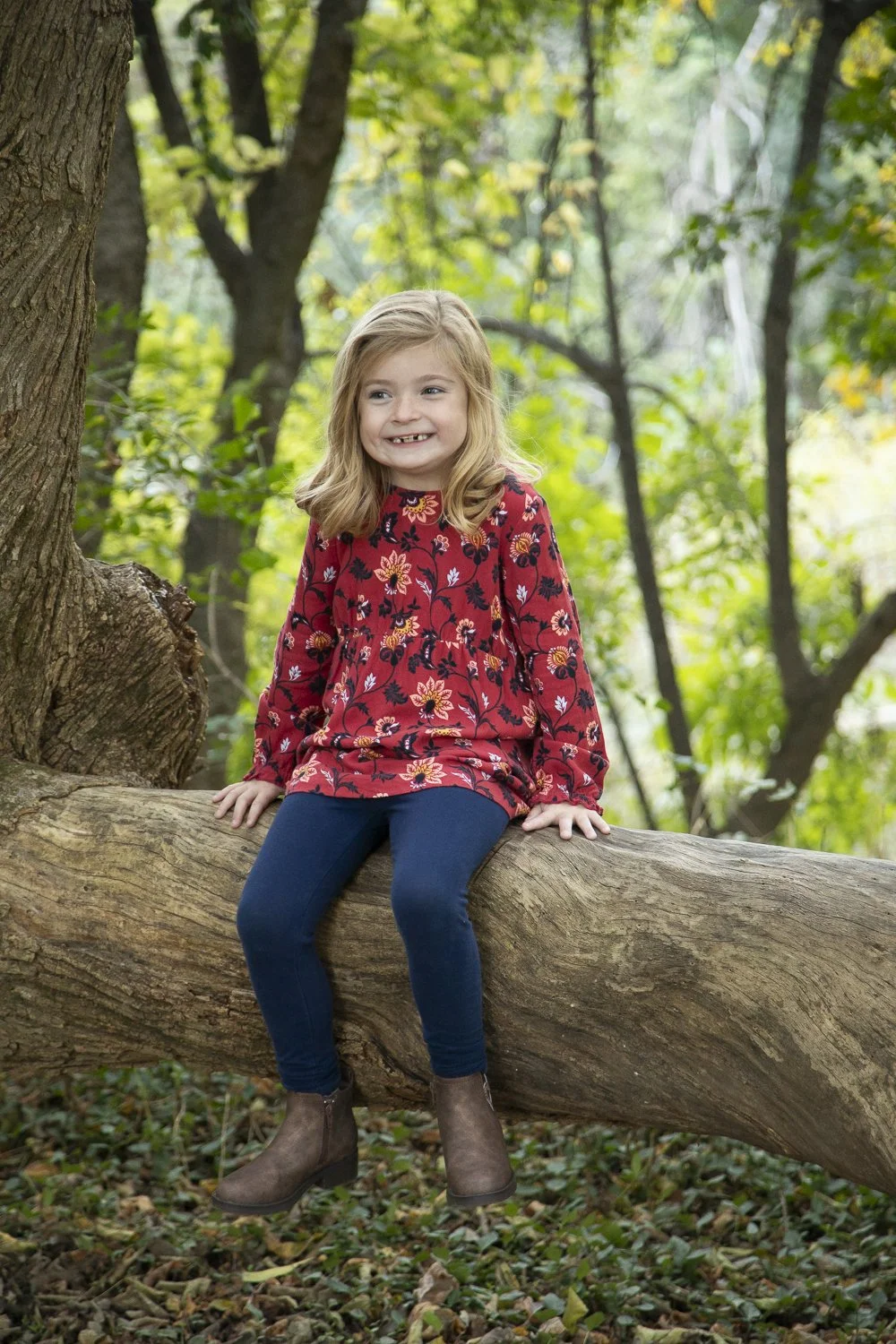
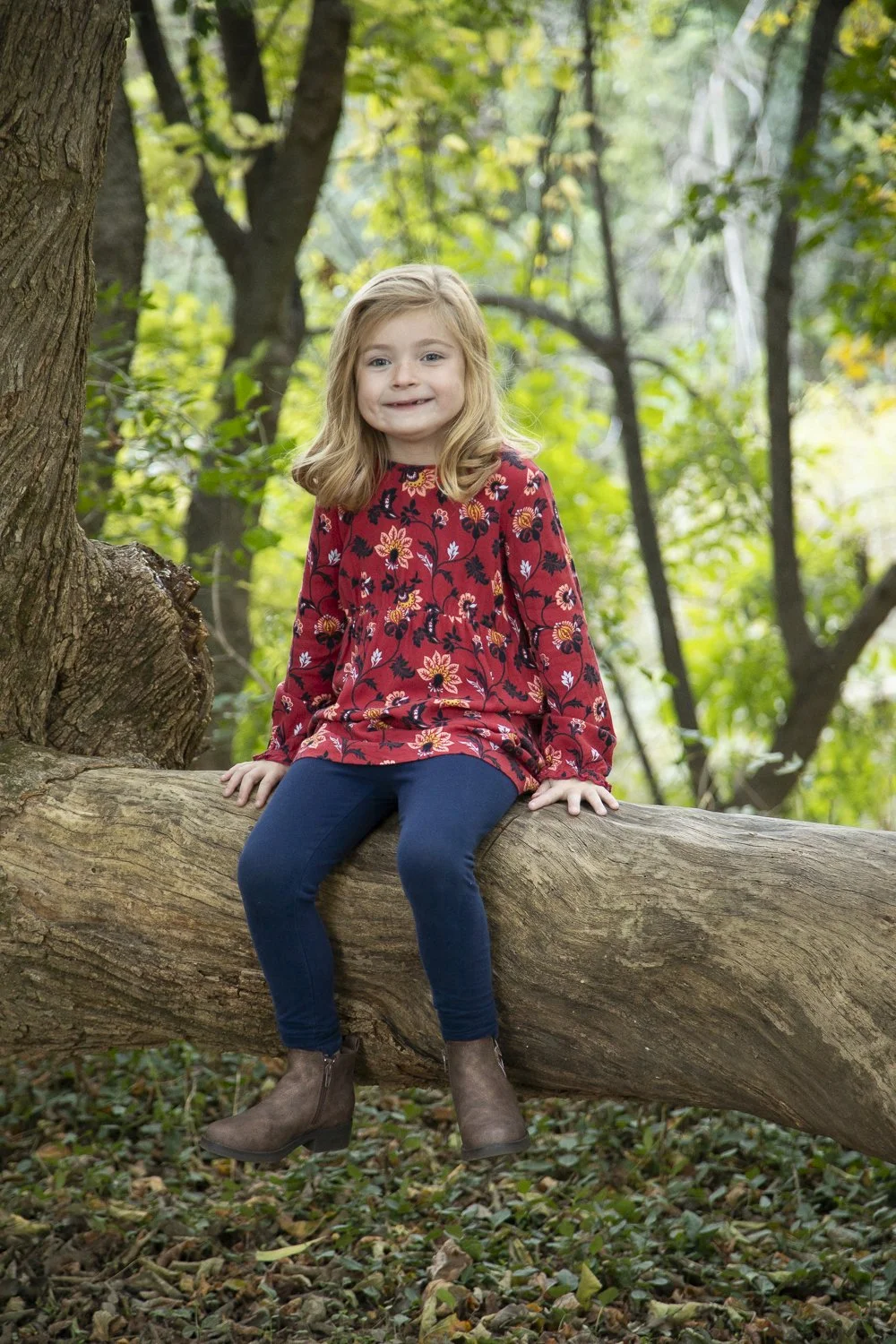
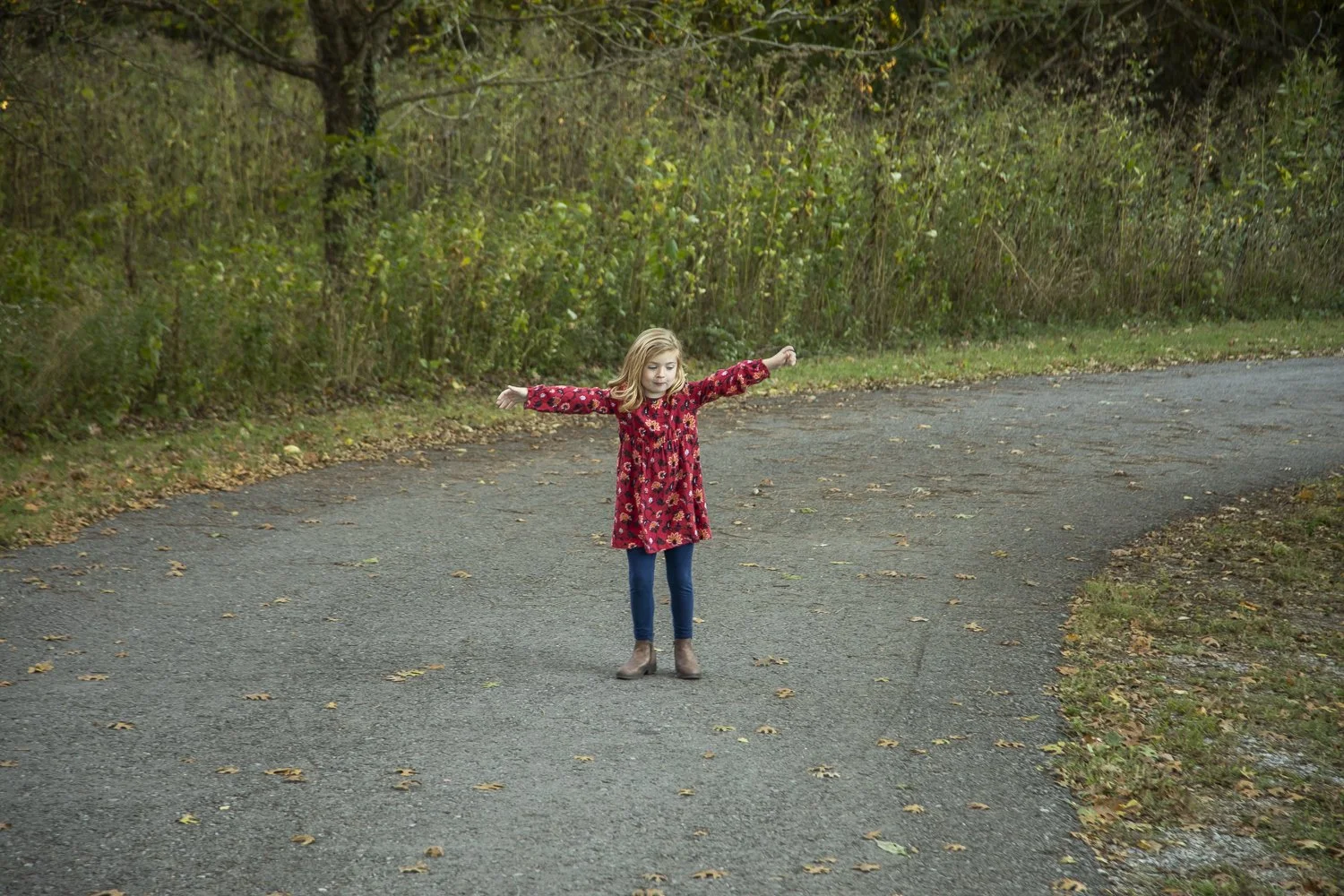








- 1Pick
- 2Review
- 3Send
Pick your favorites
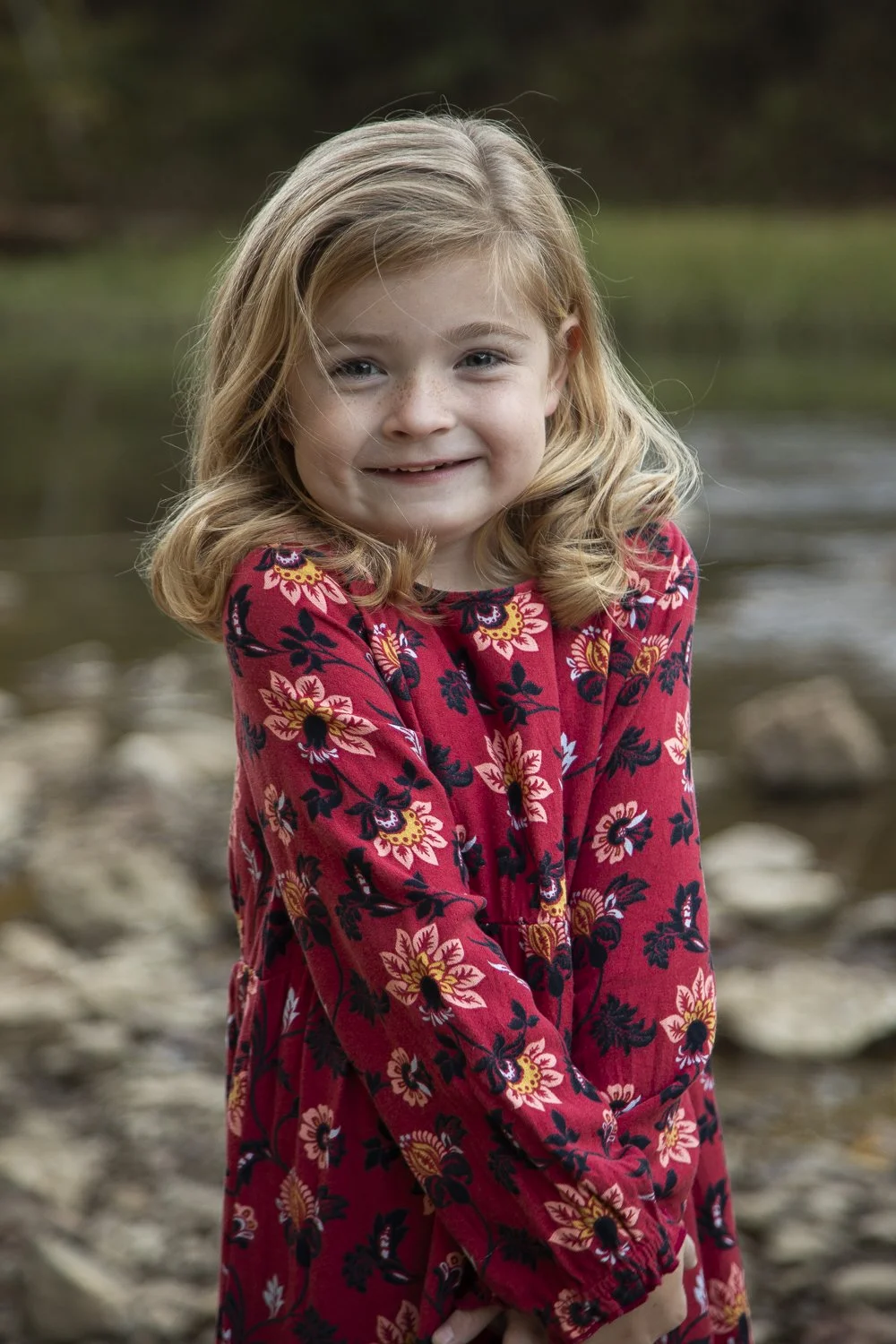
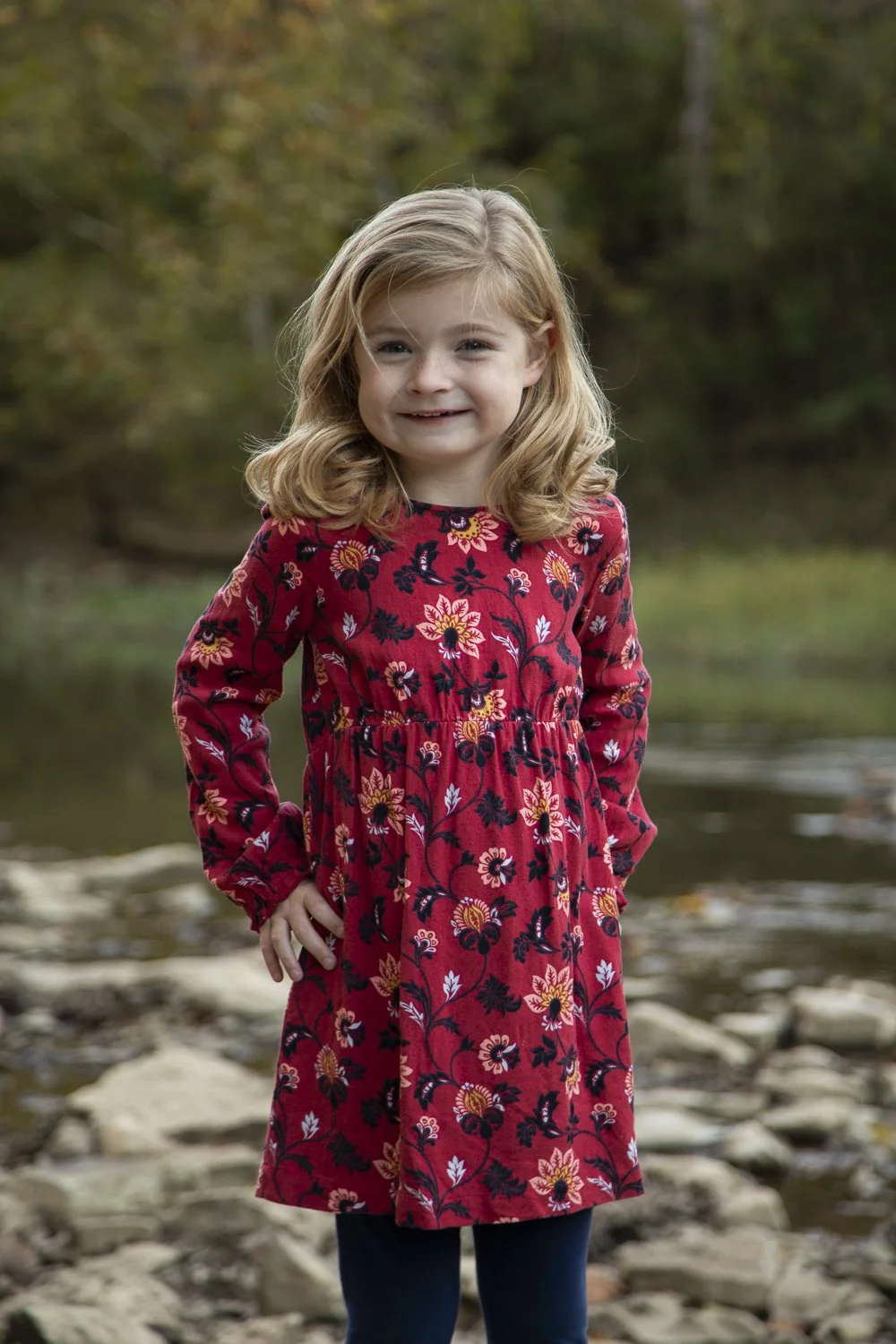
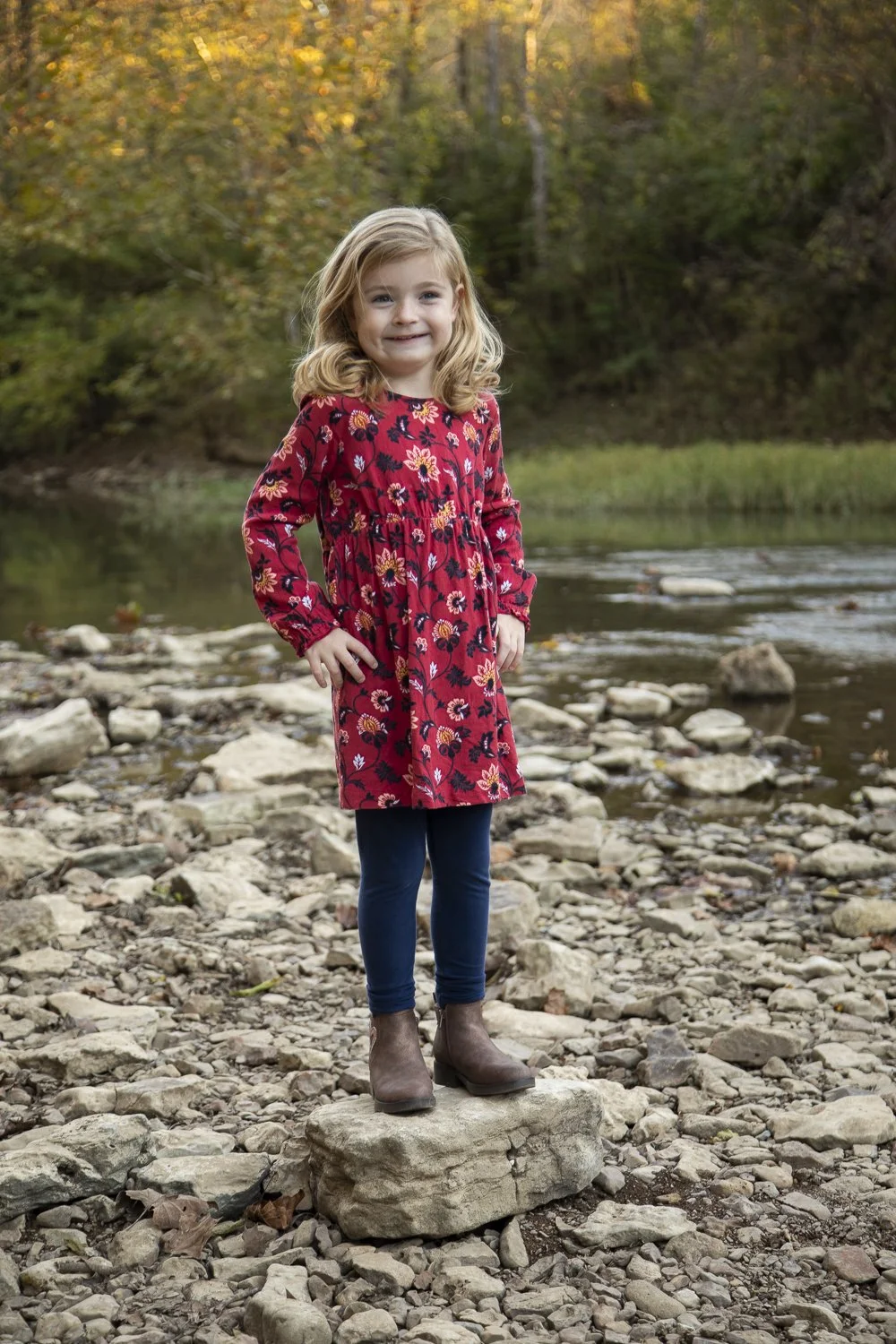
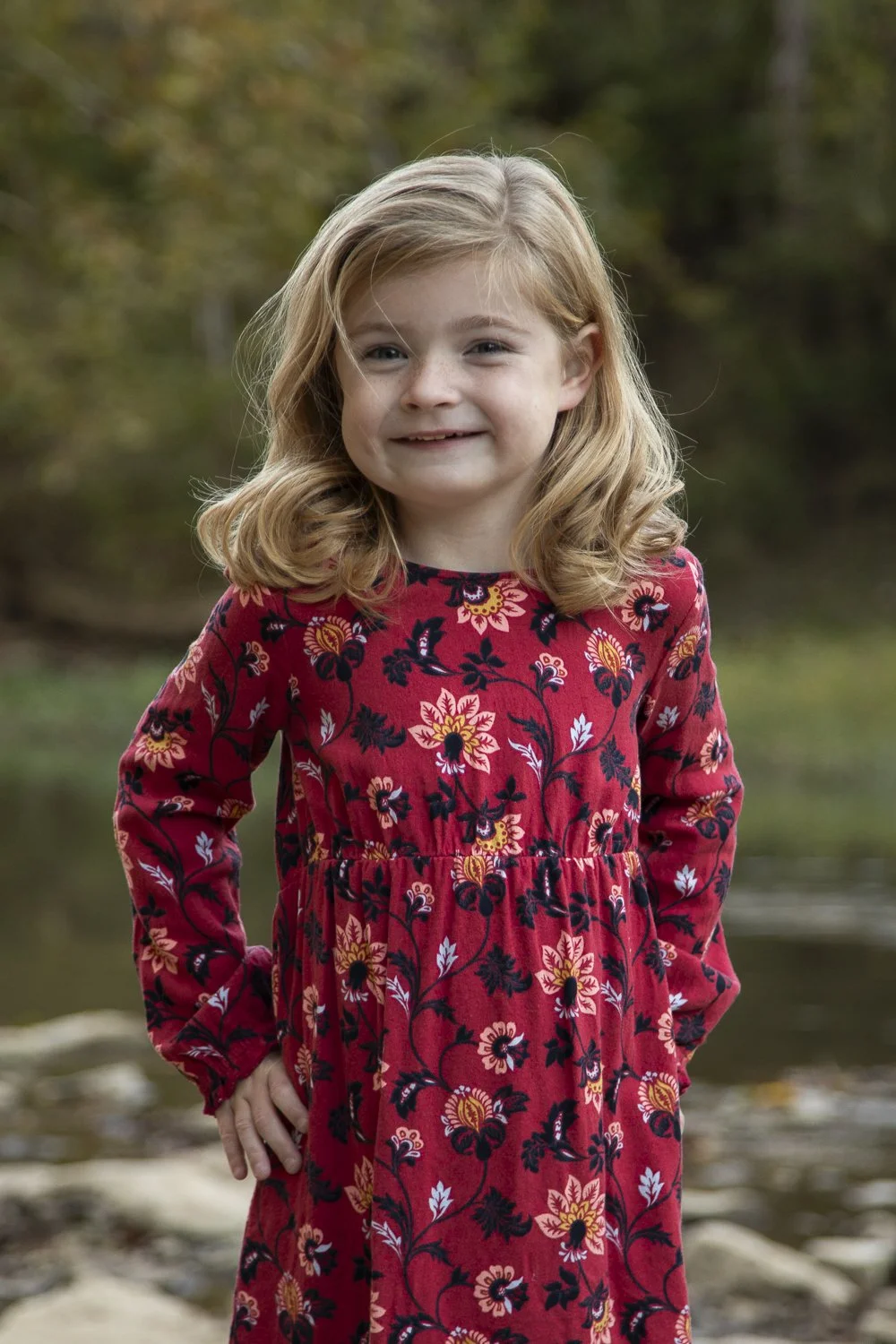
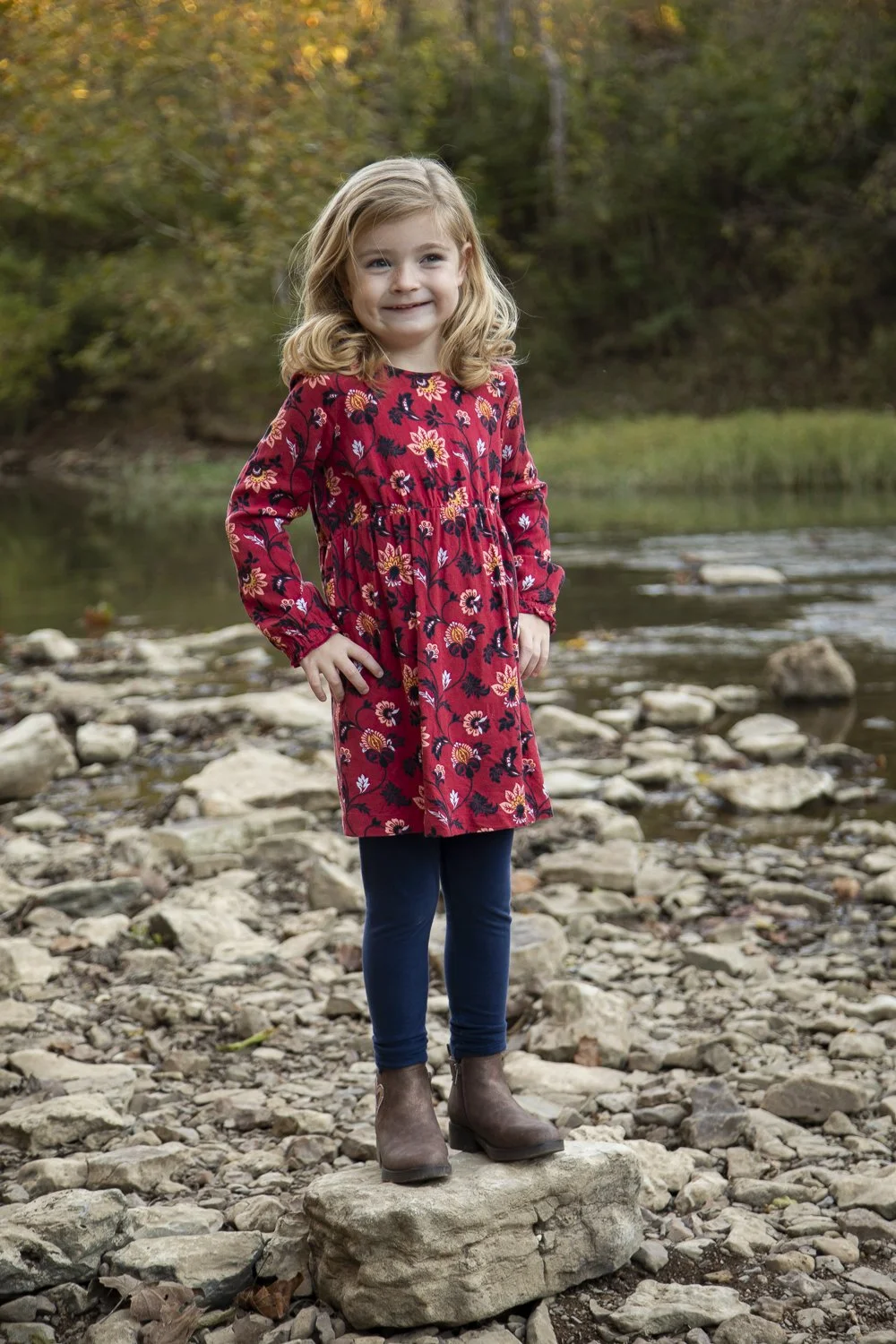
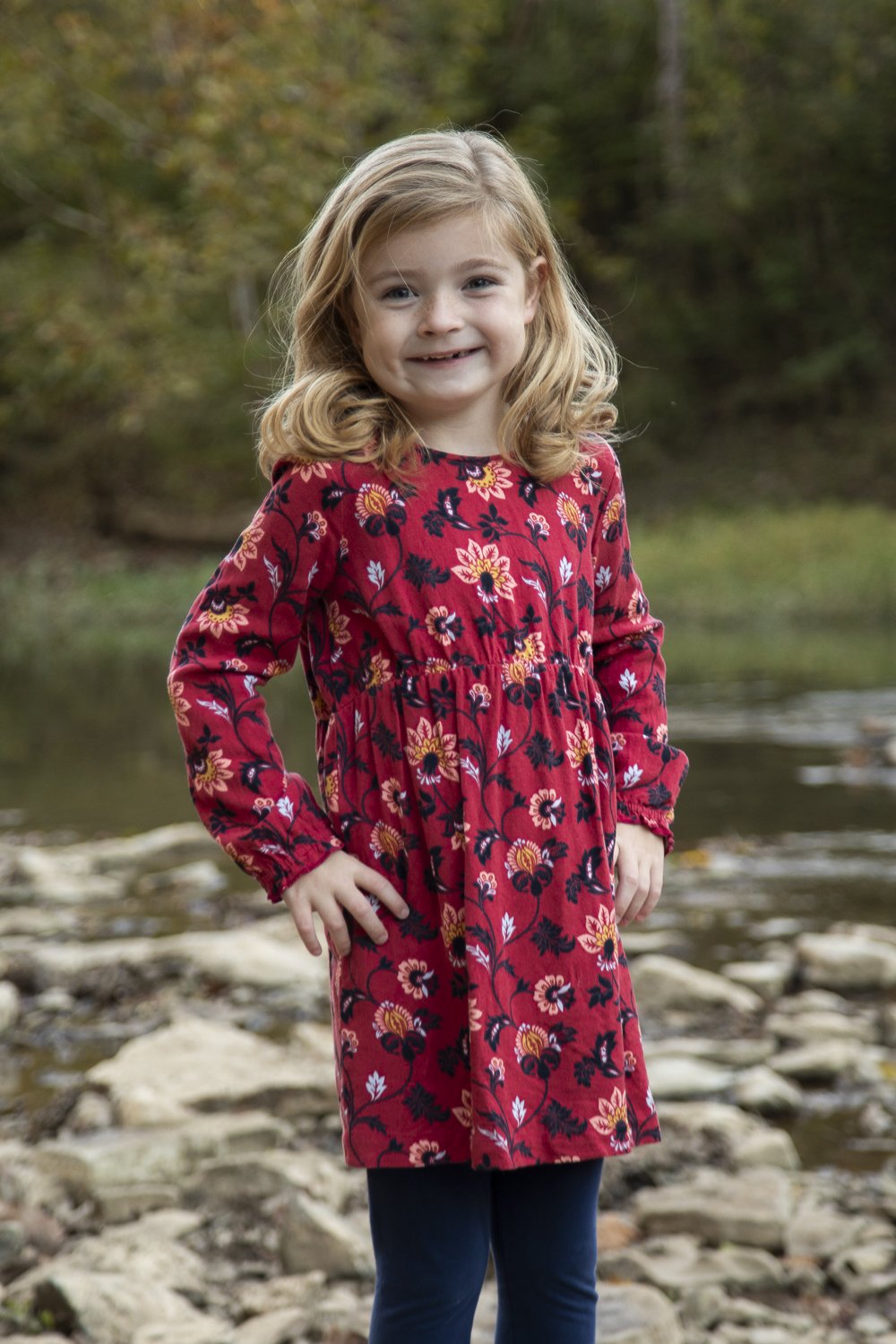
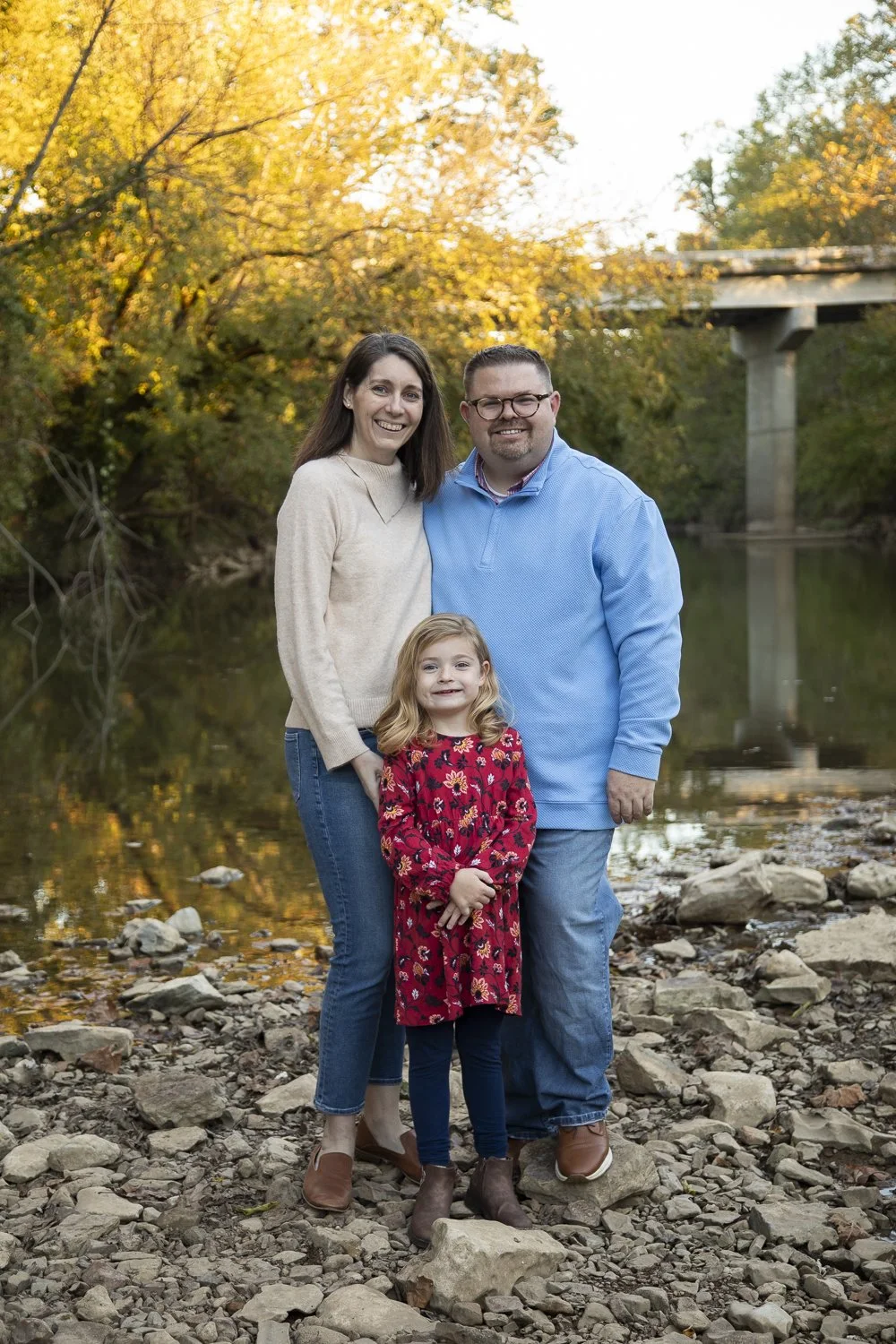
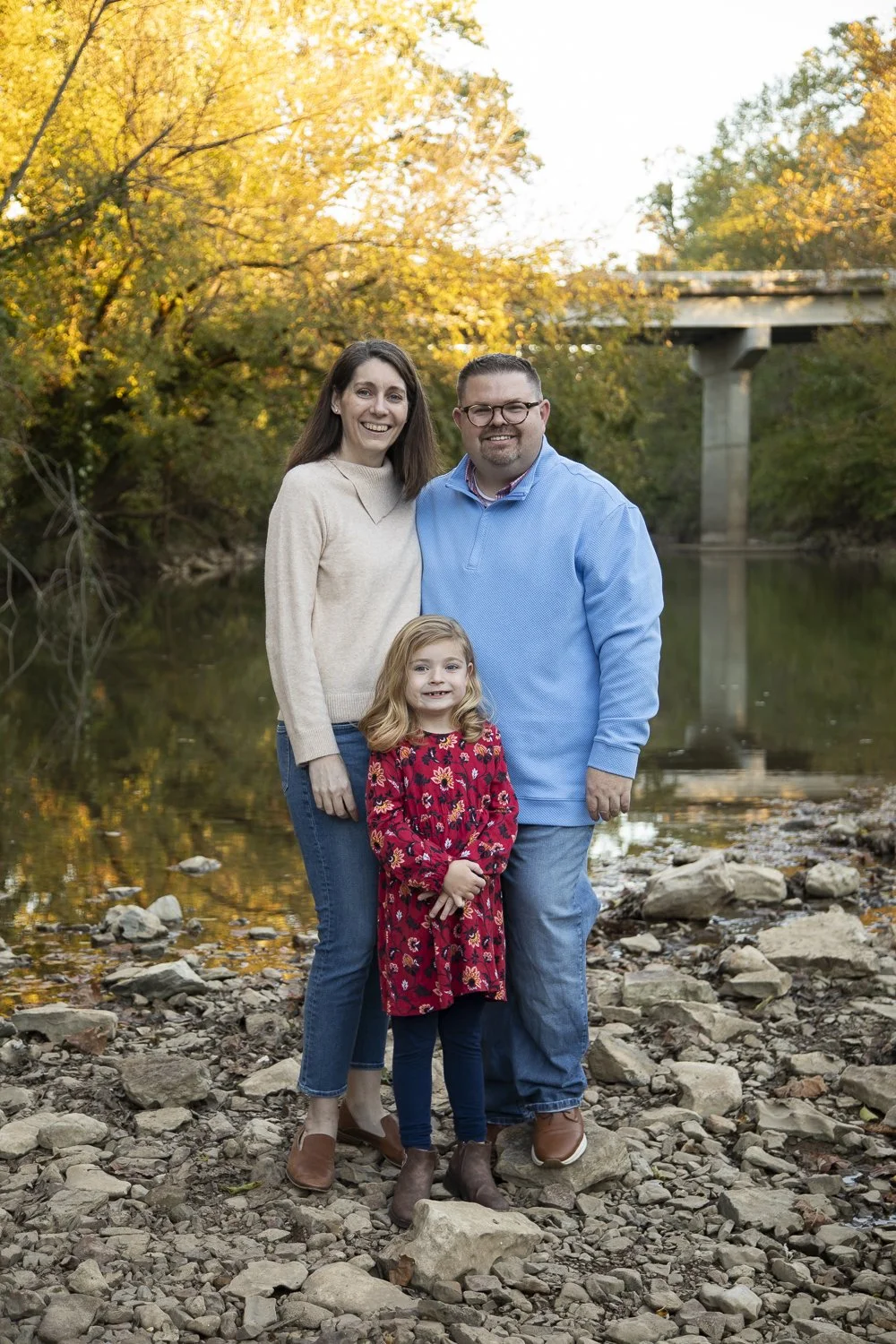
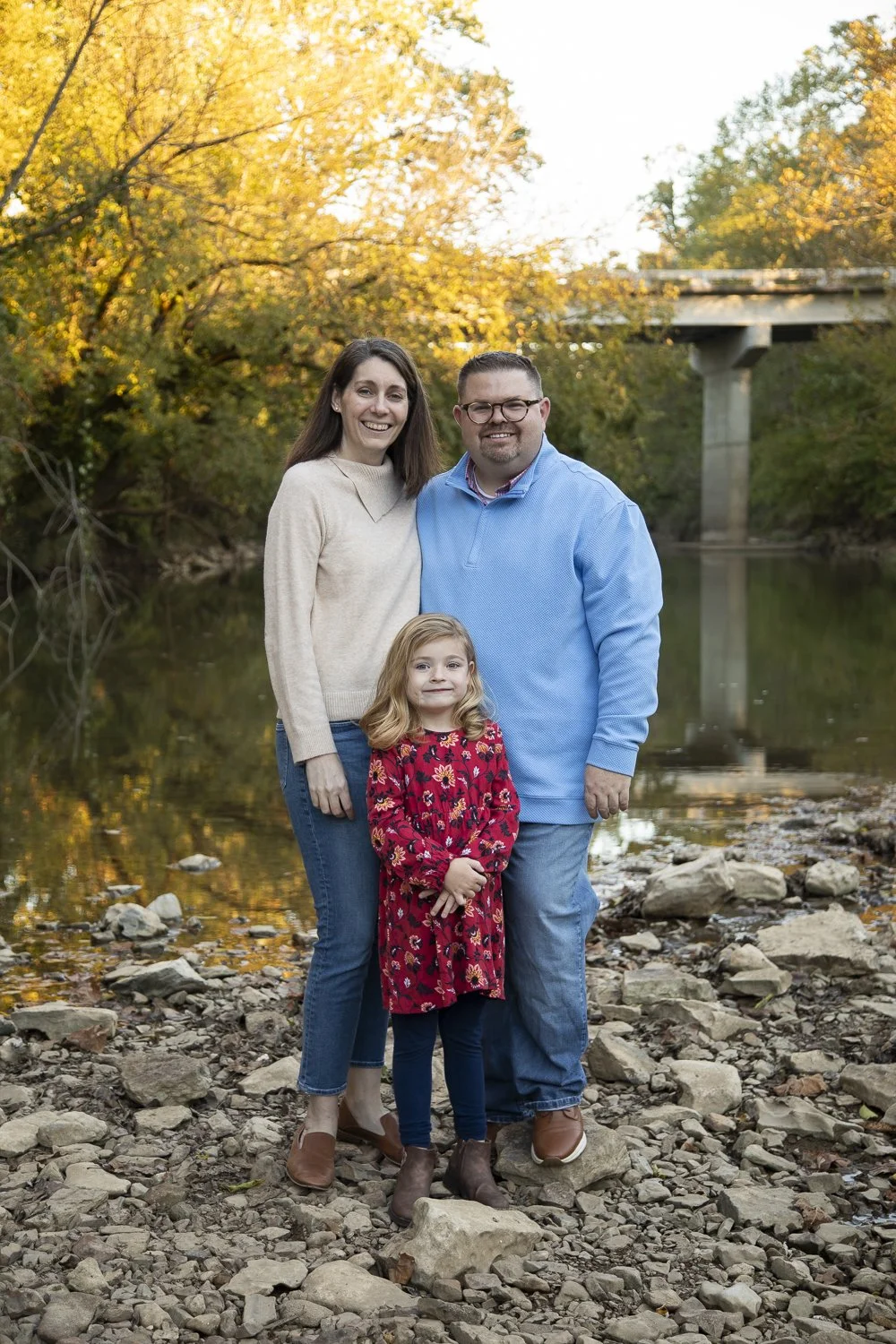
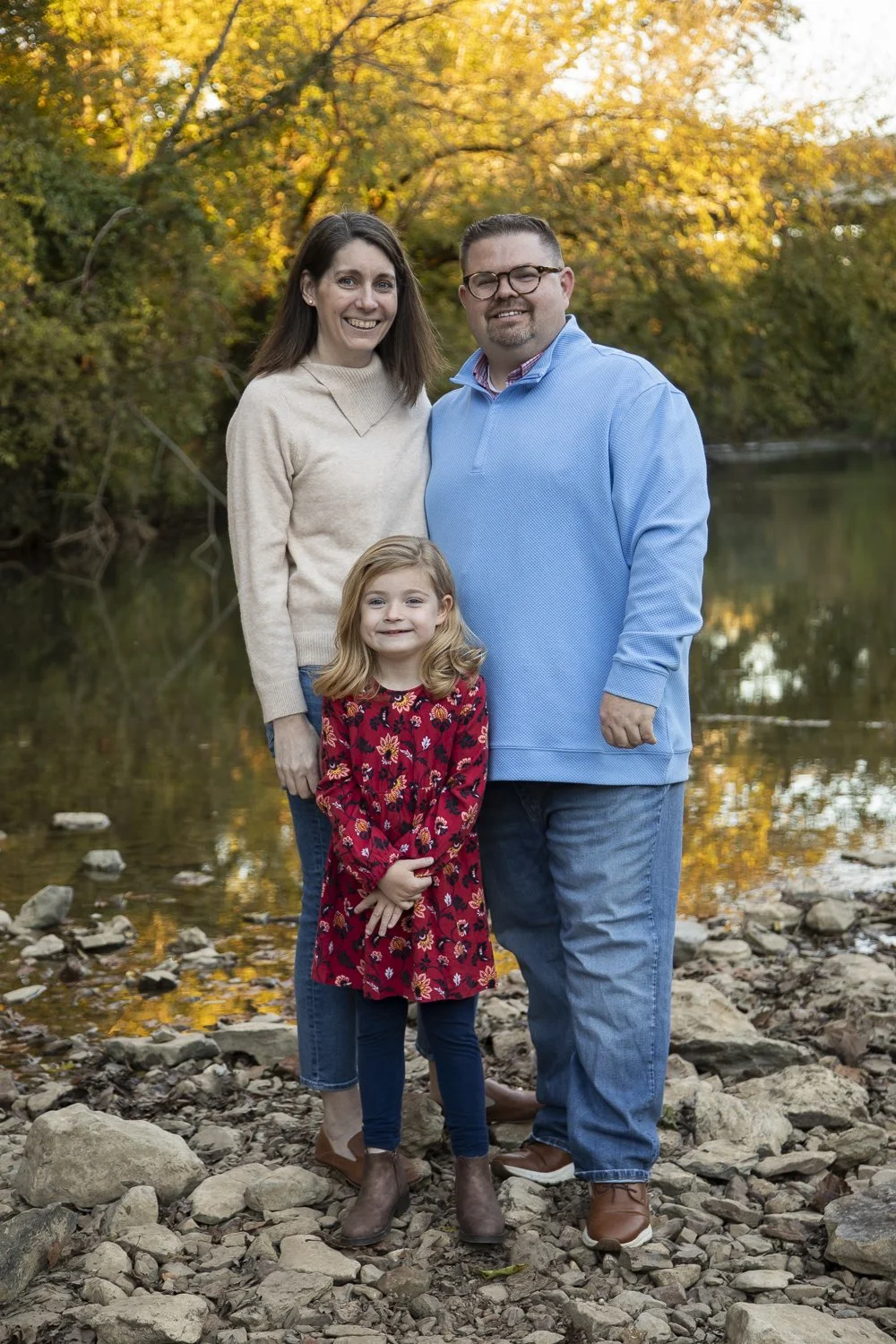
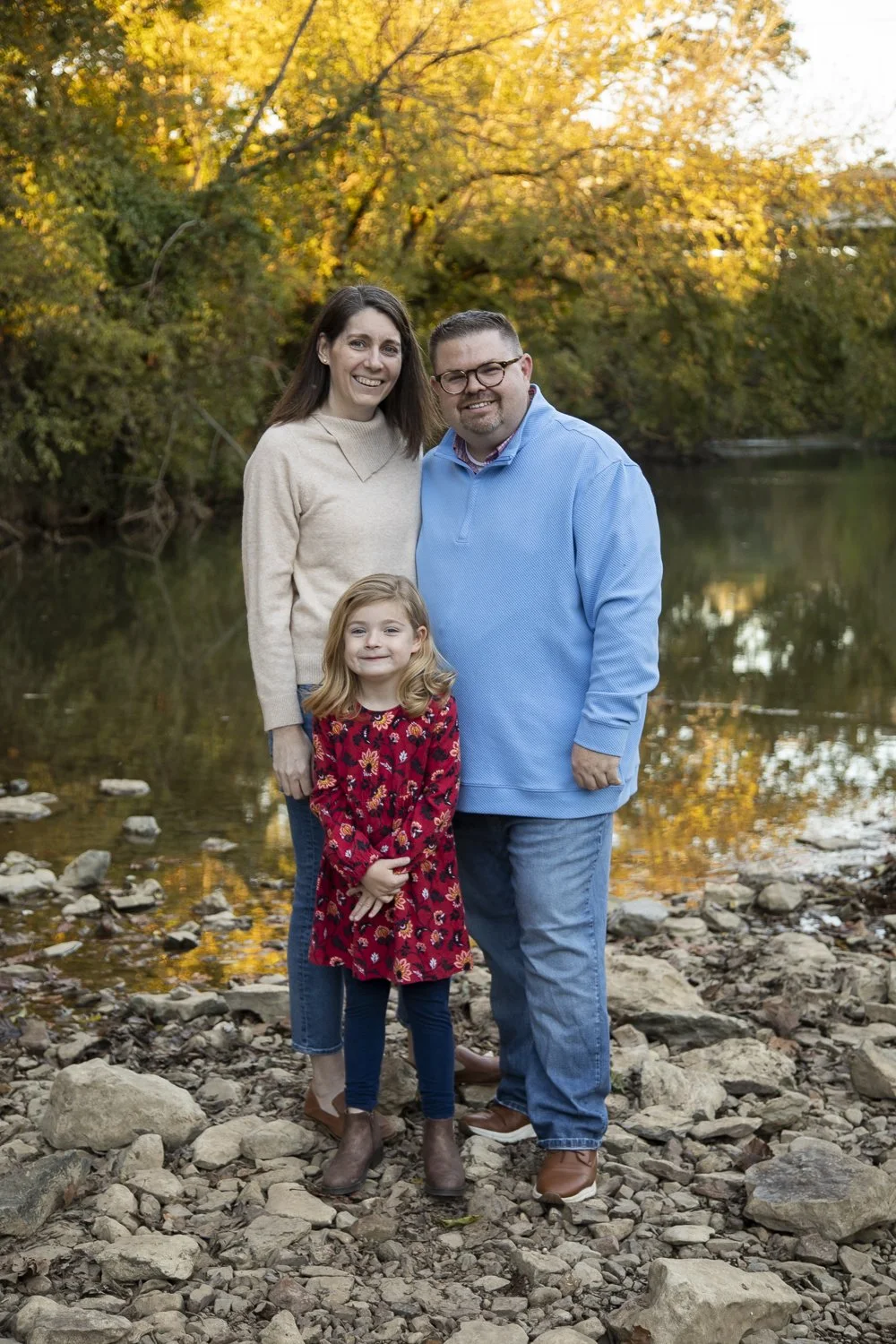
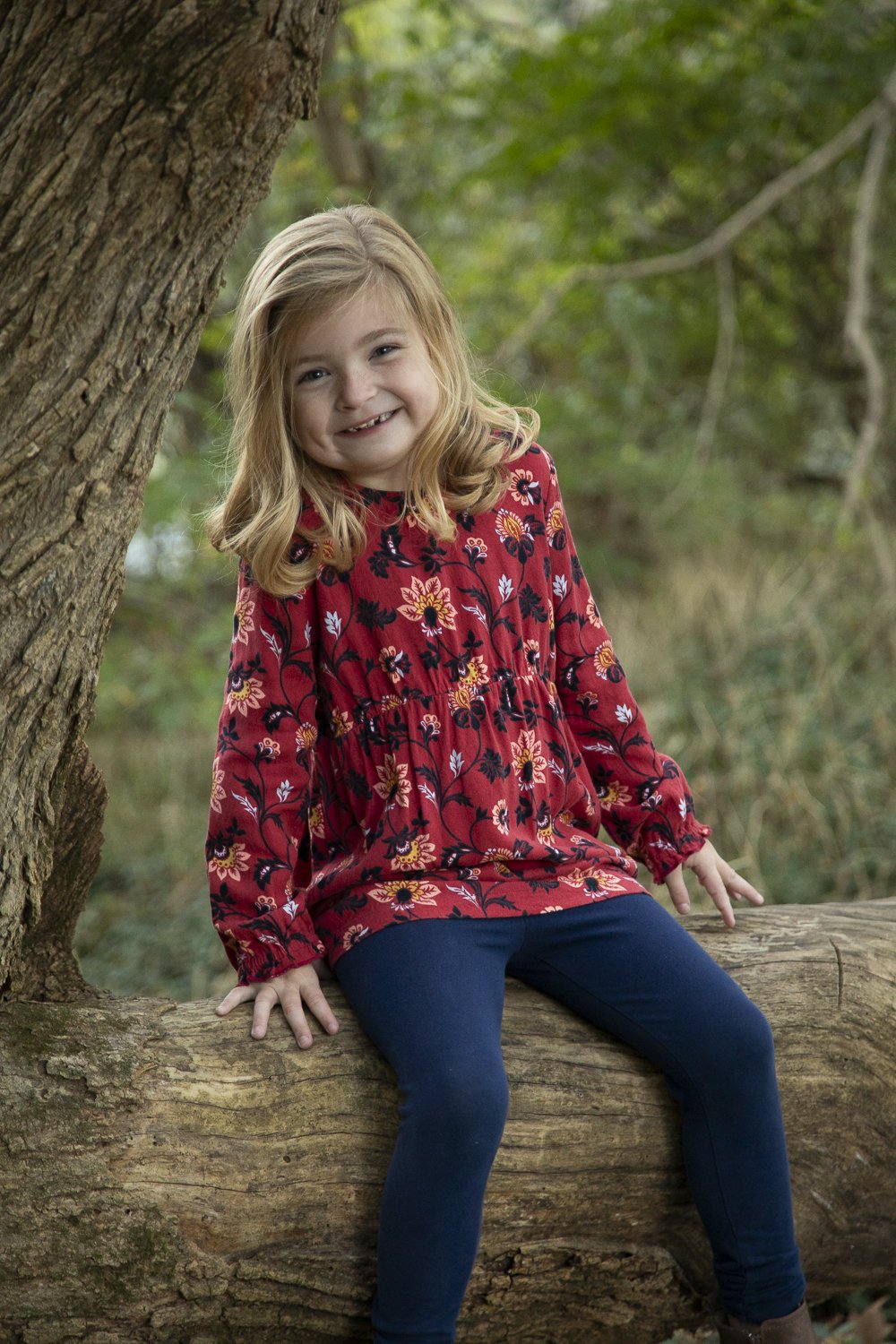
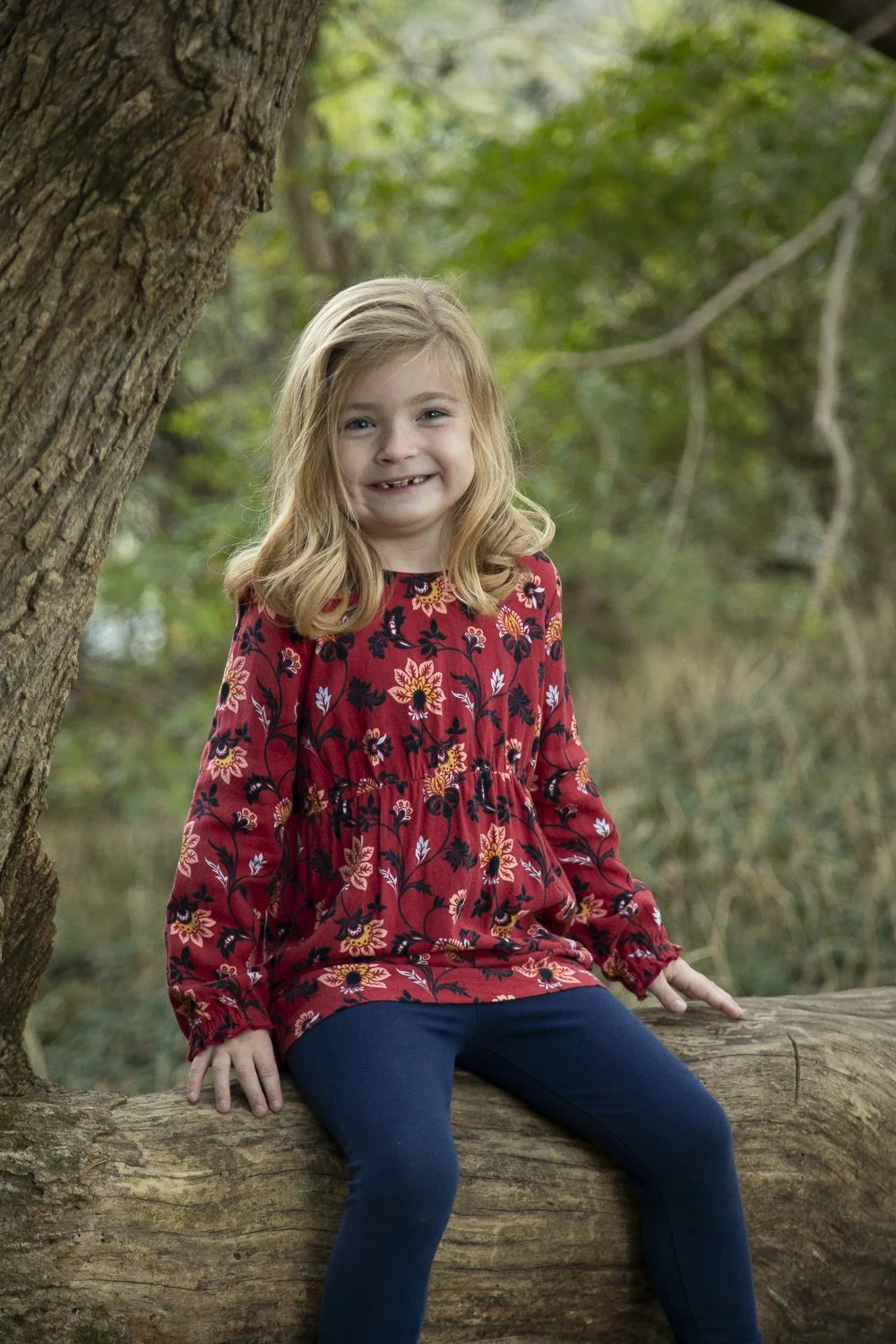
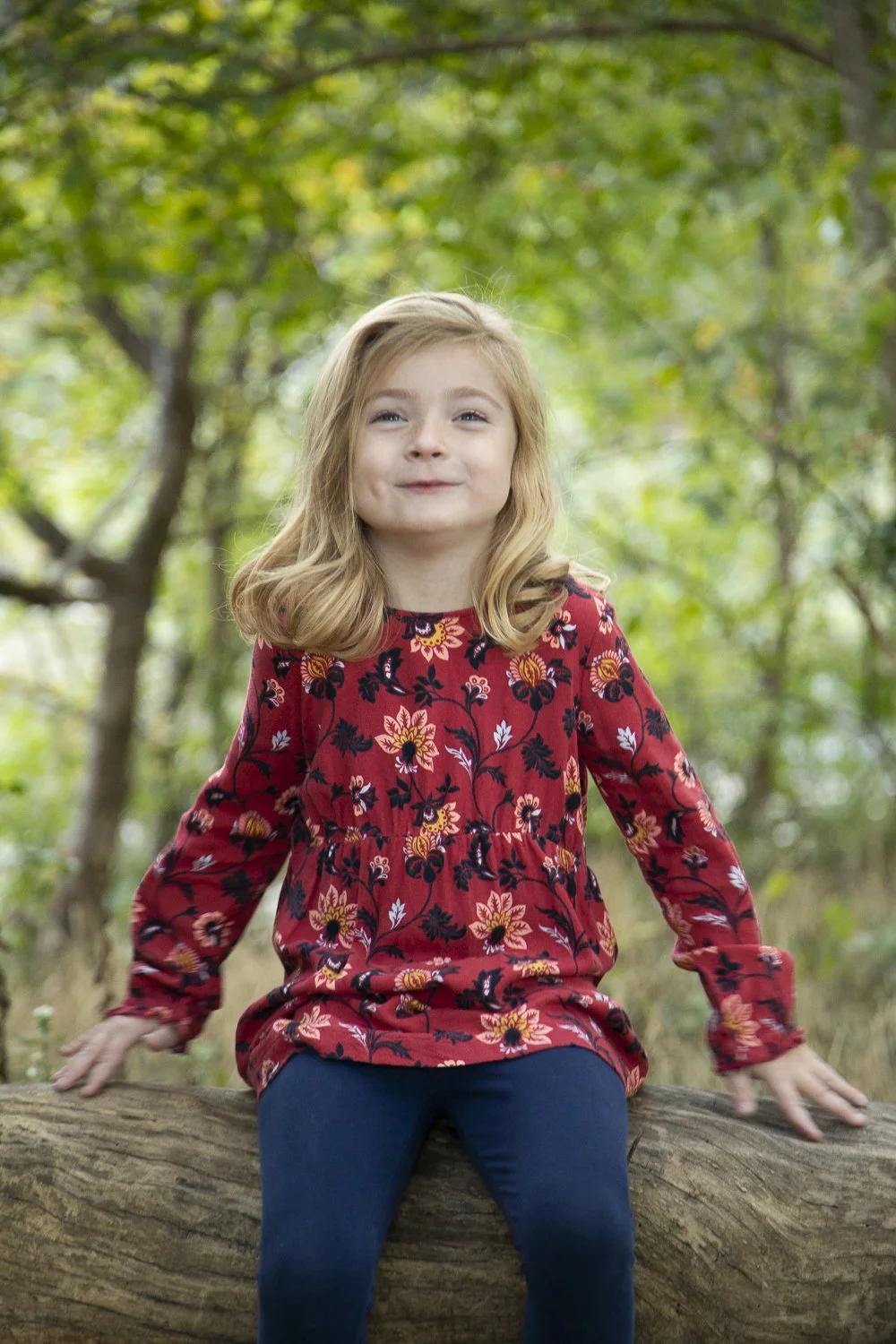
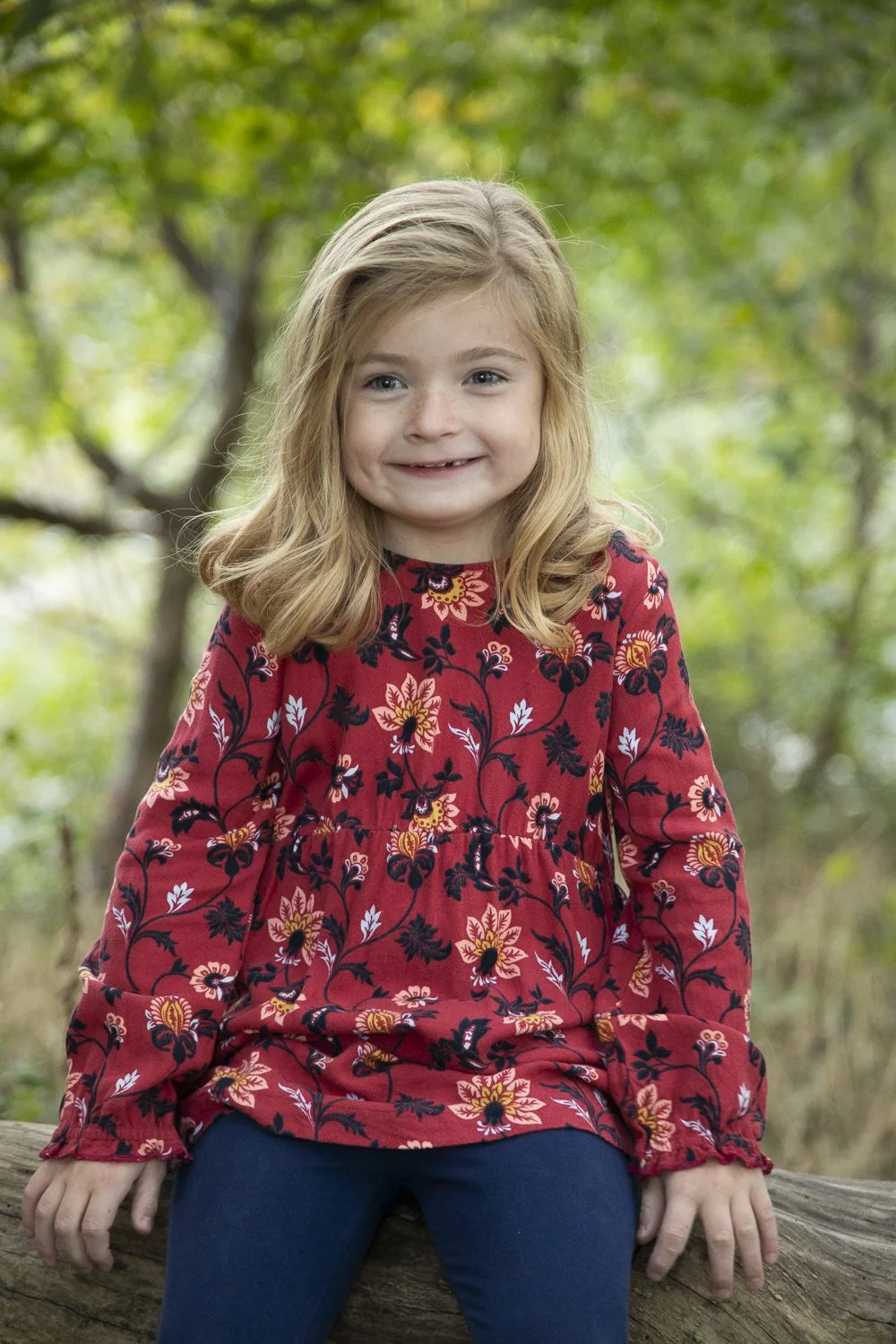
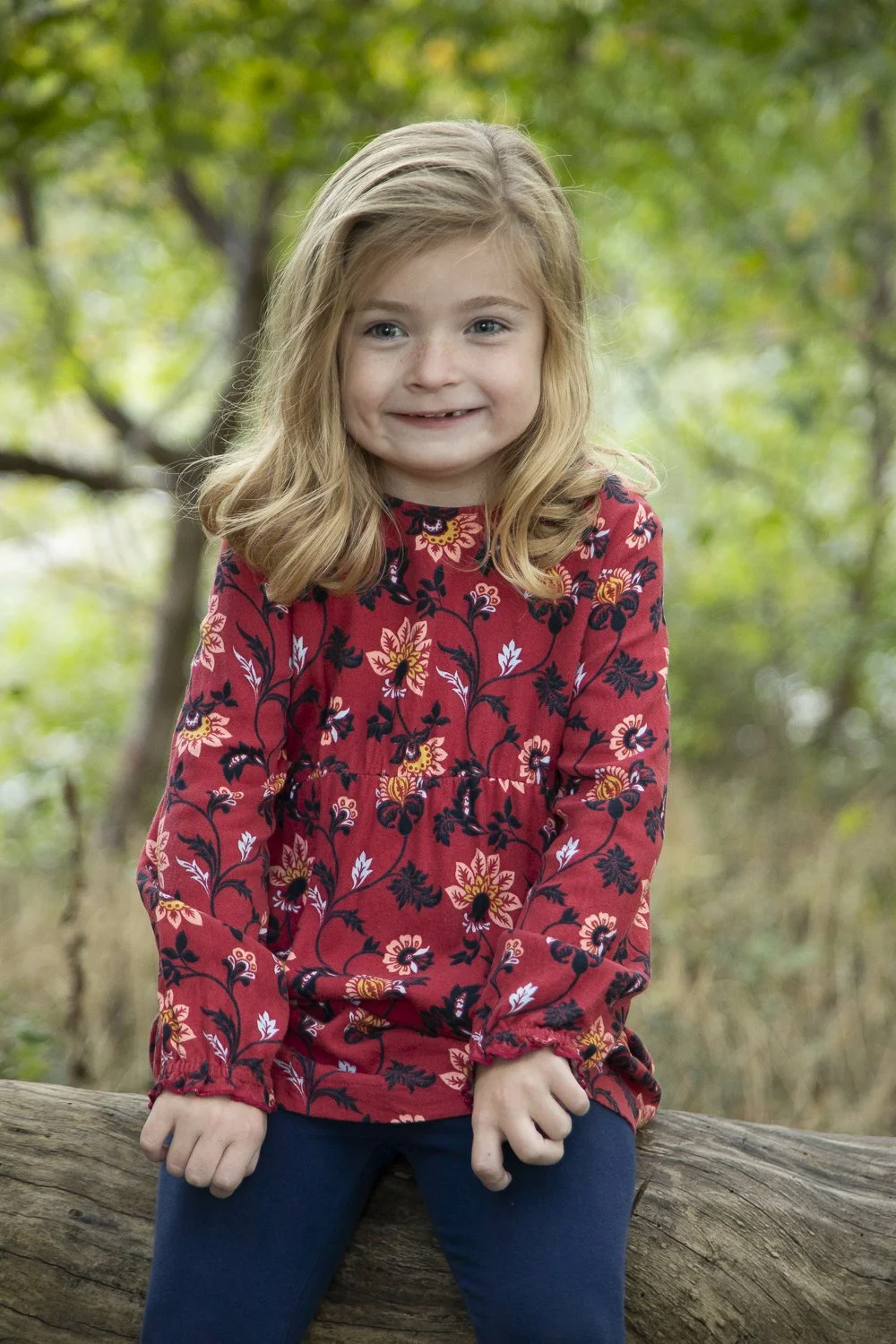
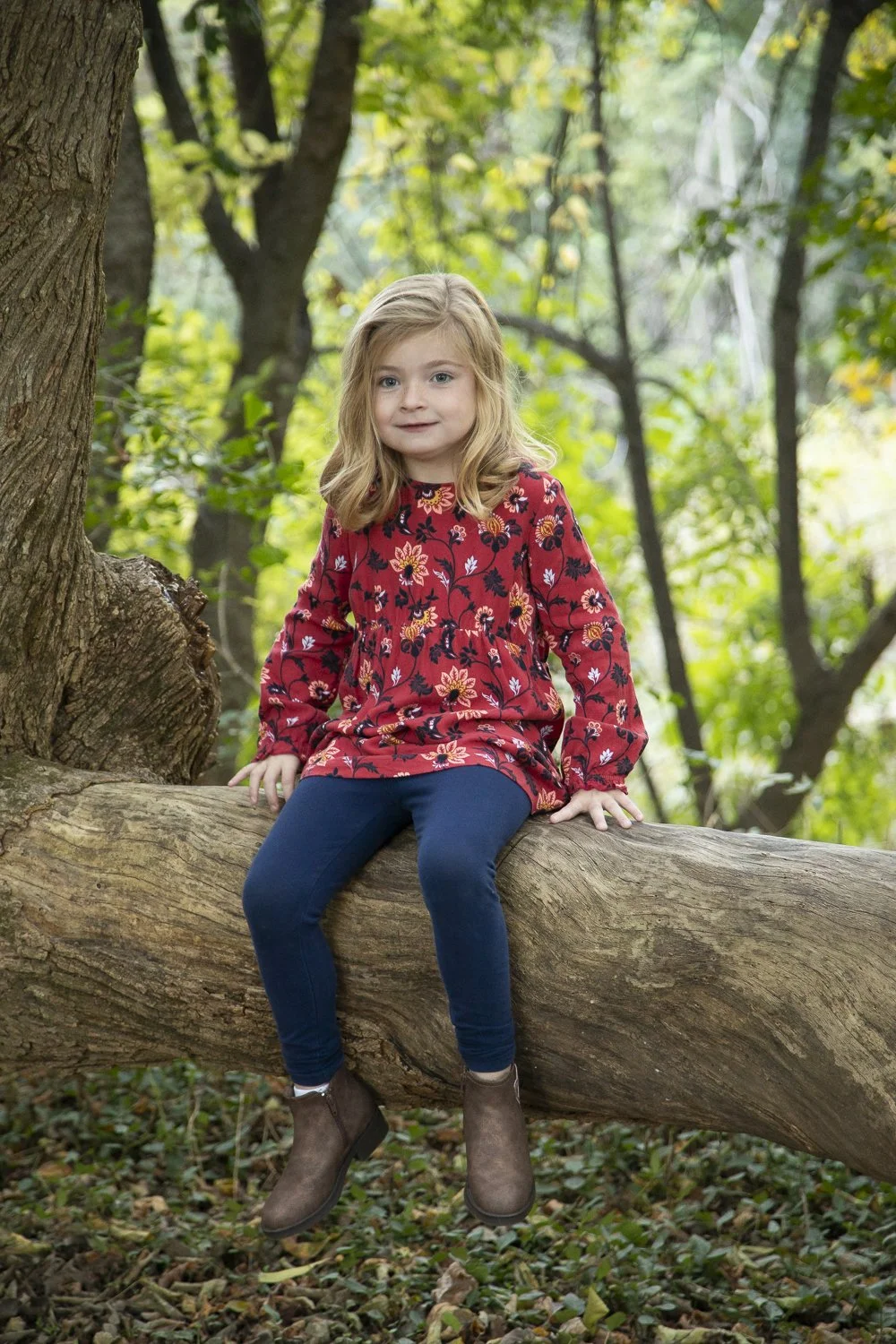
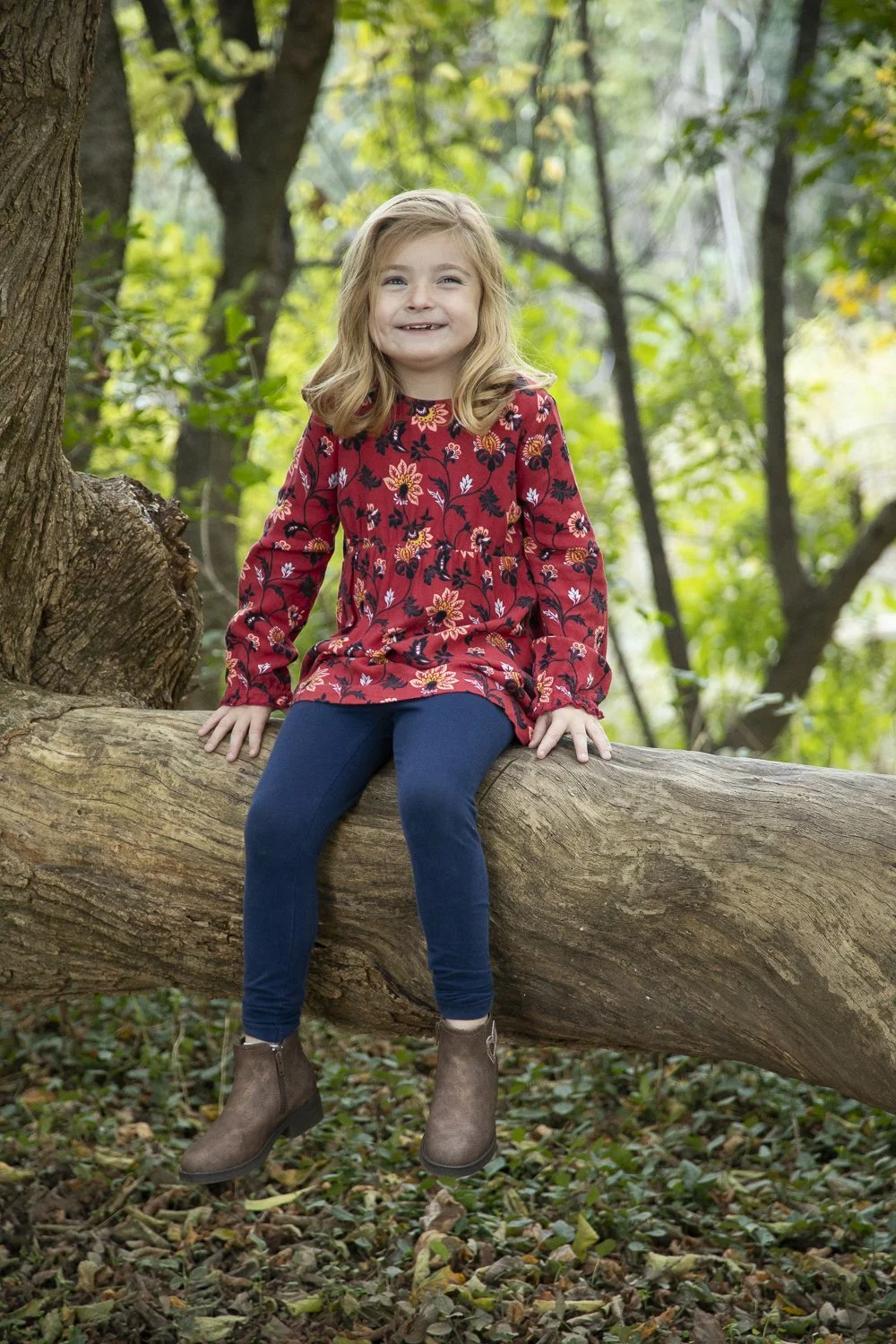
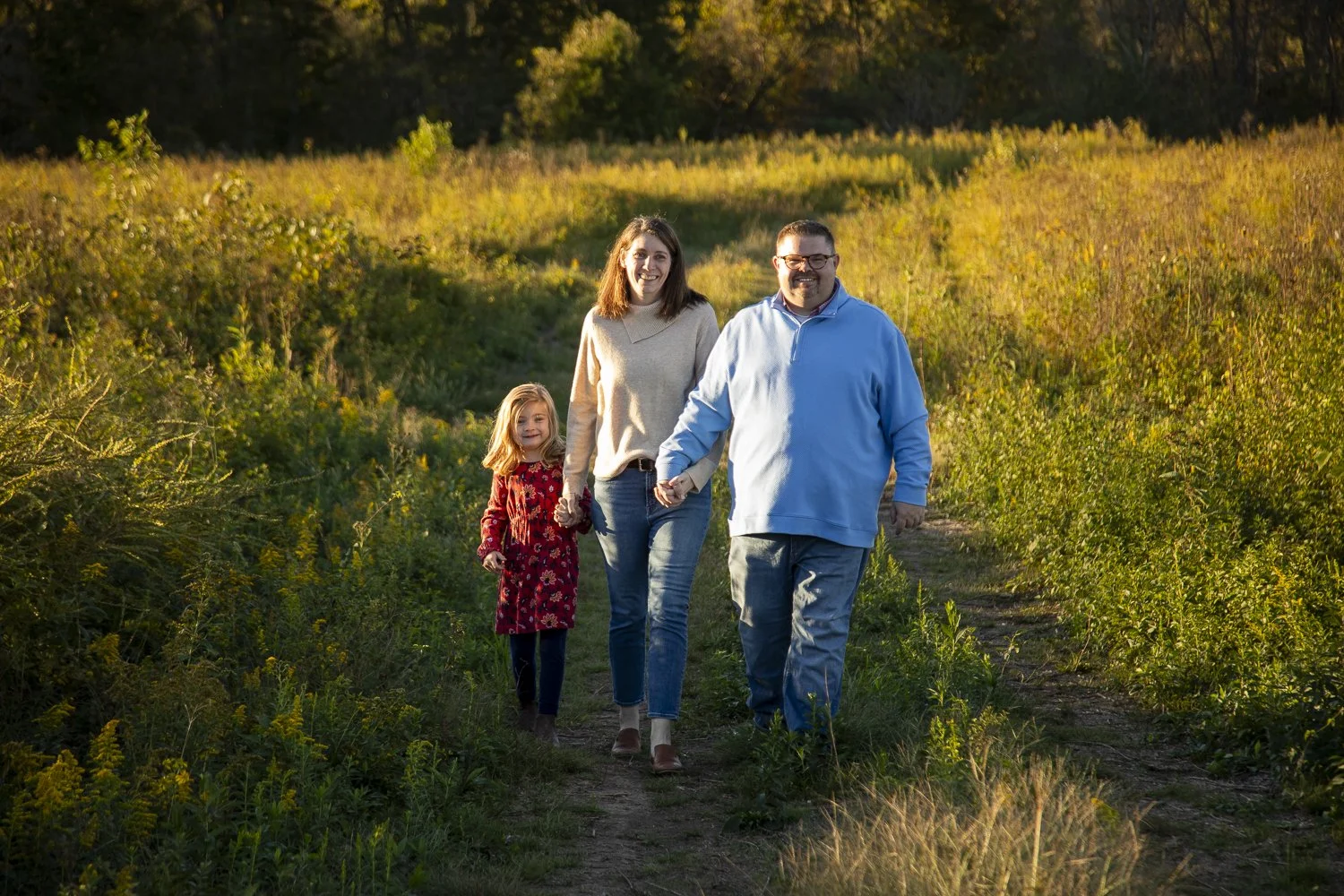
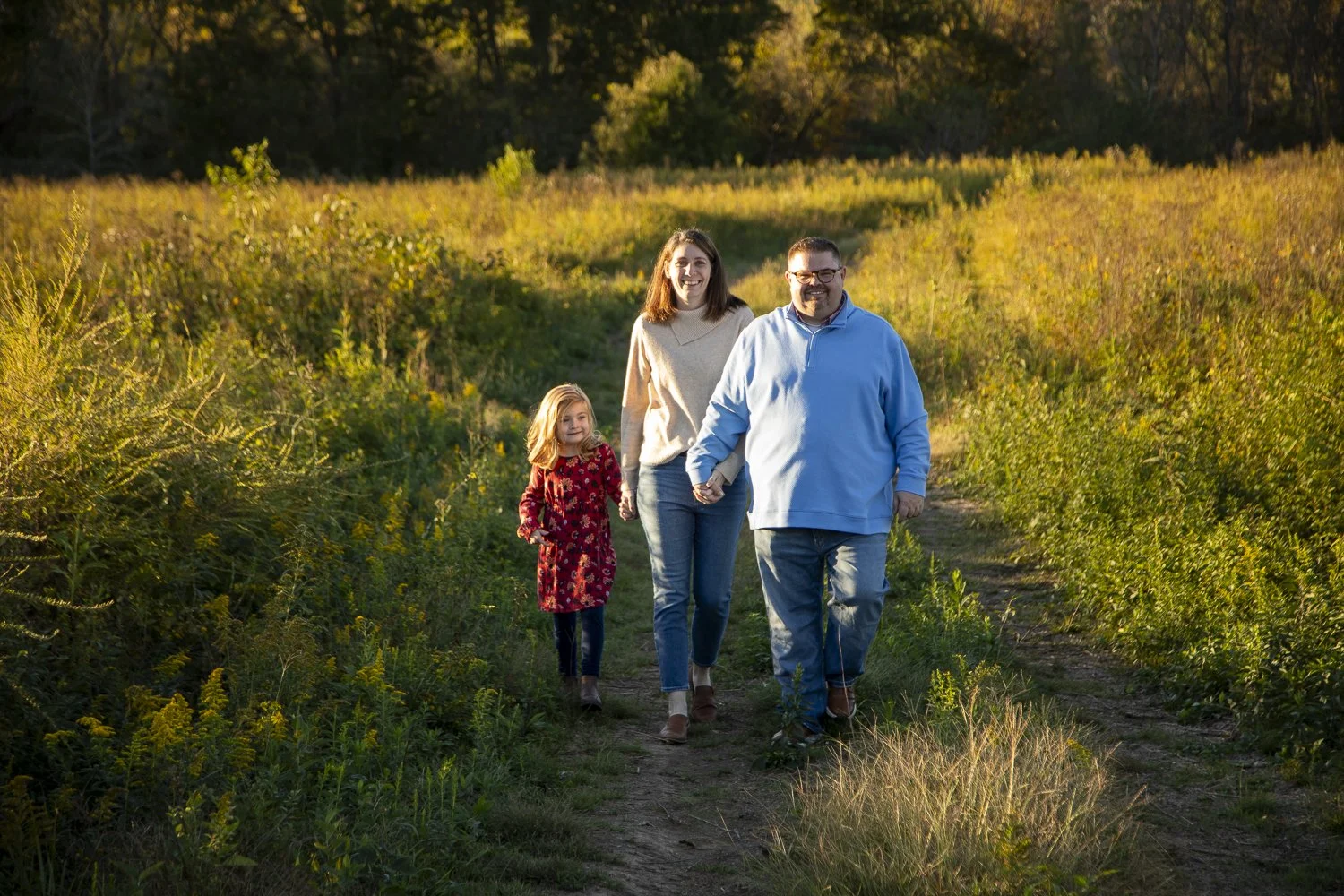
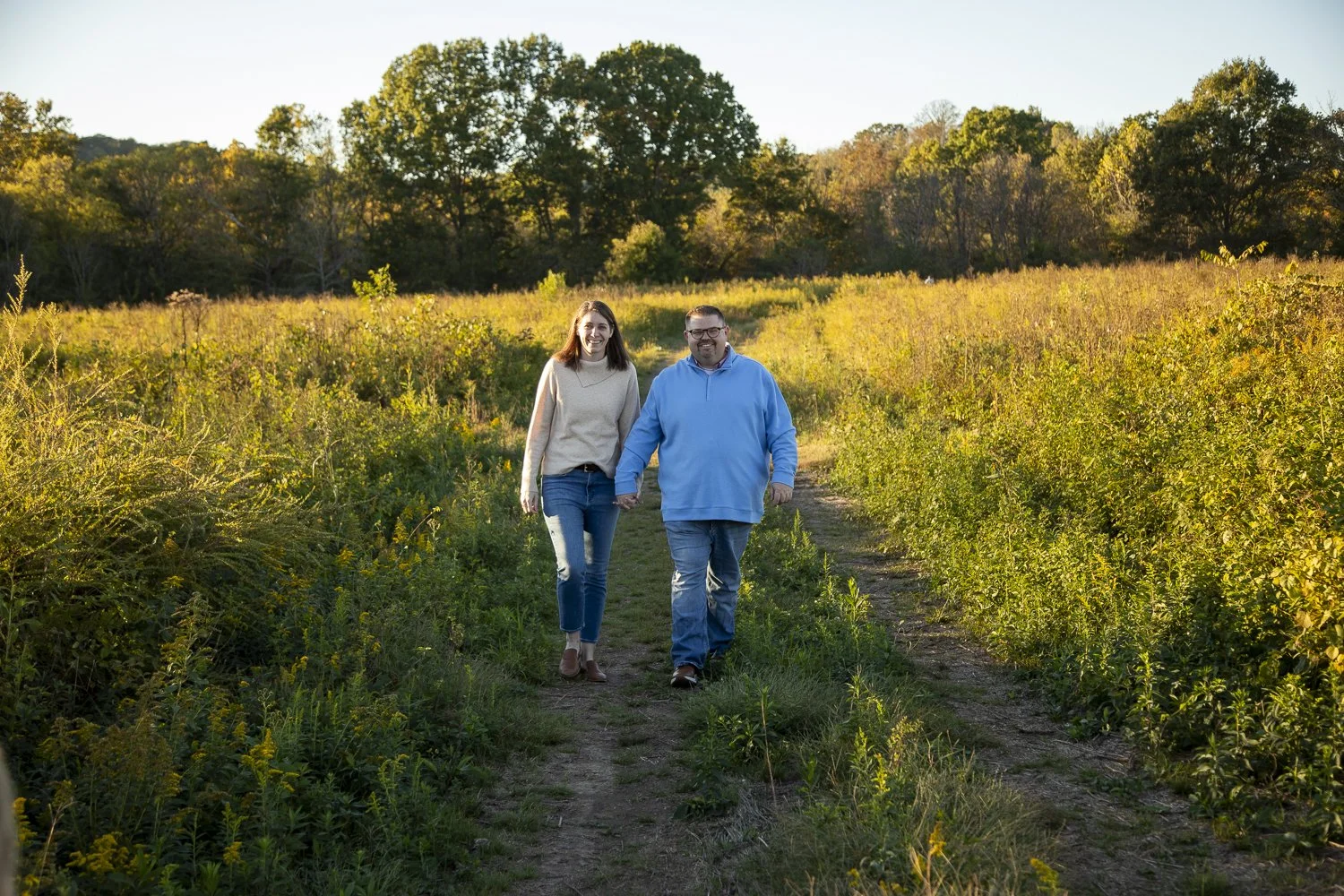
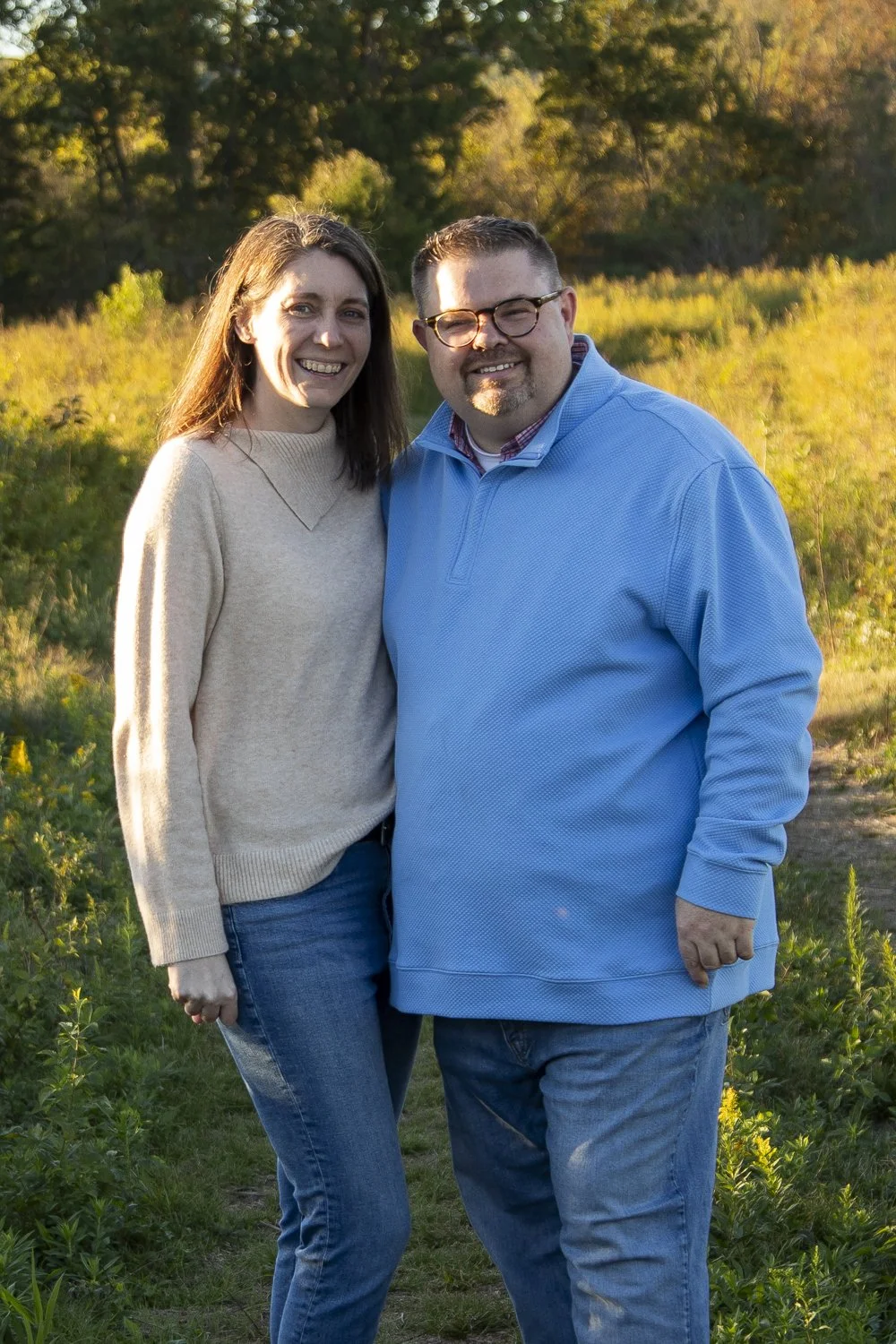
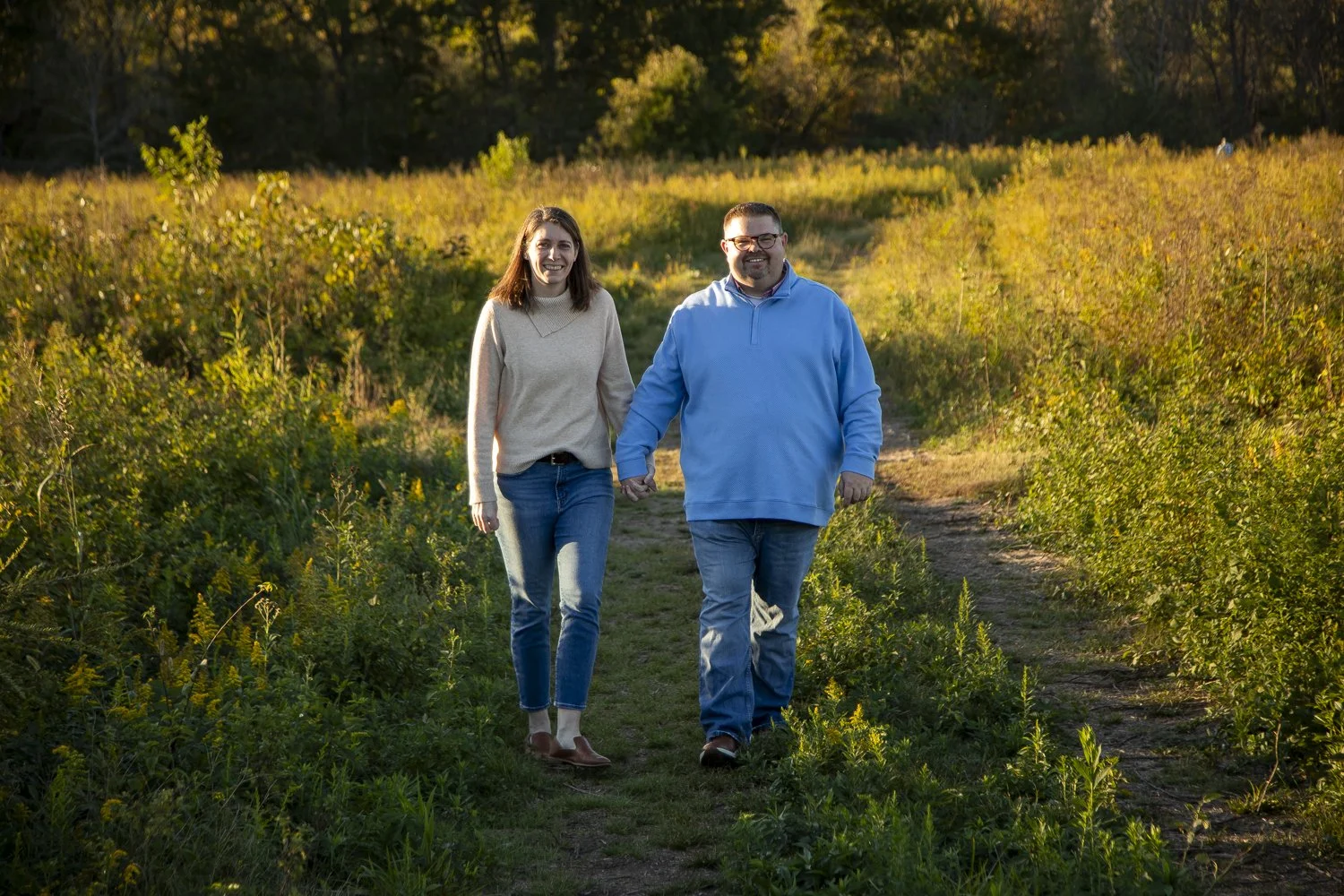
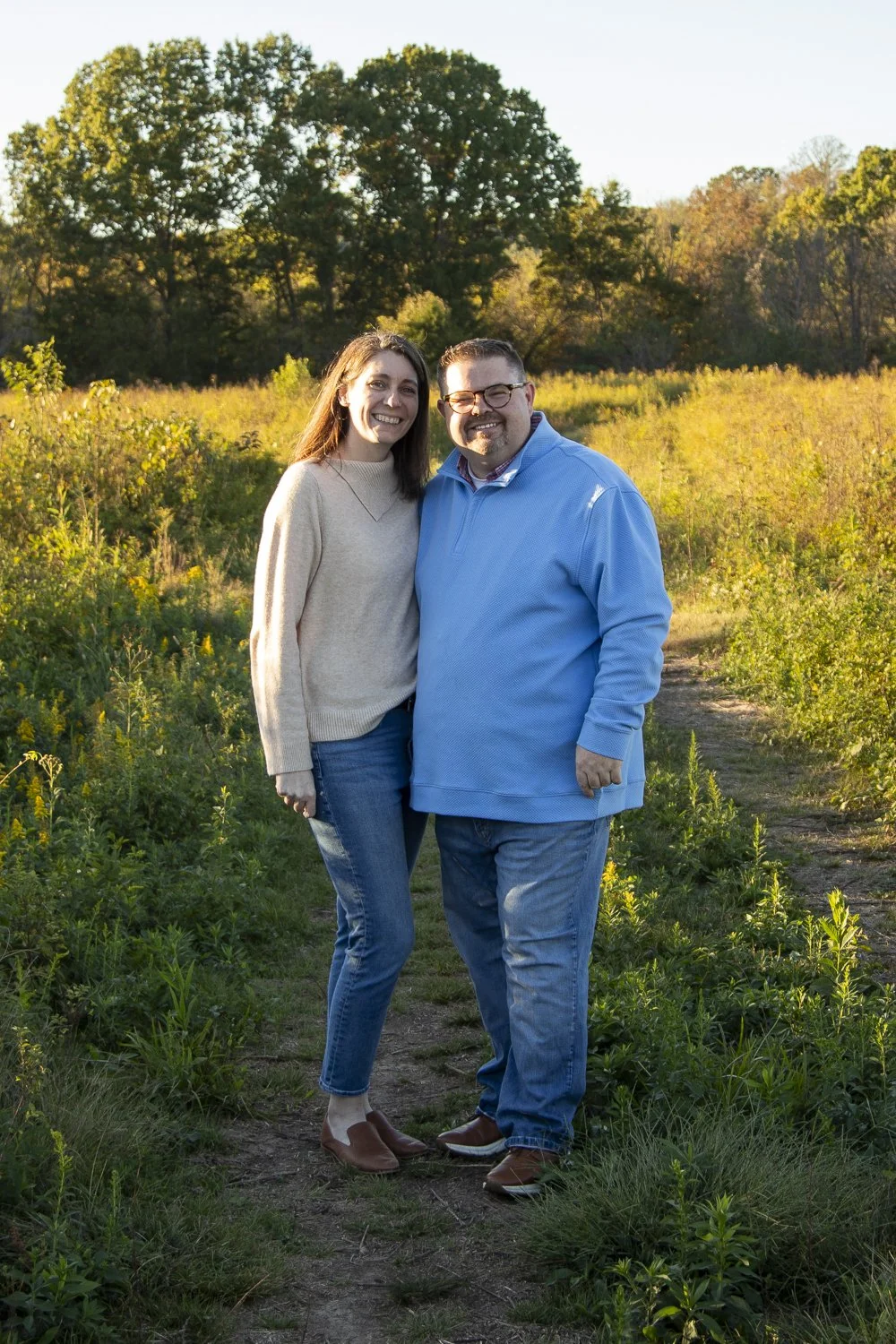
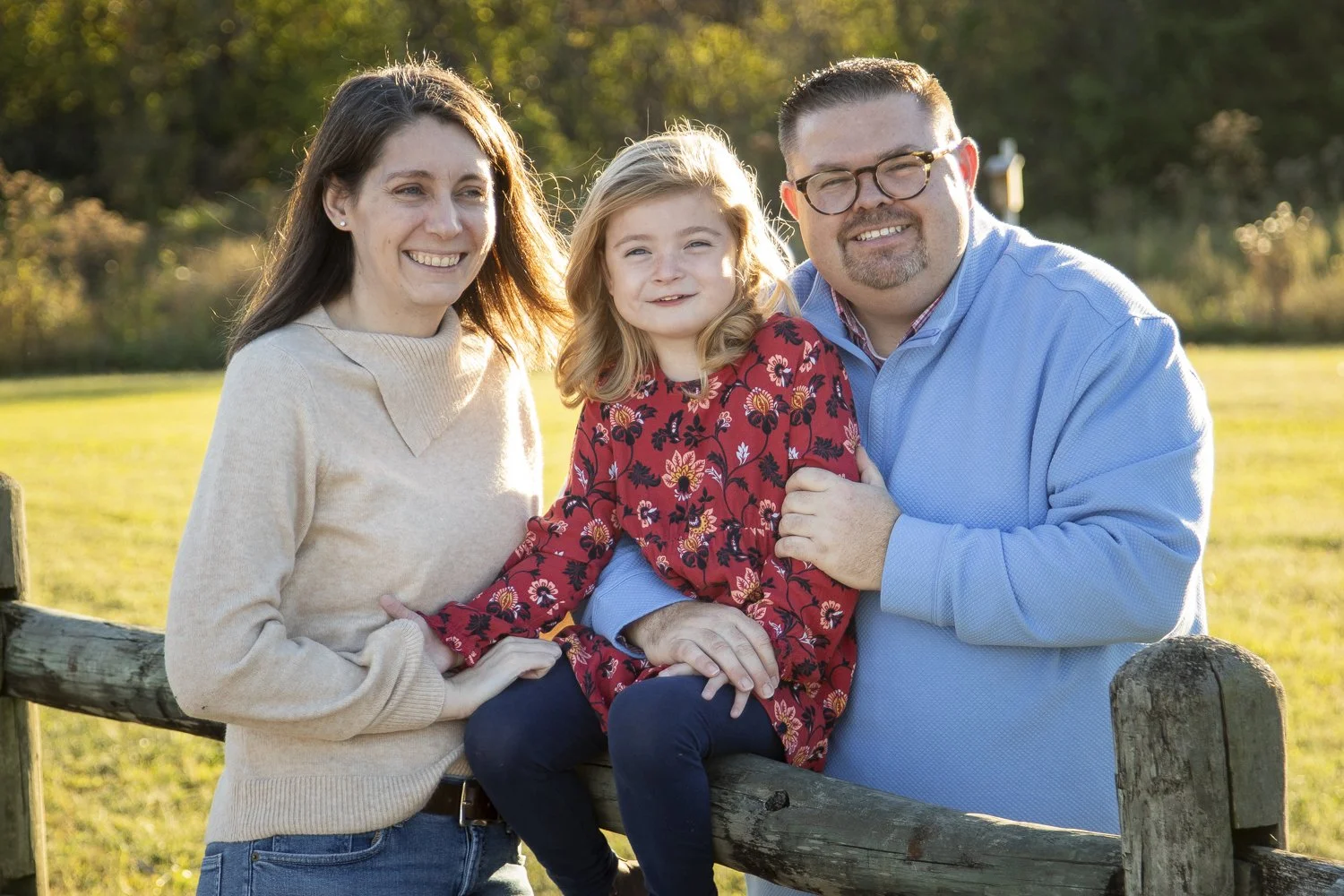
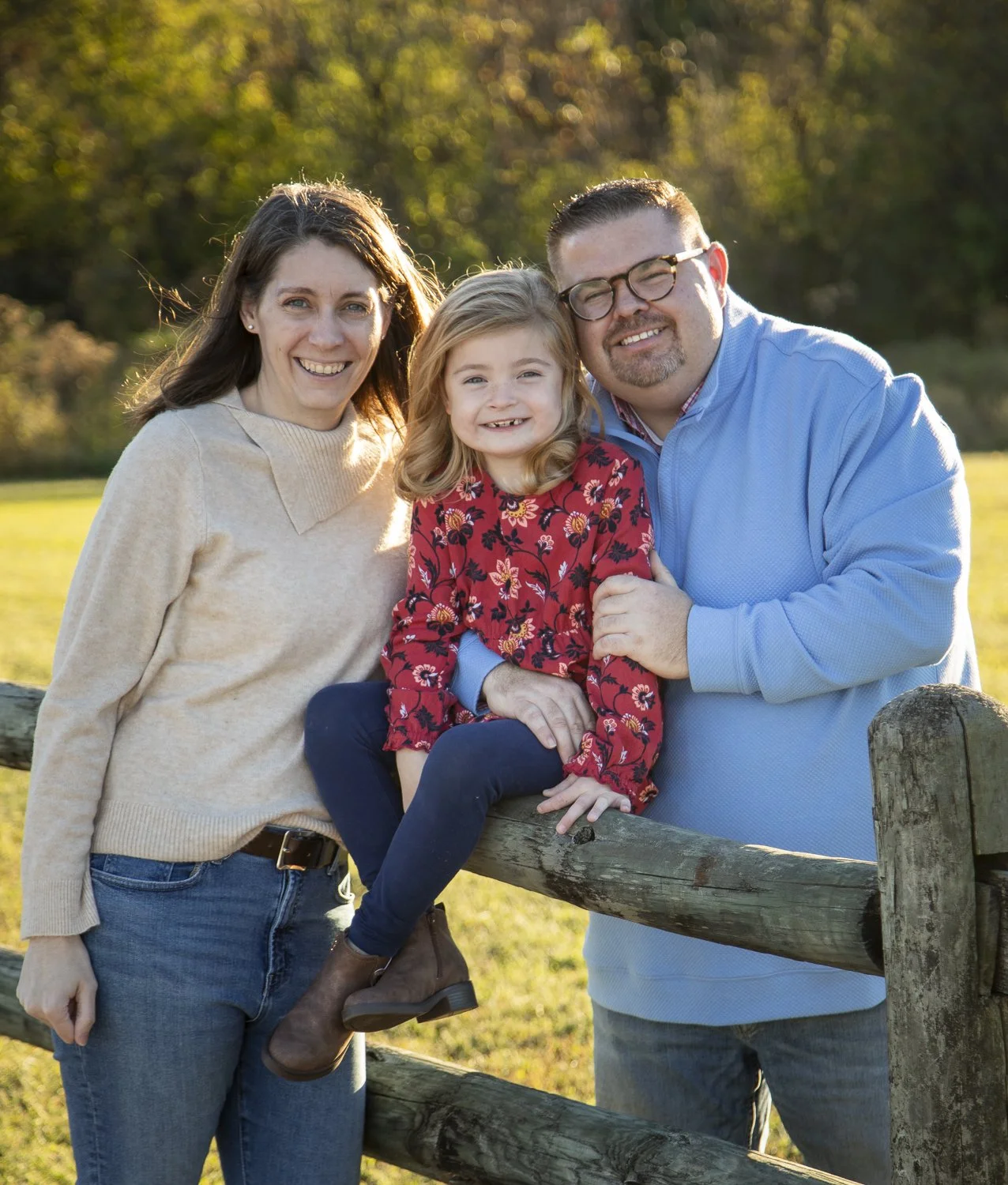
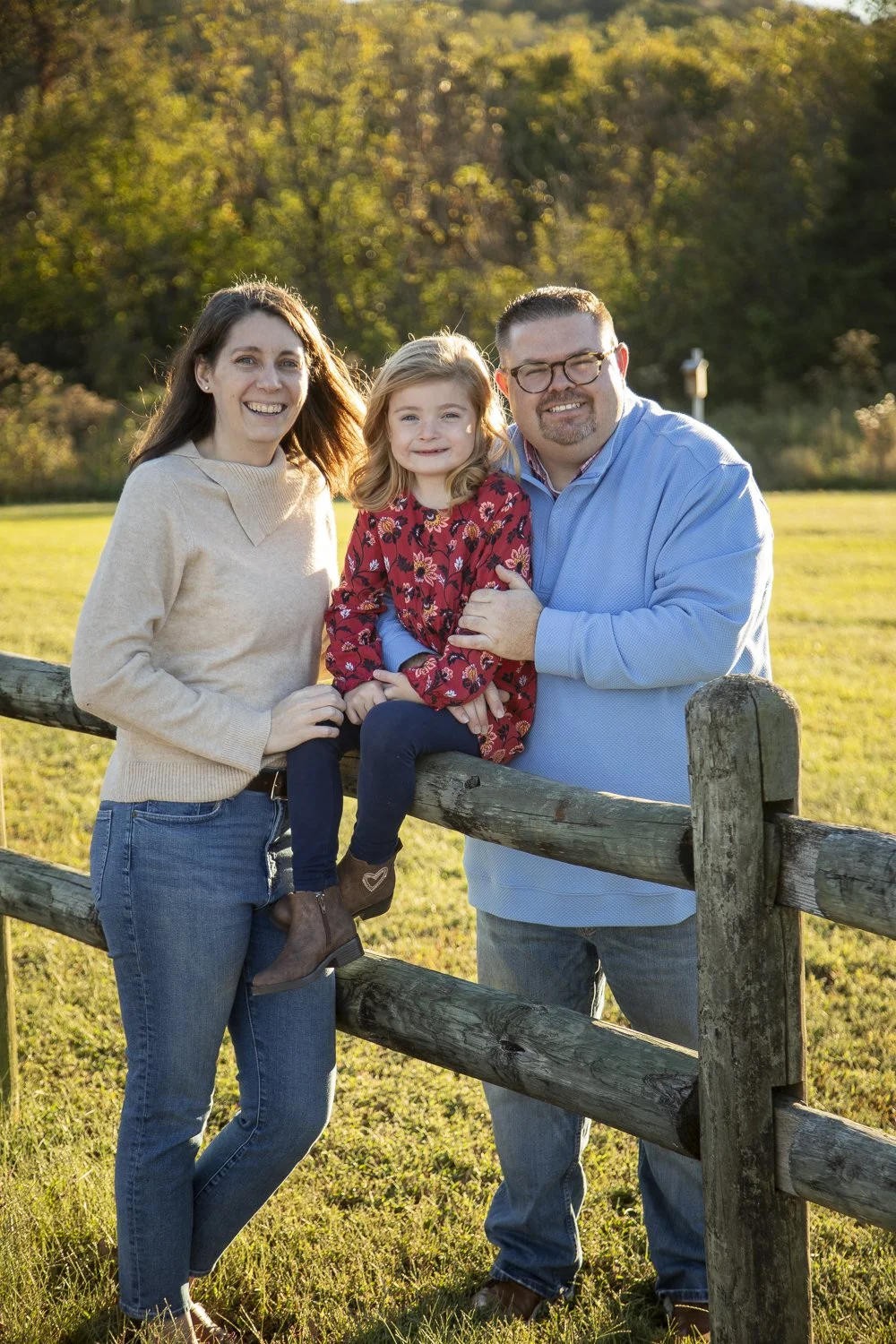
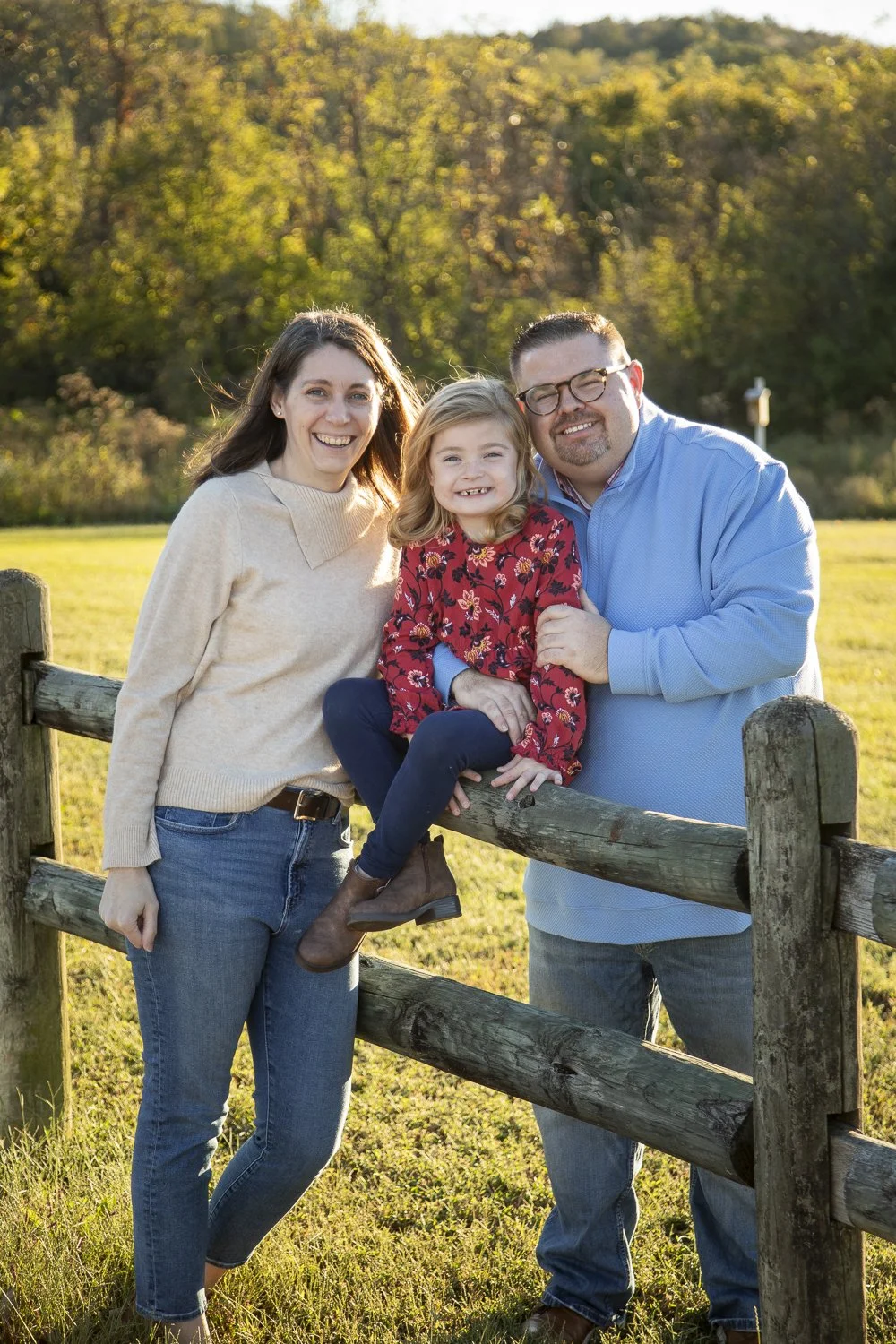
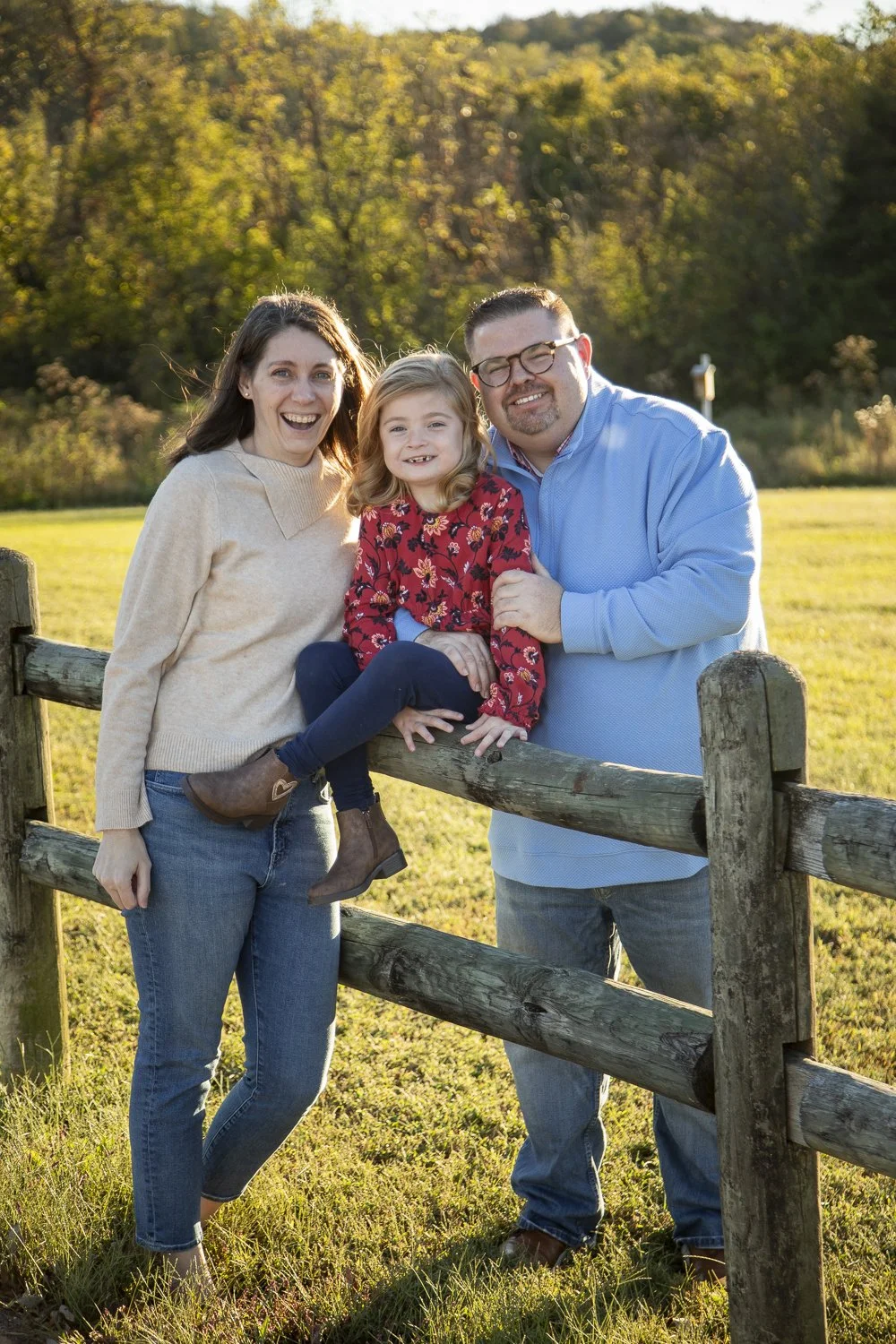
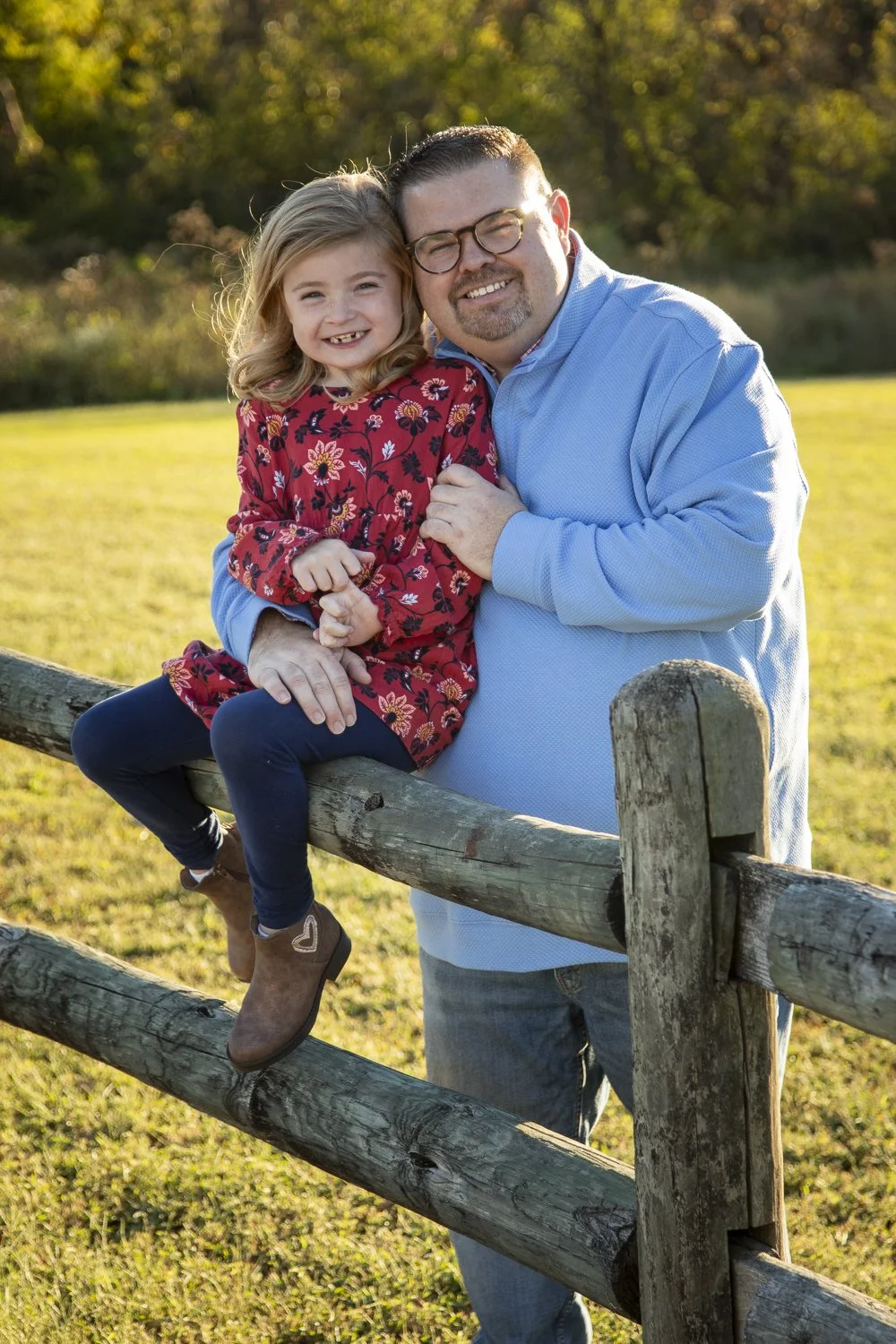
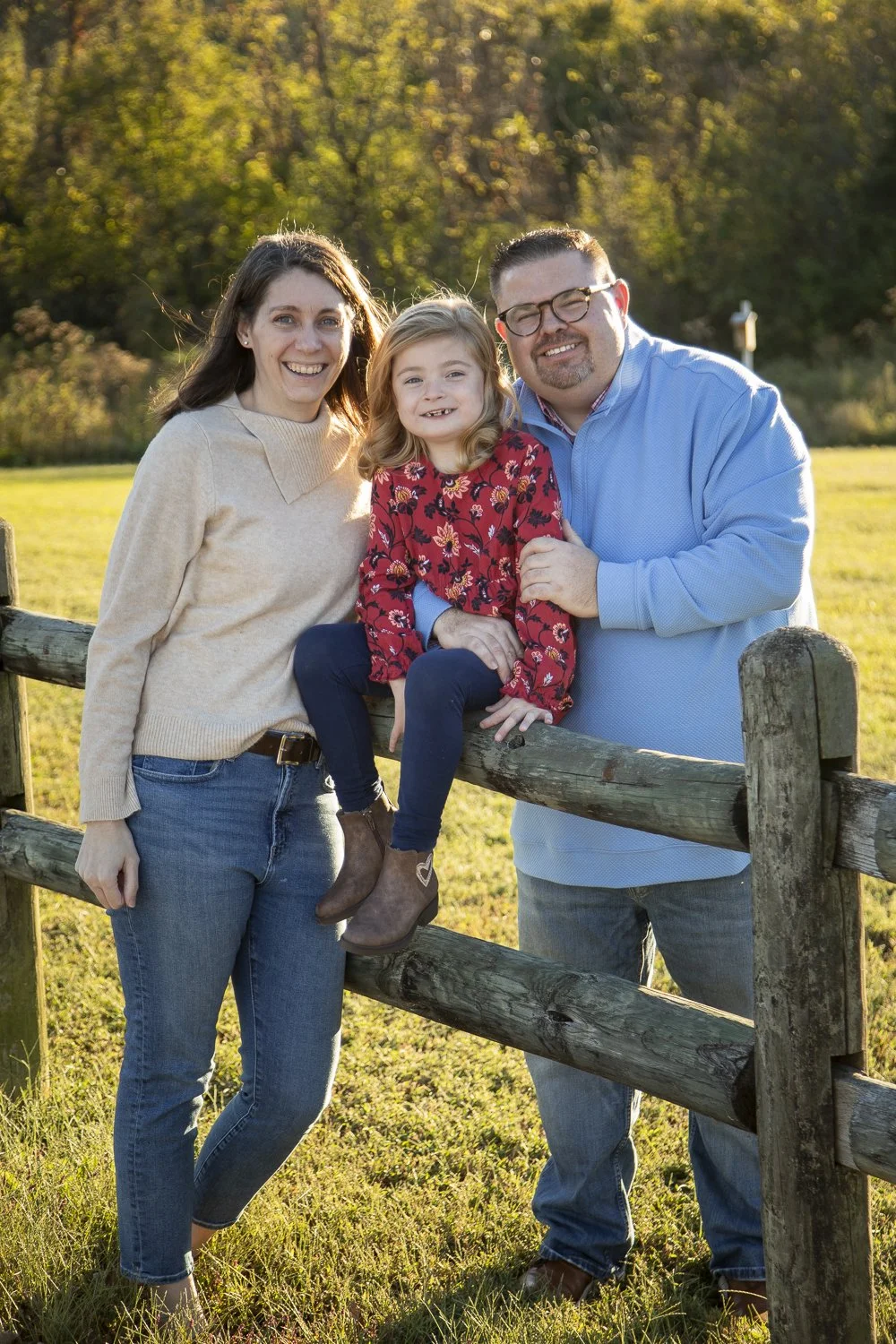
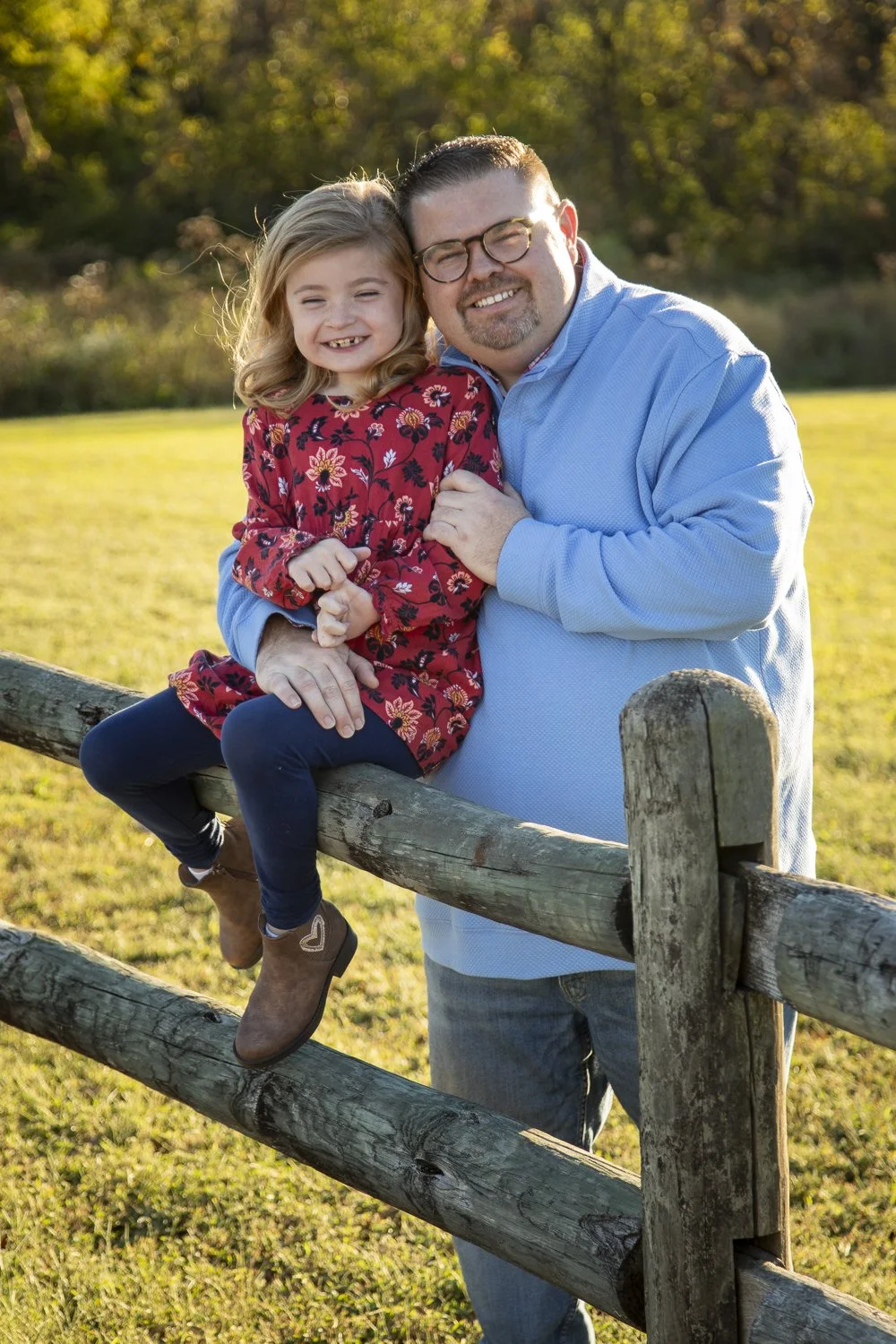
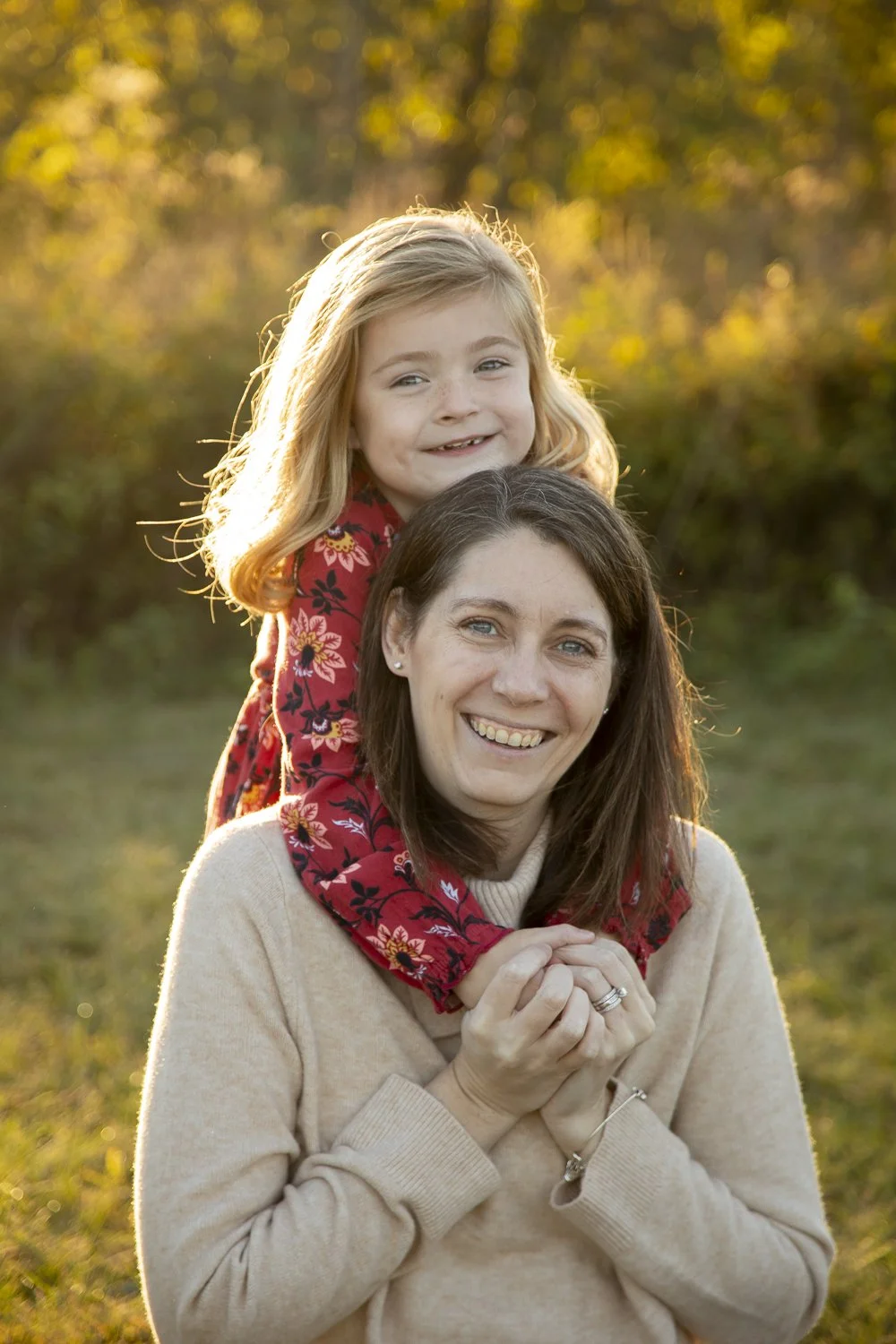
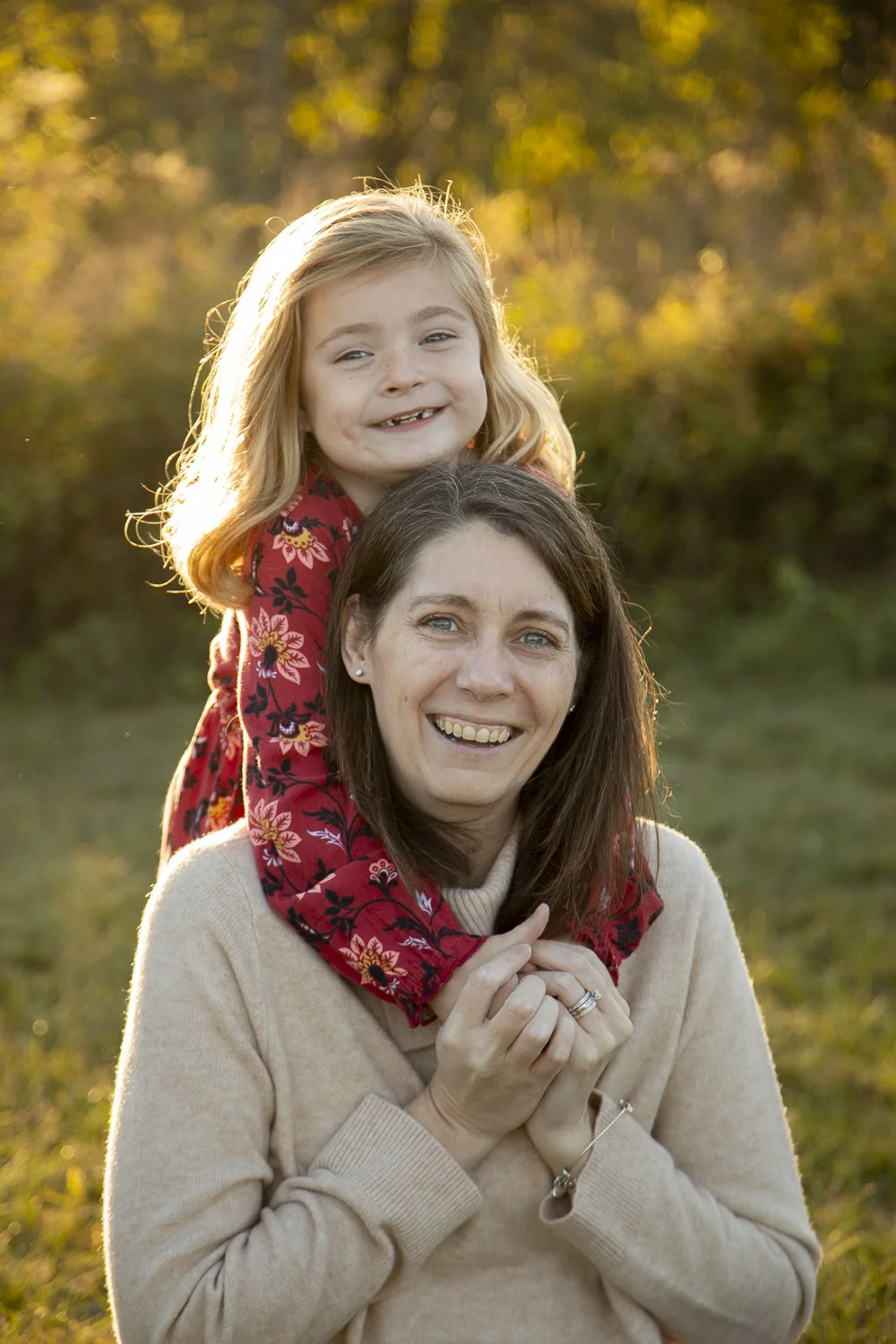
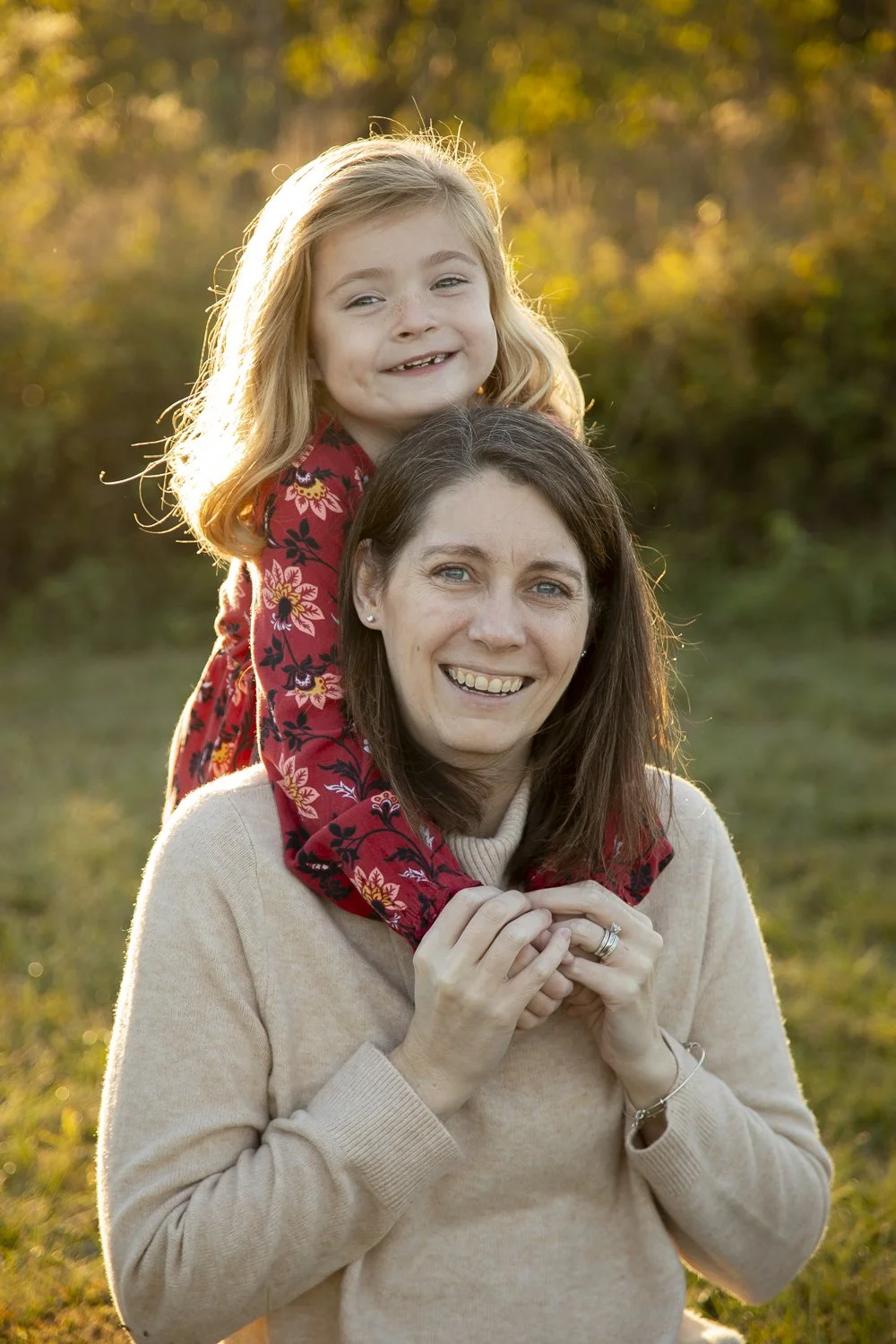
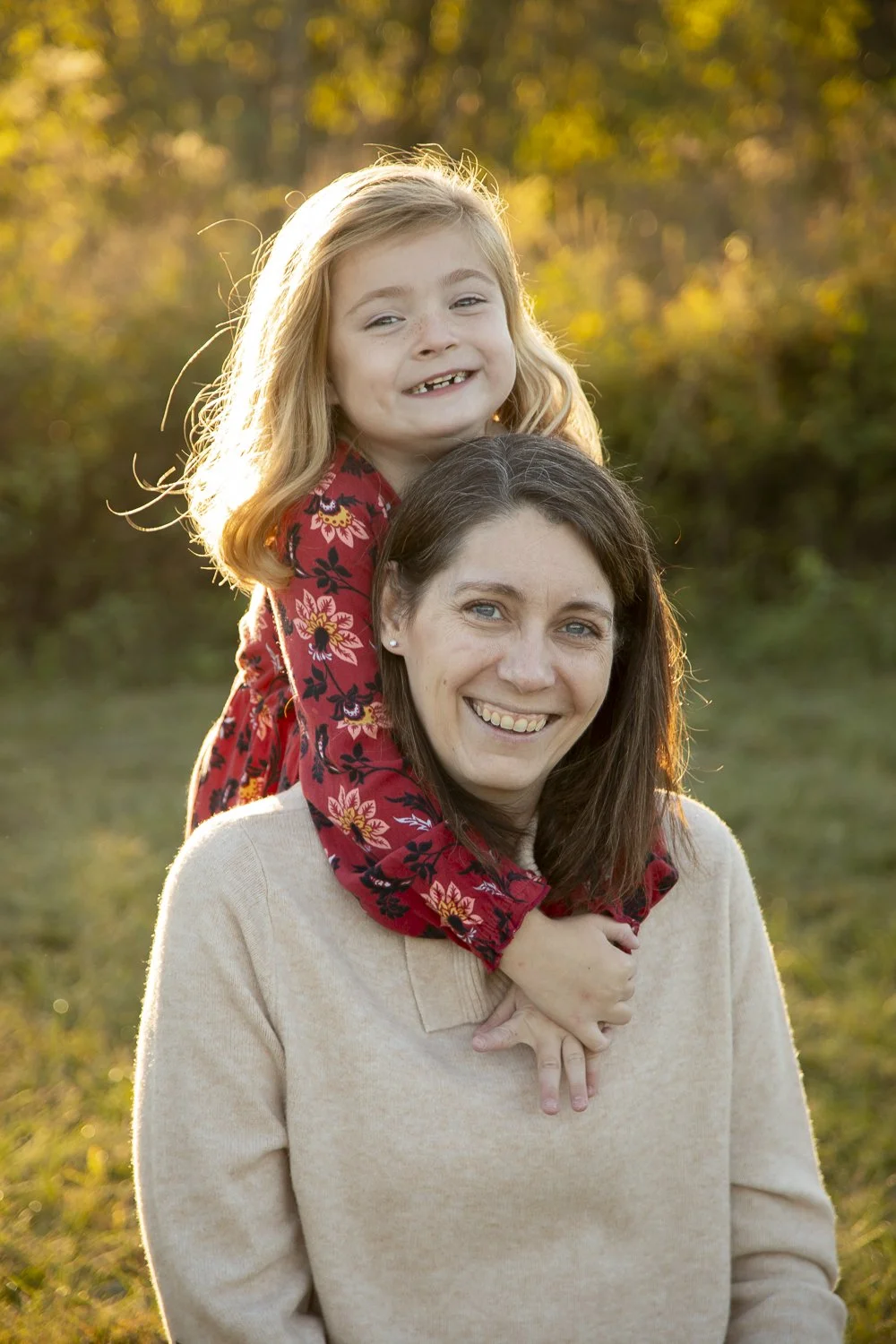
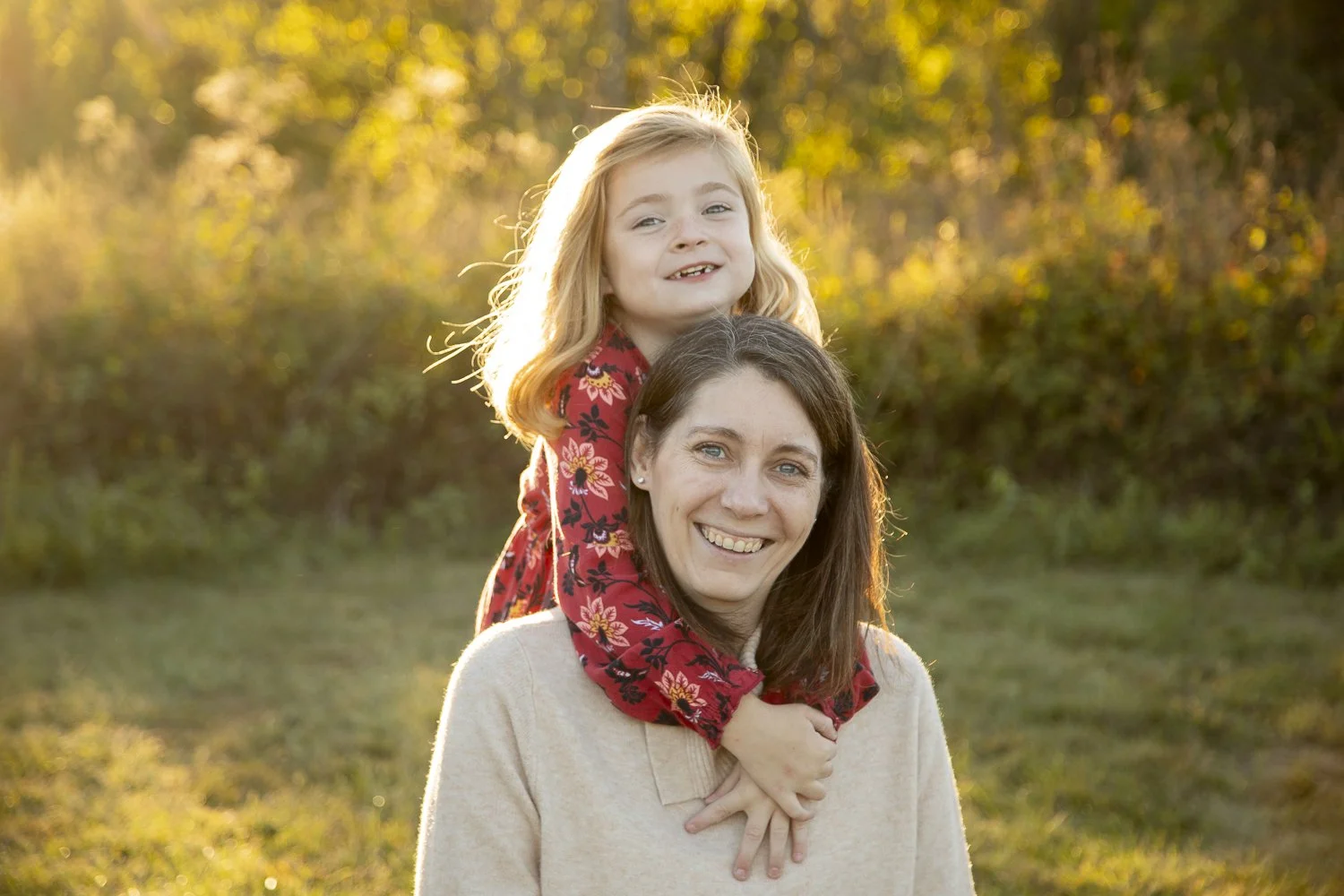
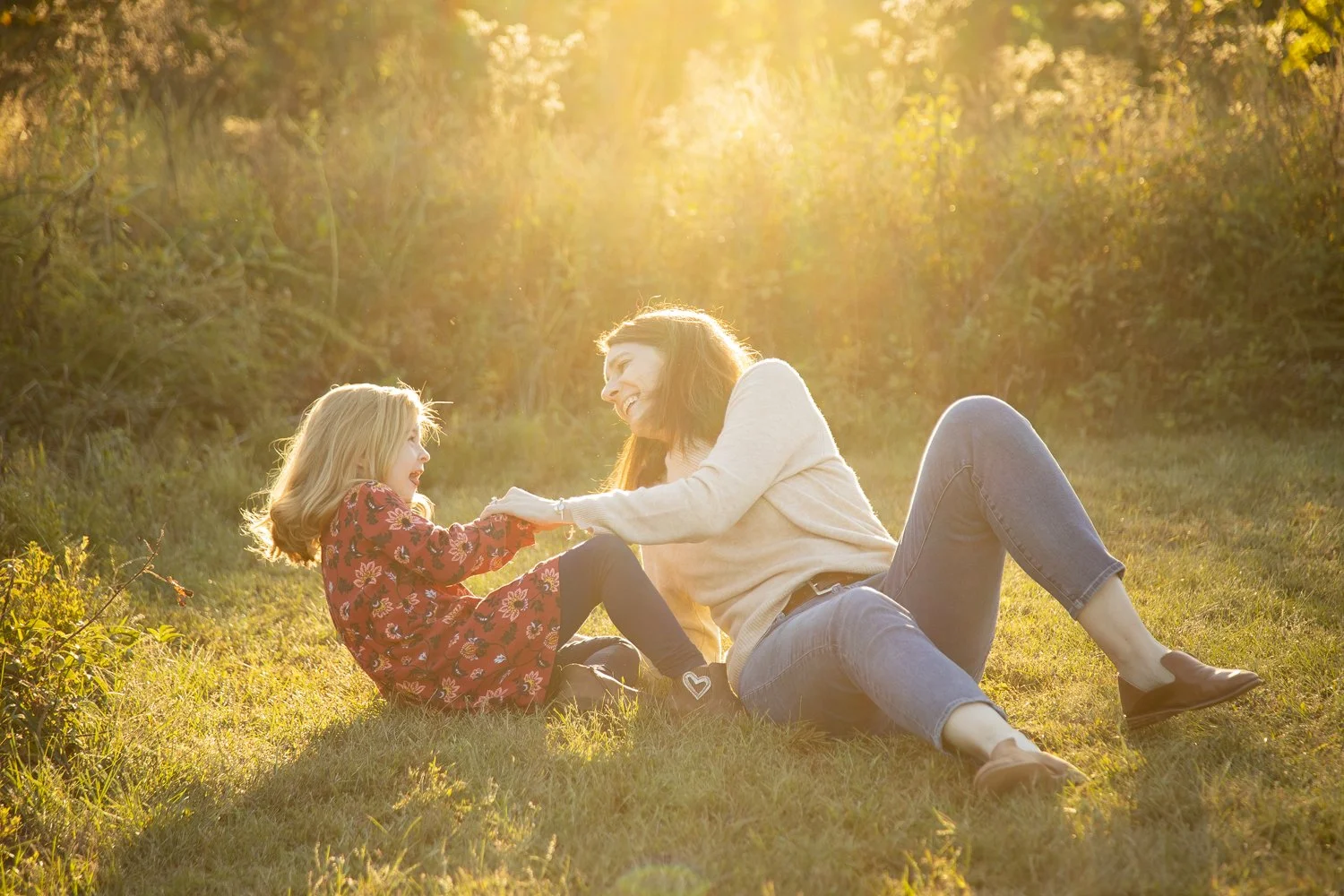
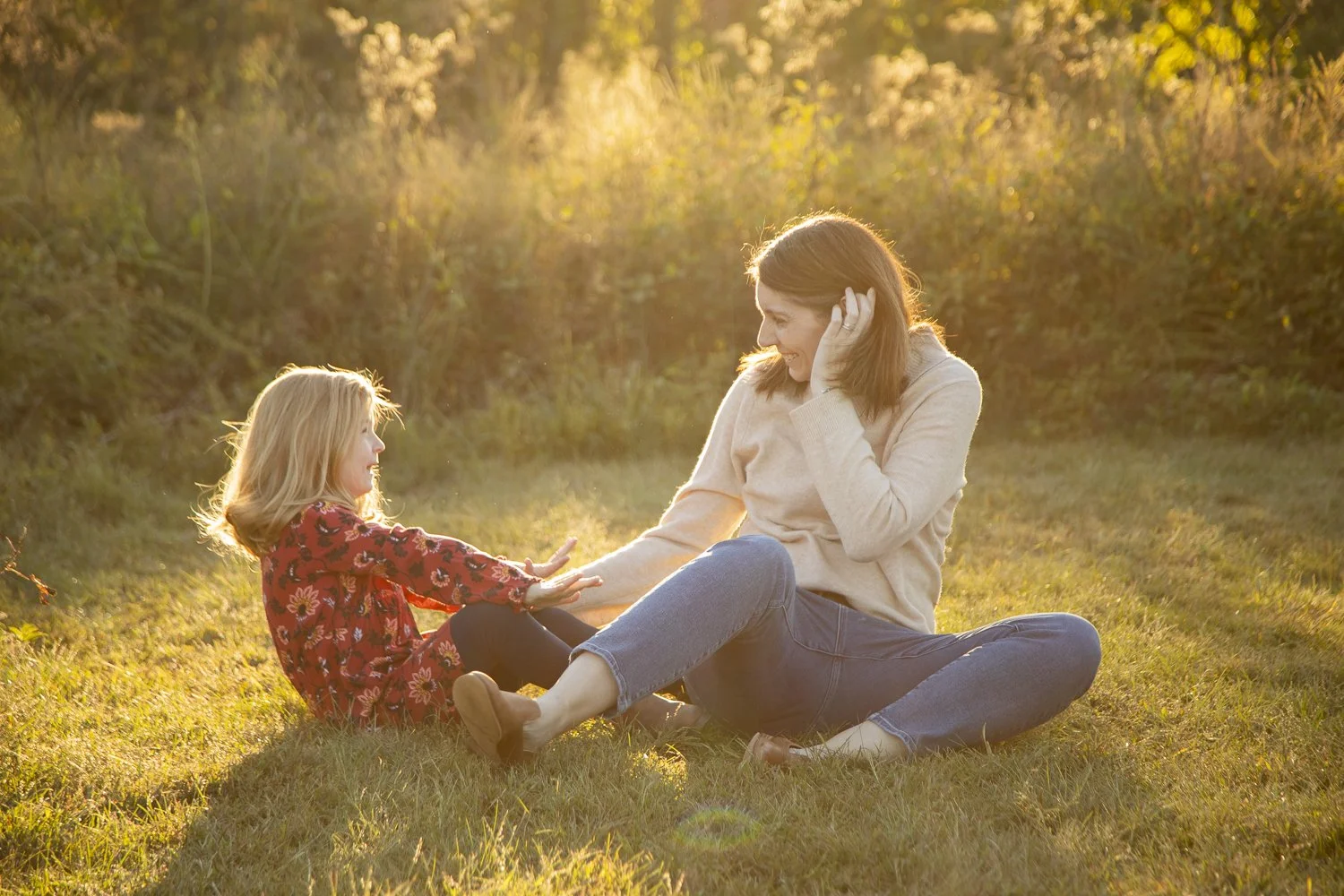
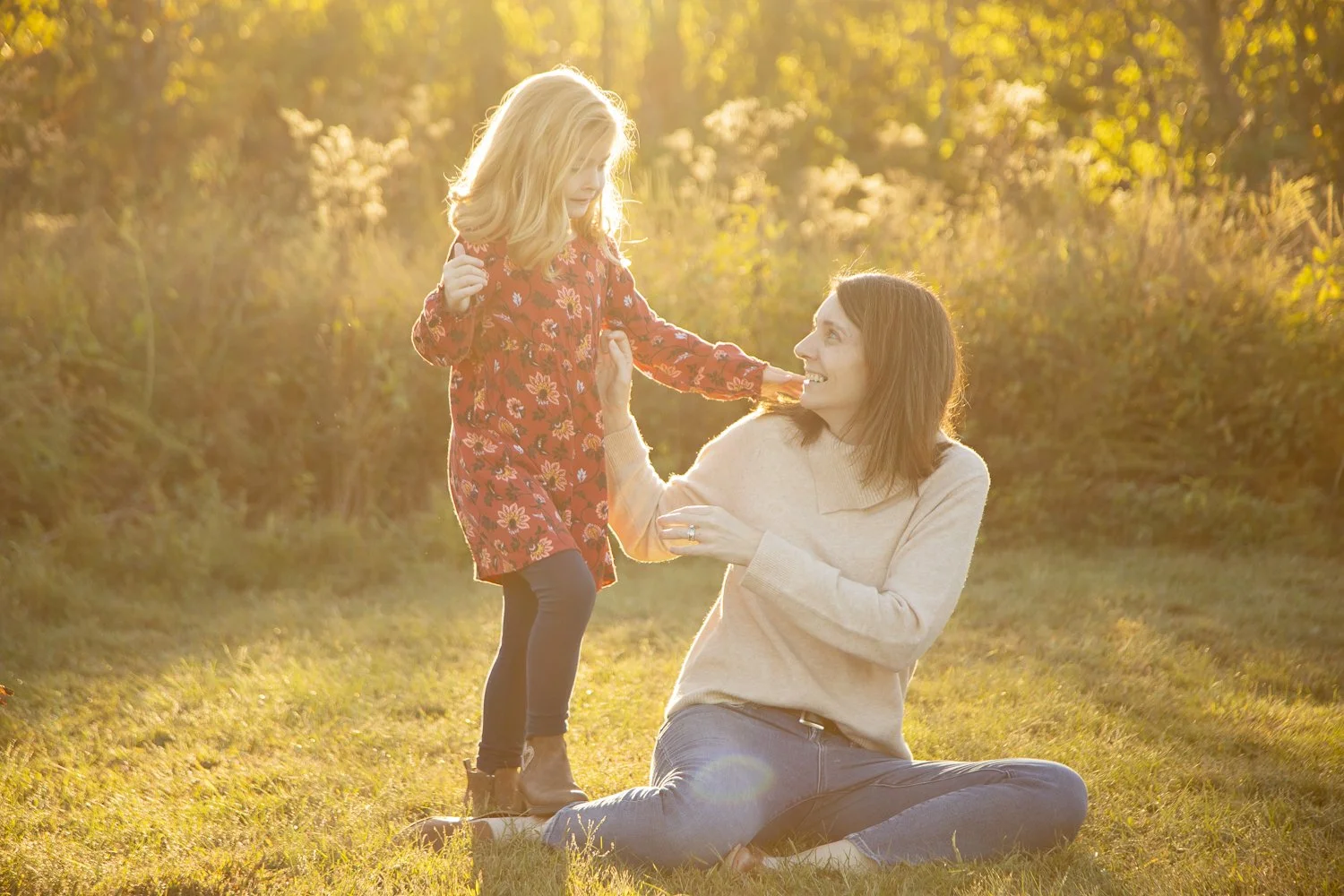
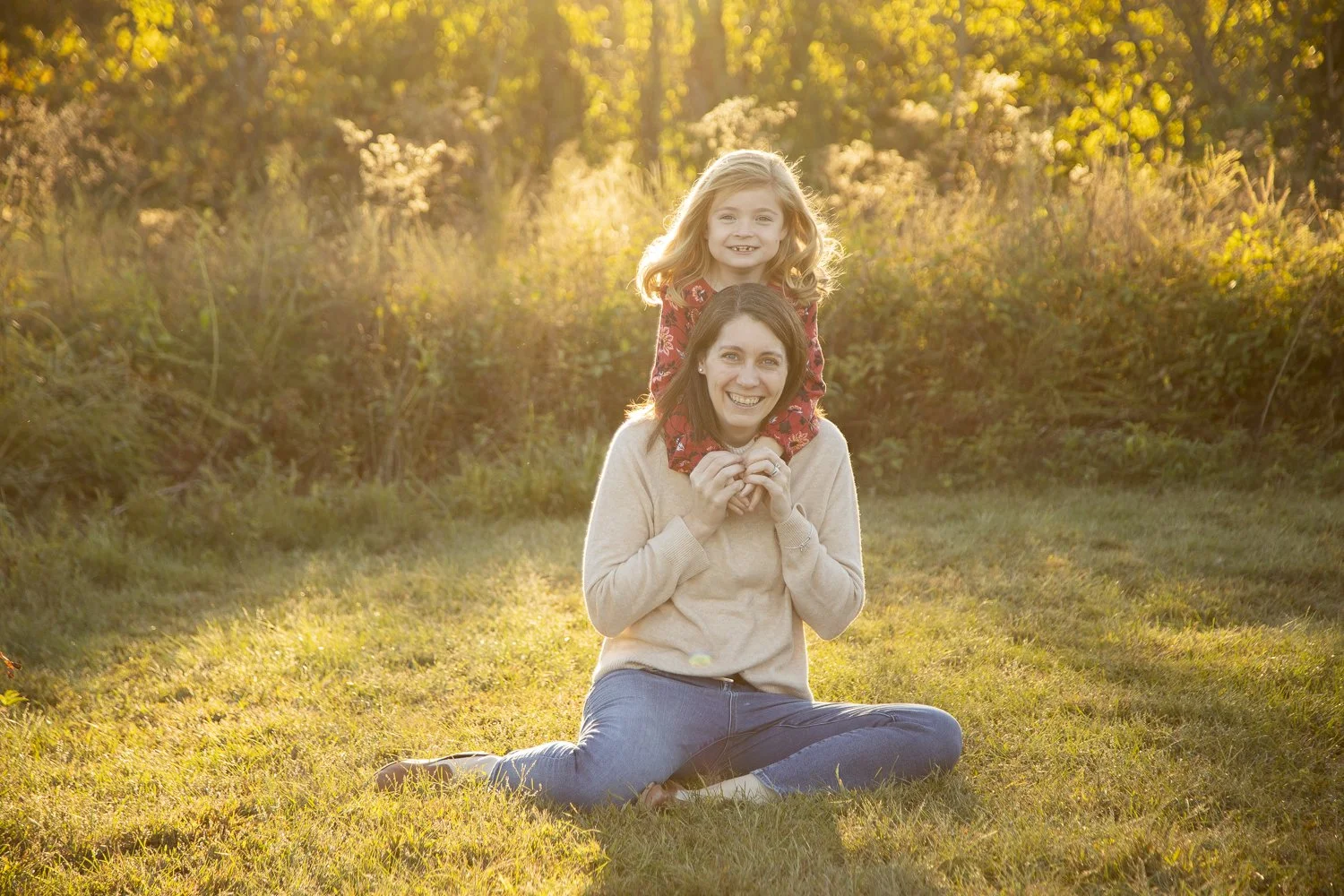
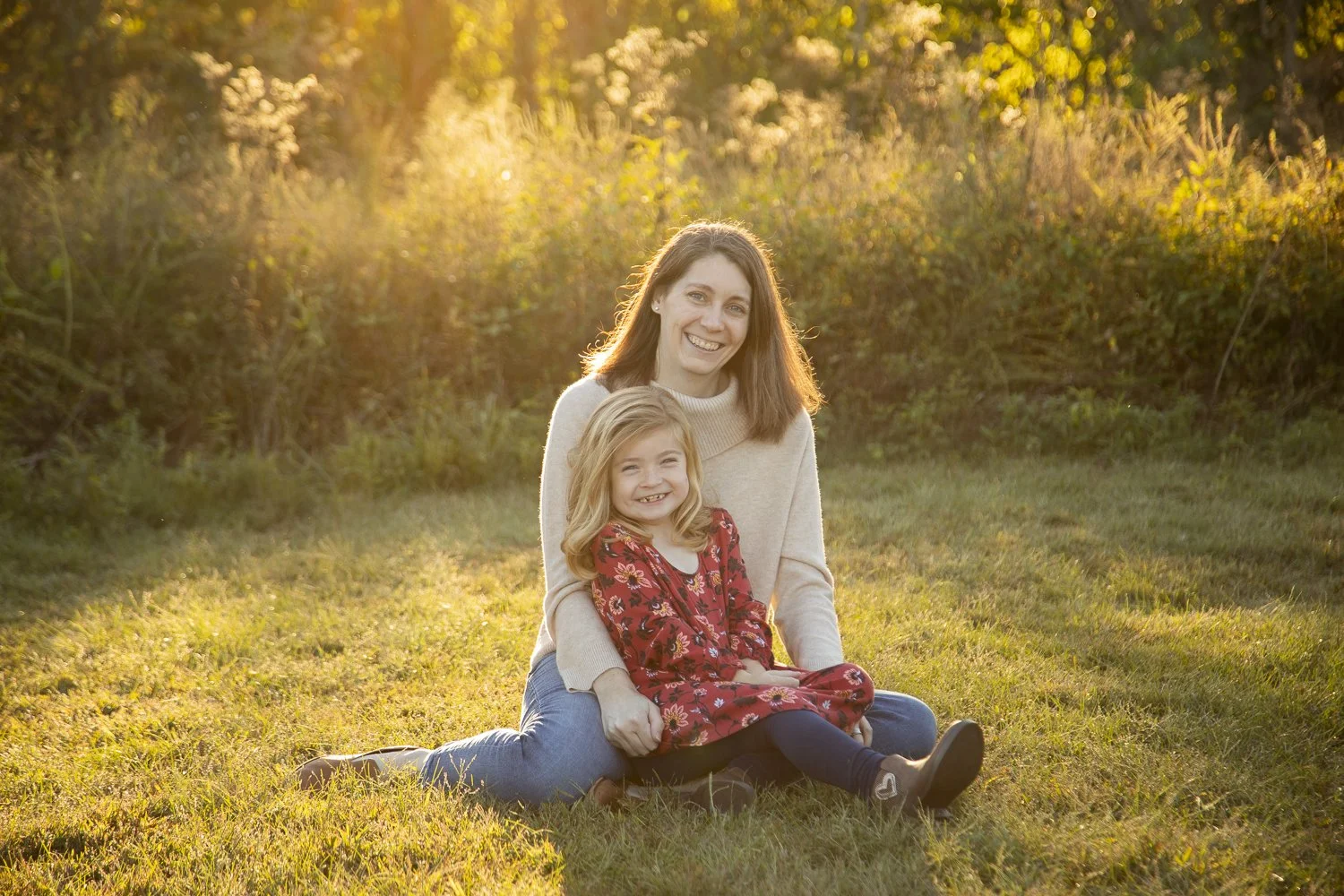
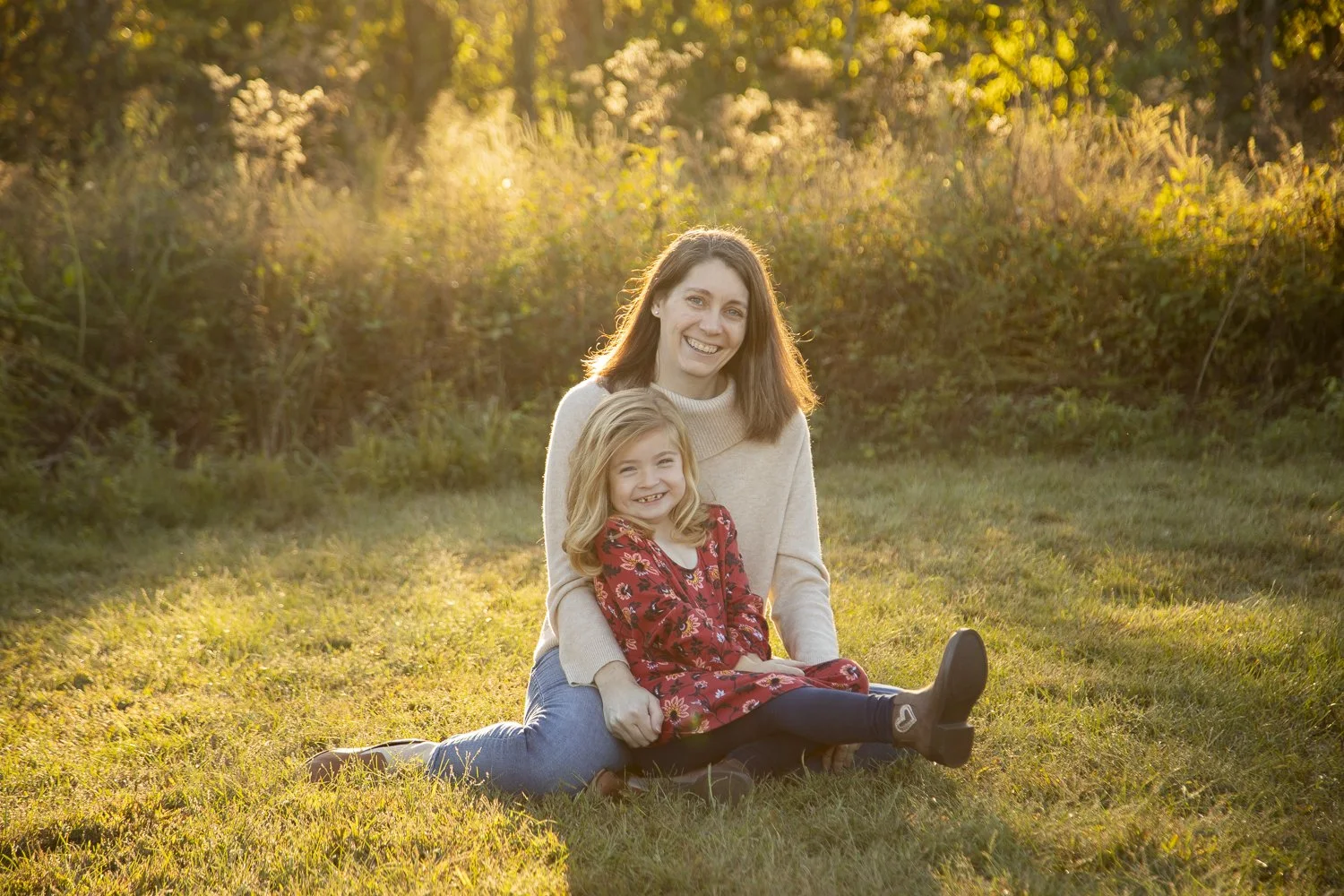
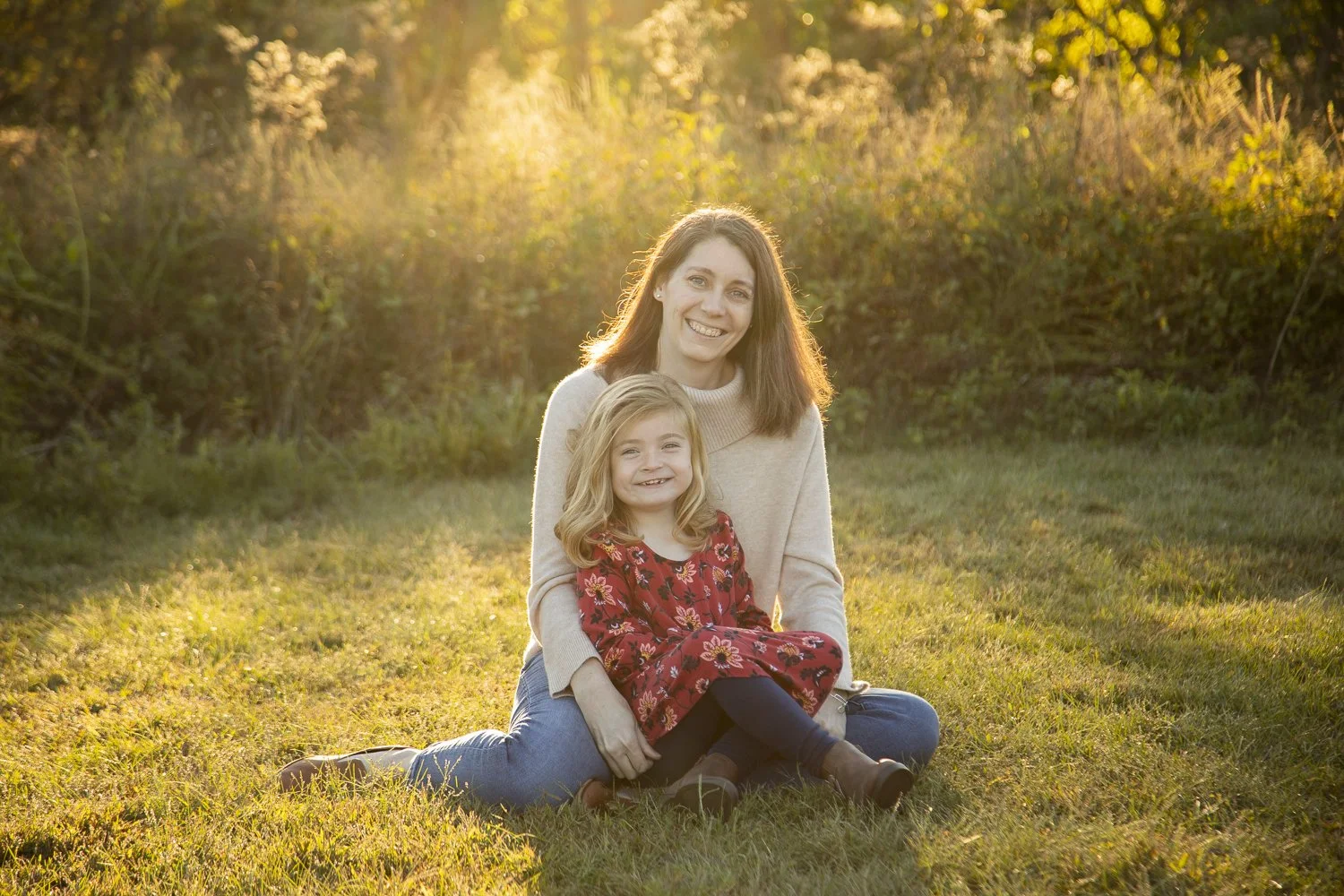
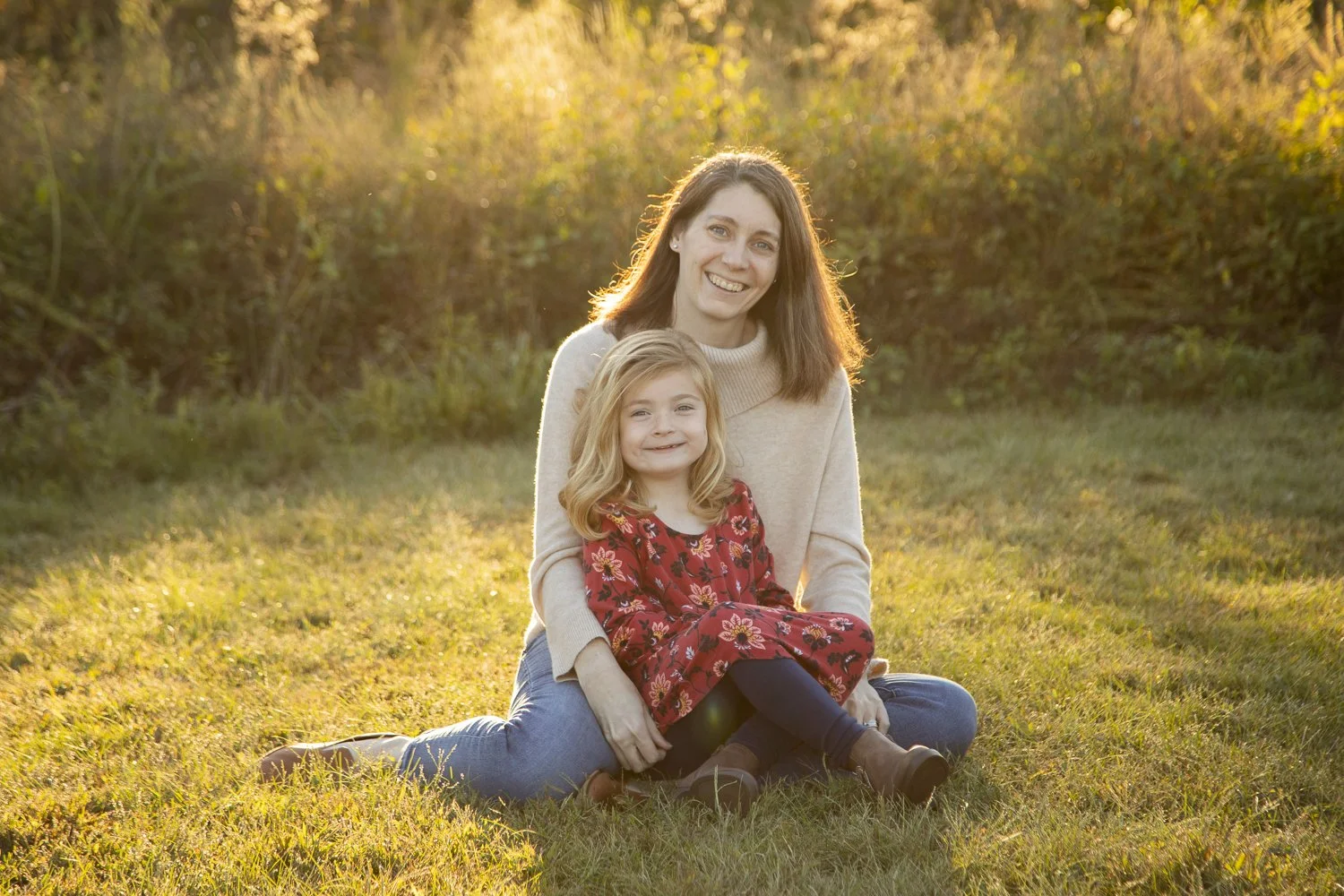
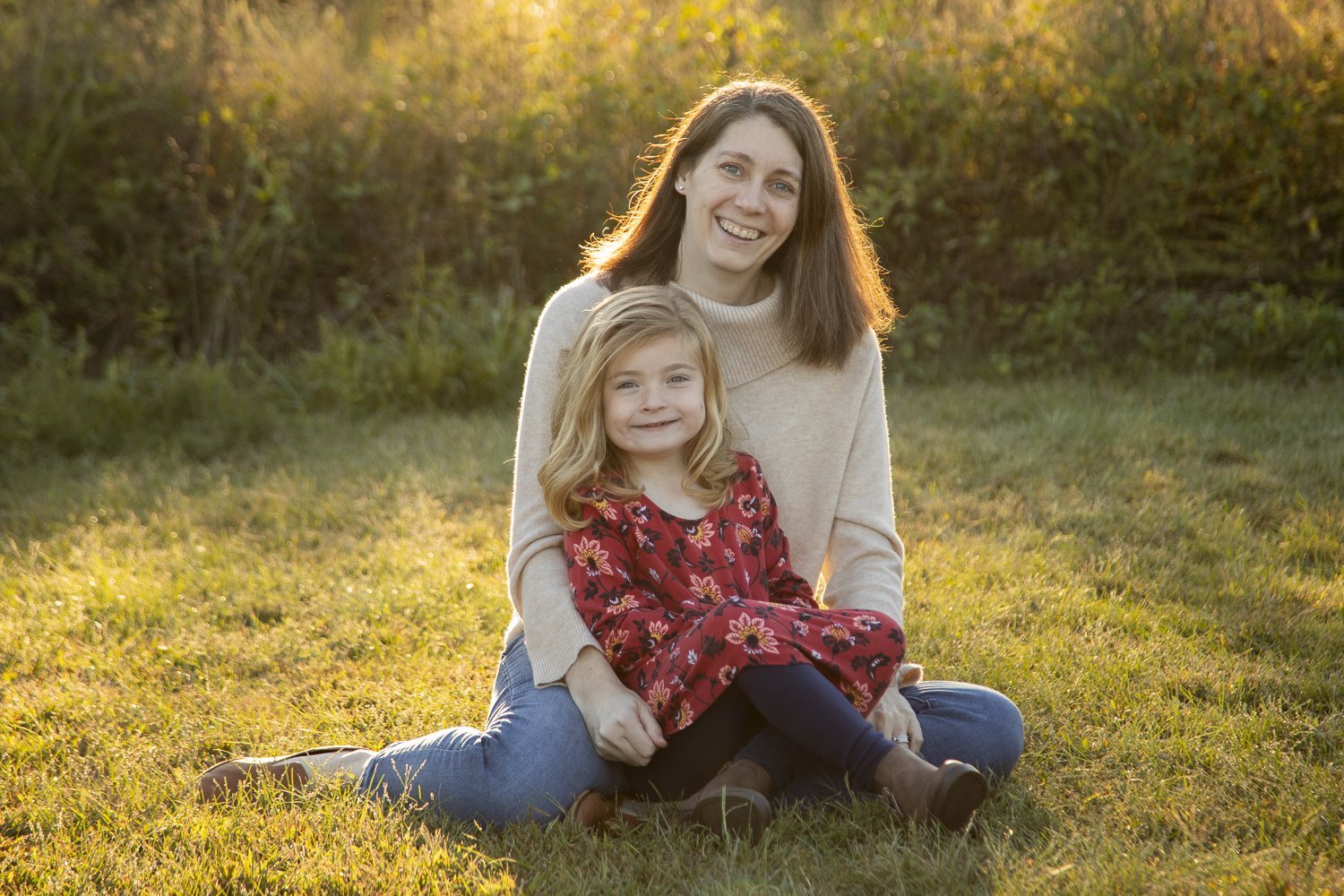
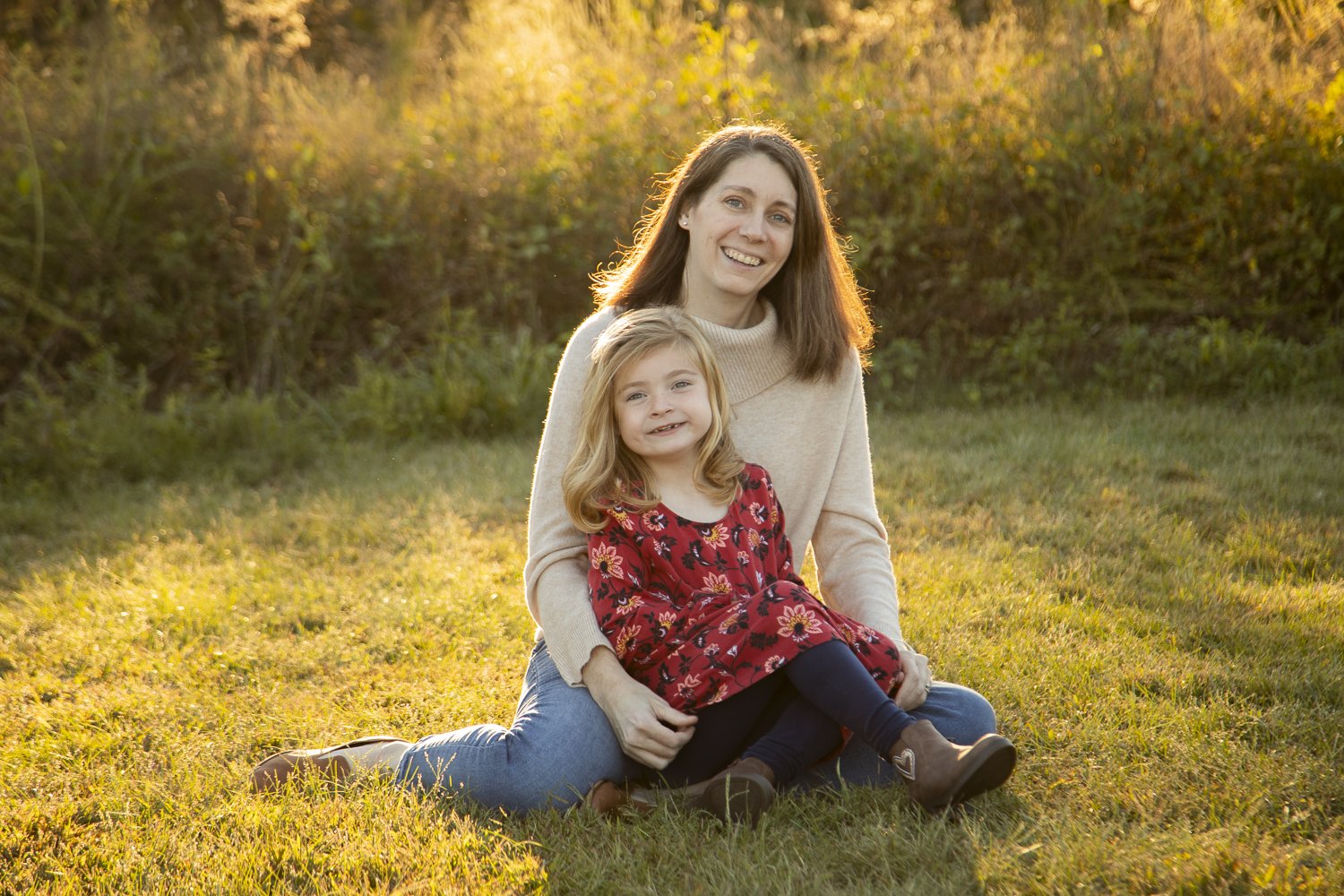
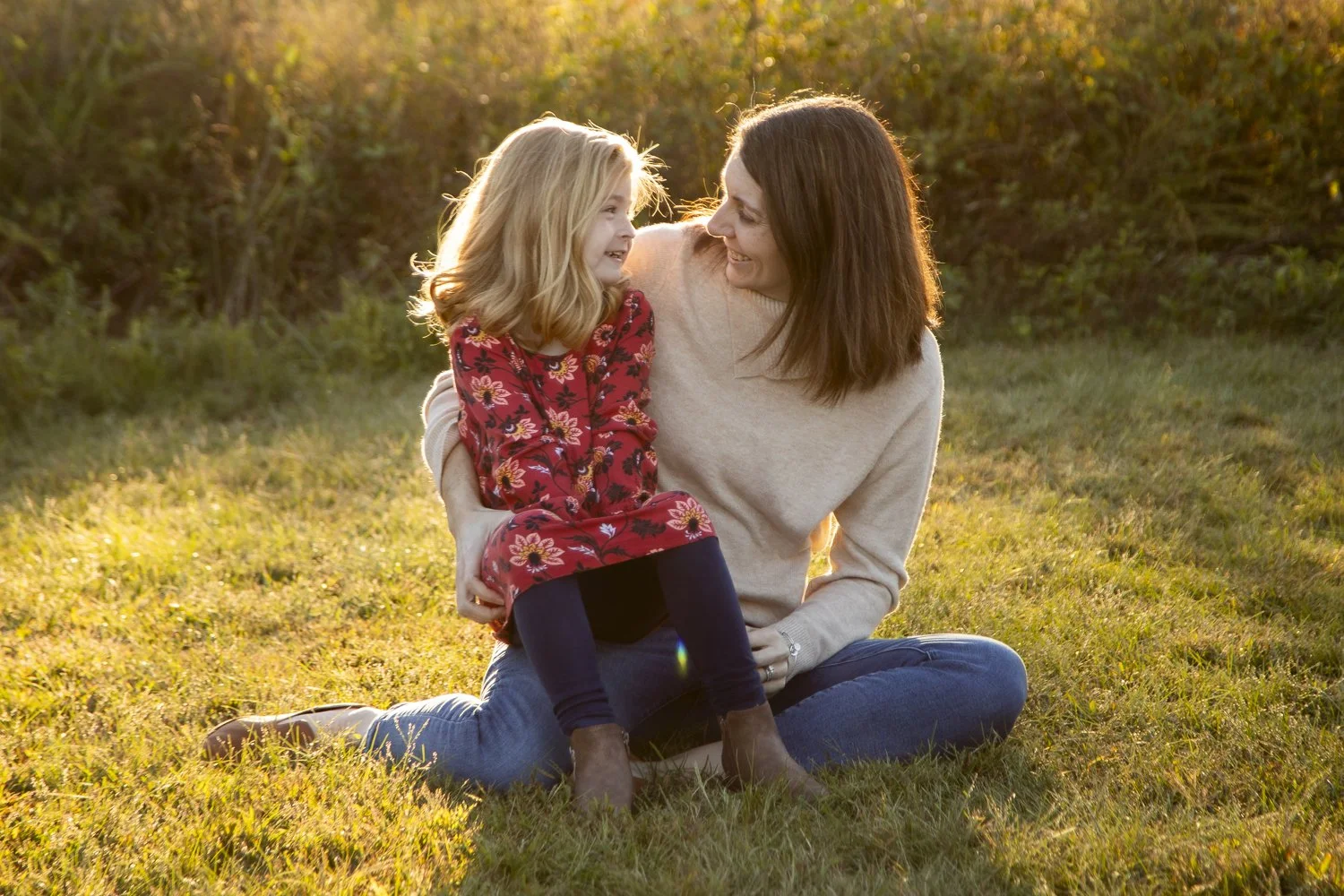
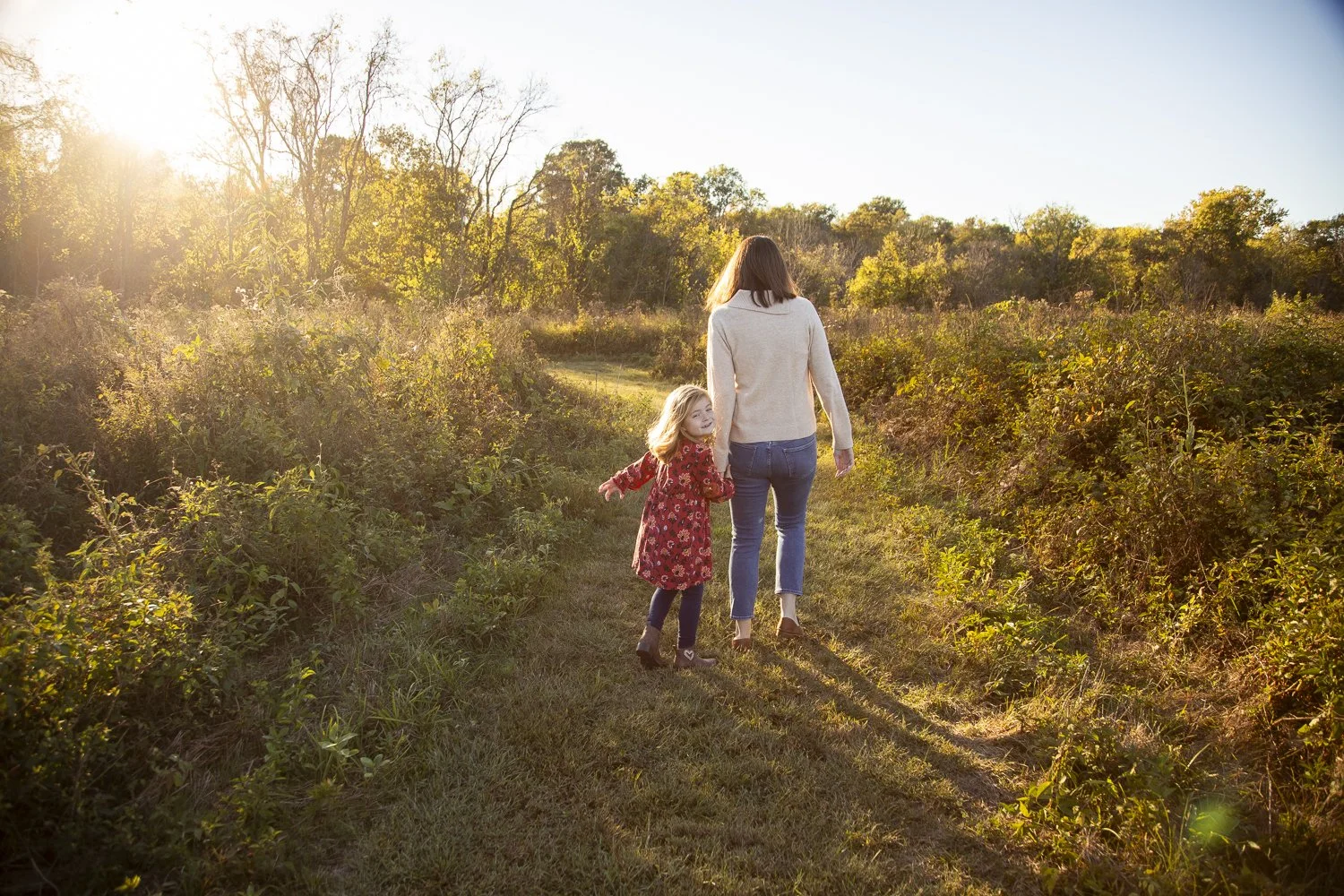
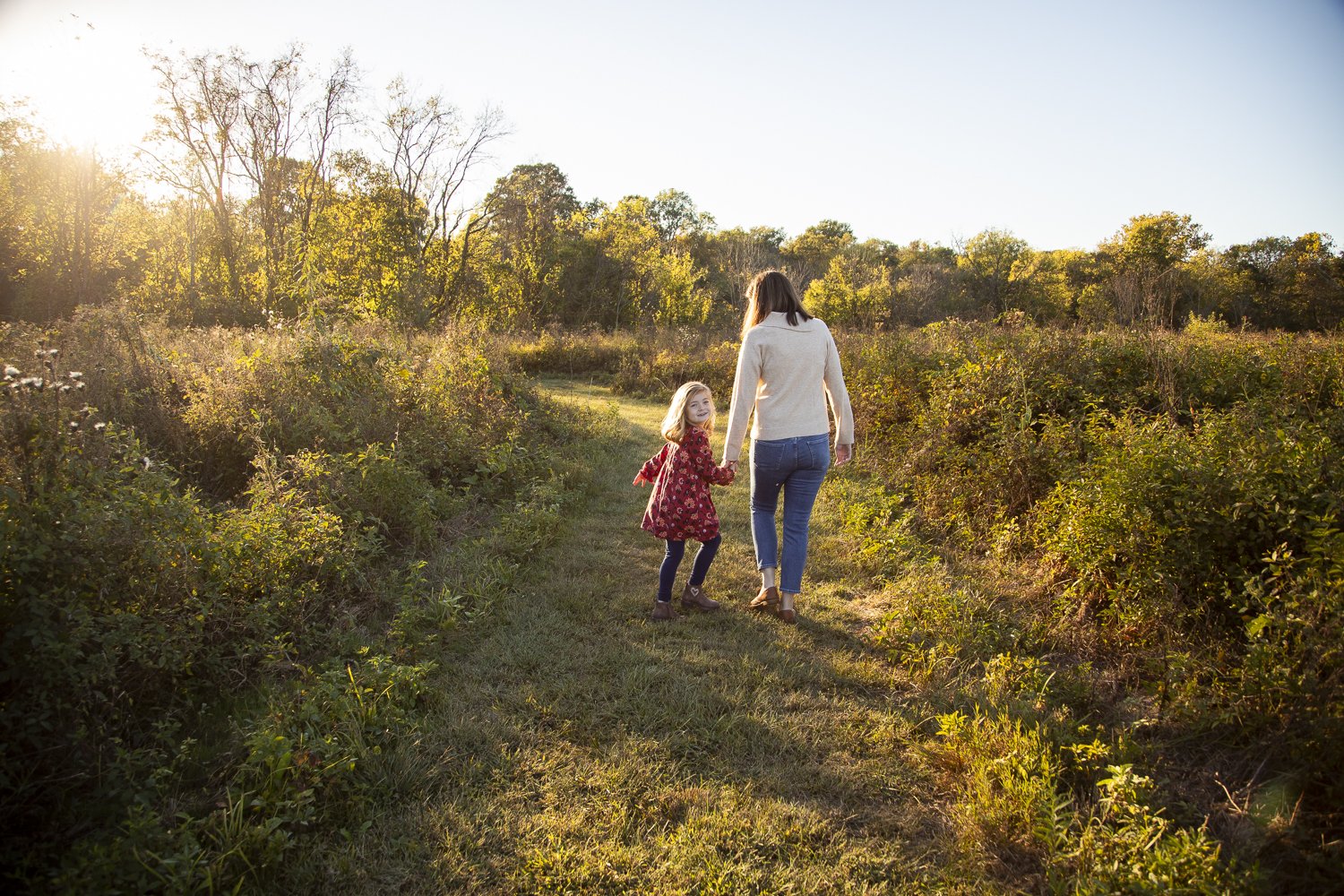
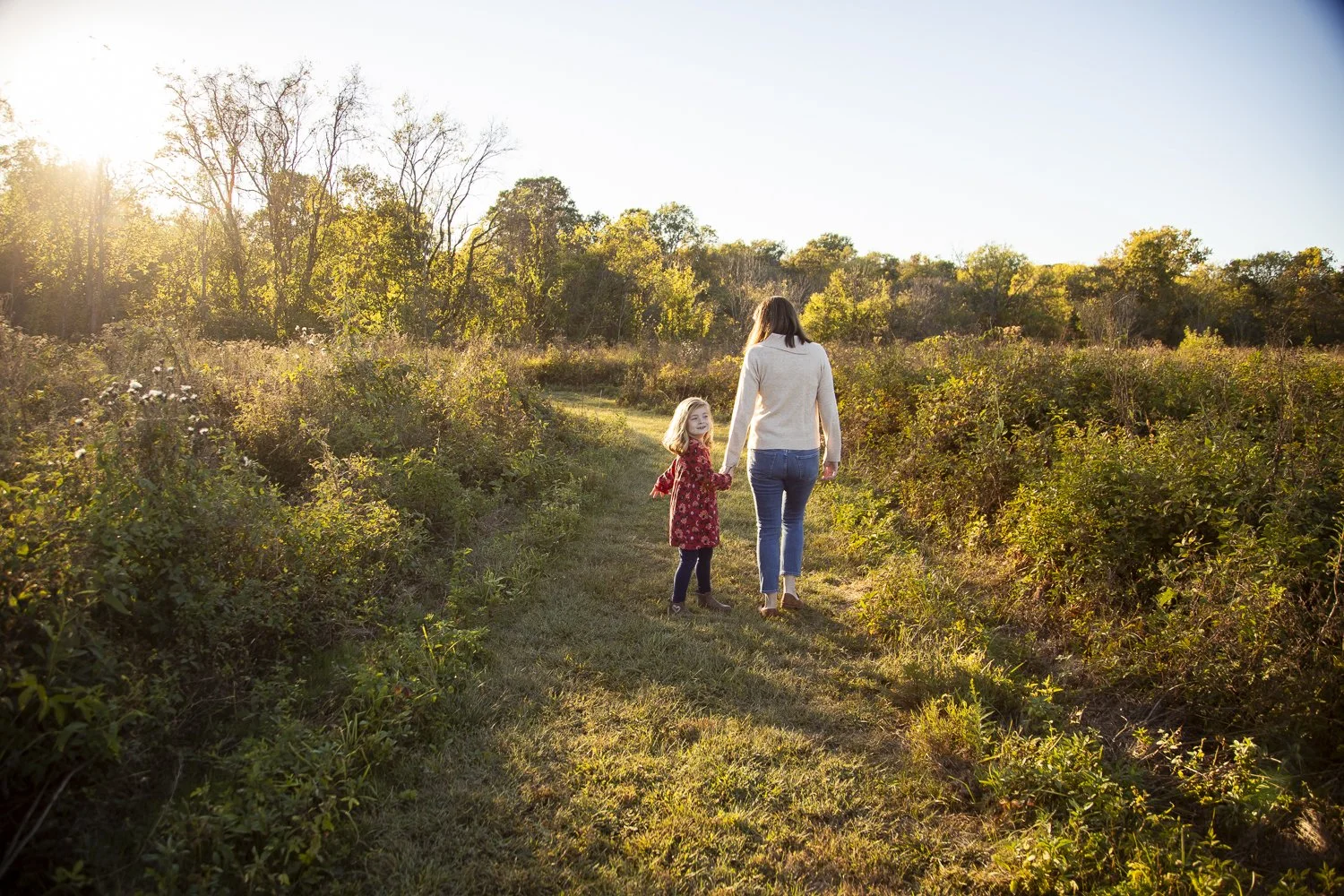
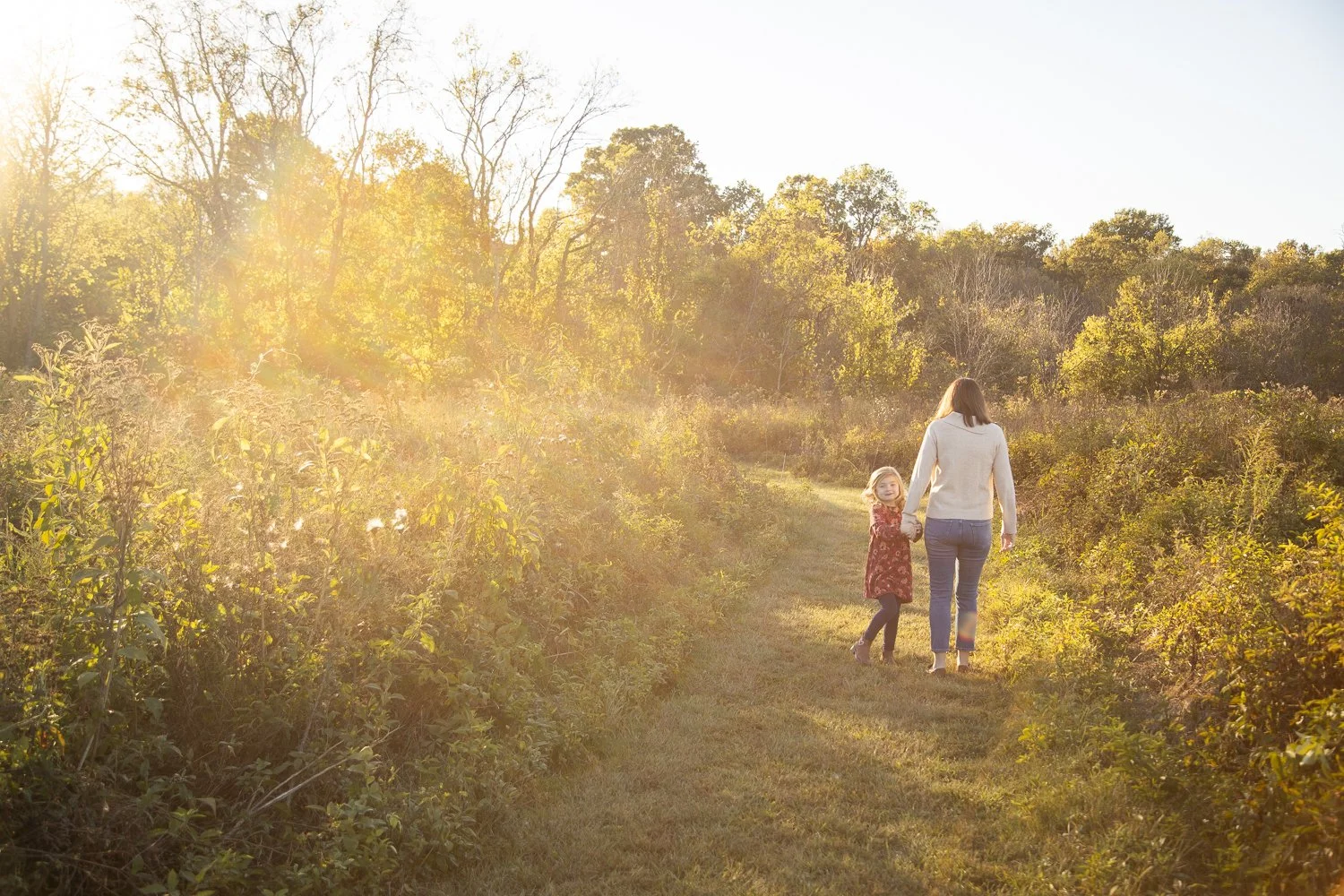
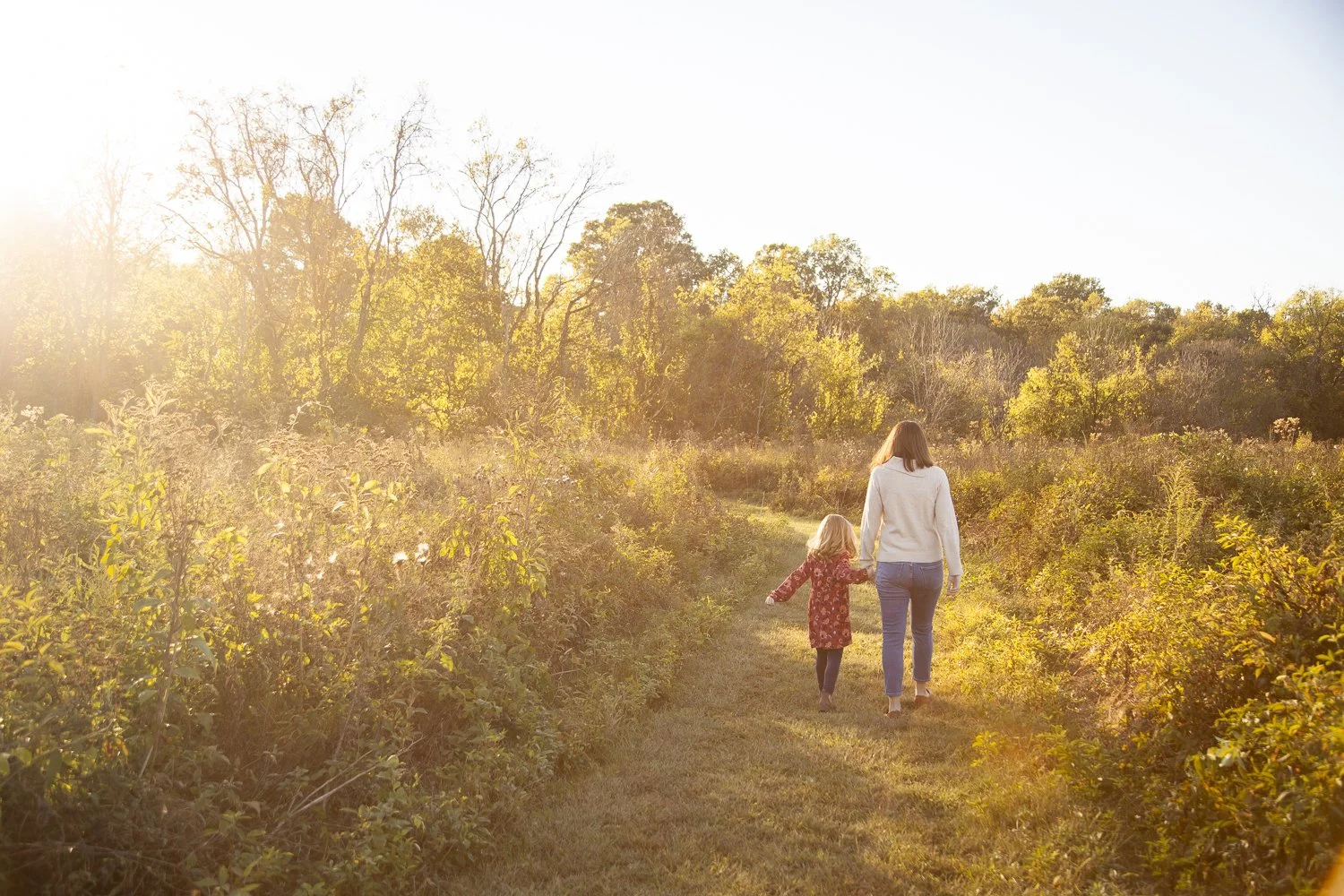
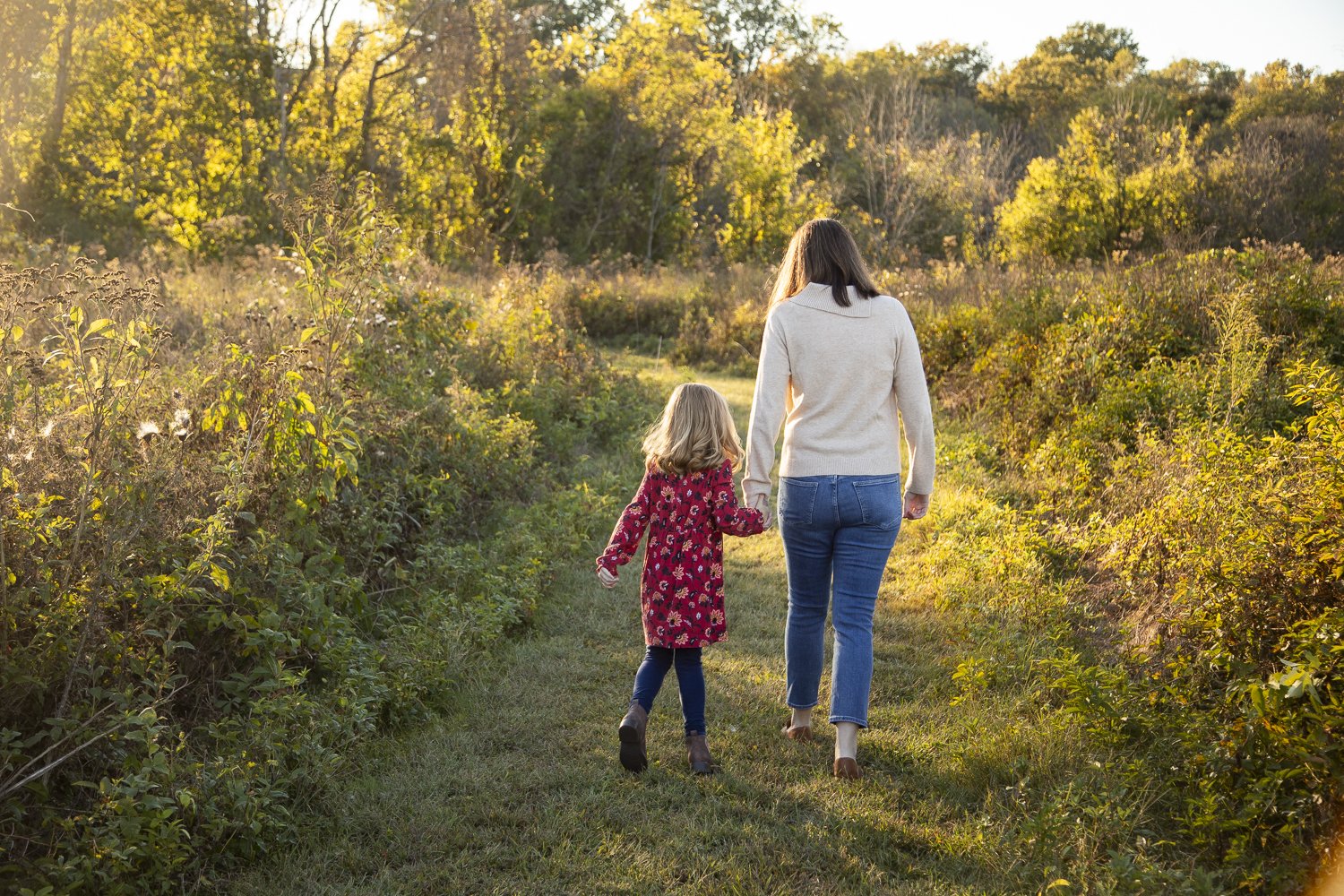
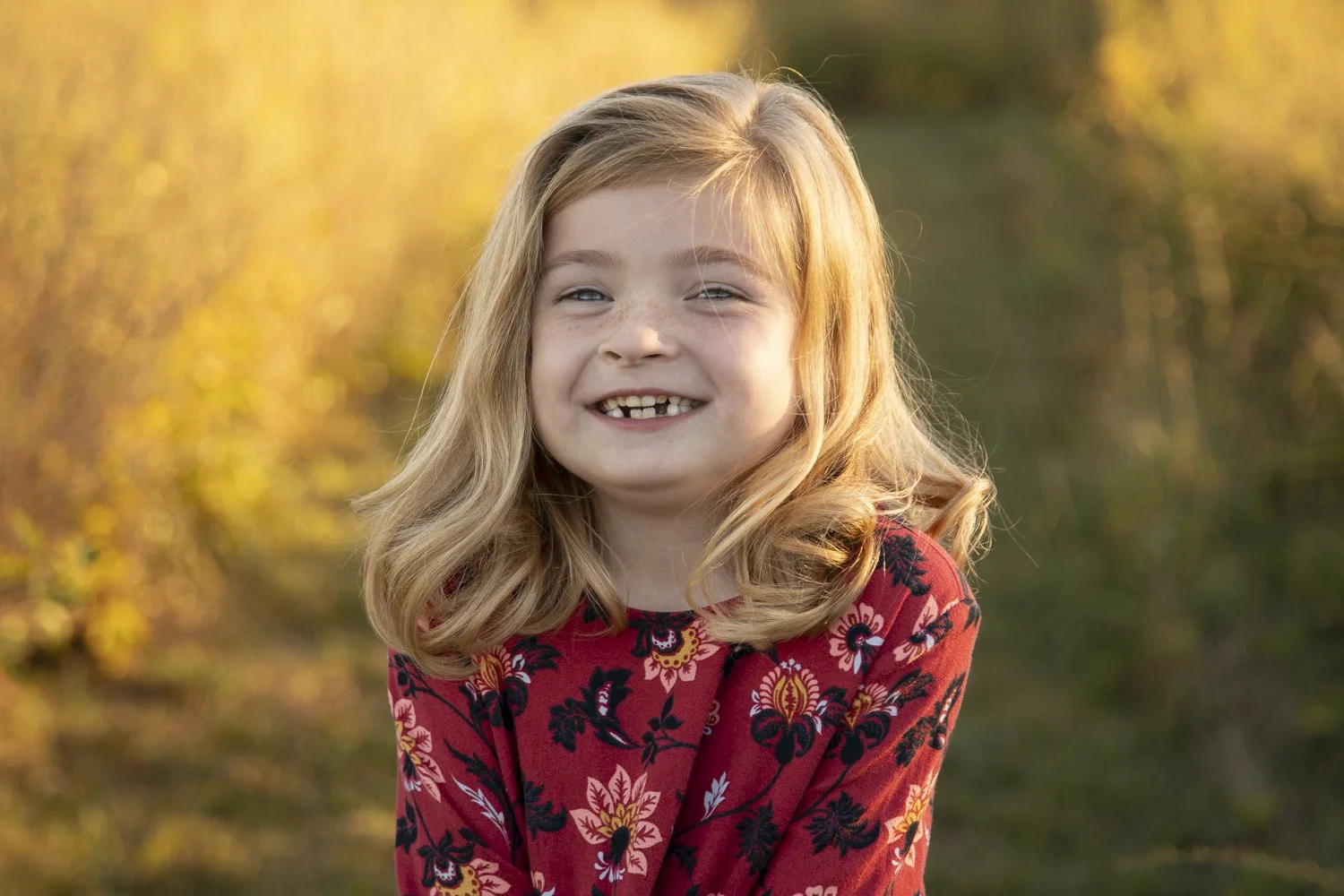
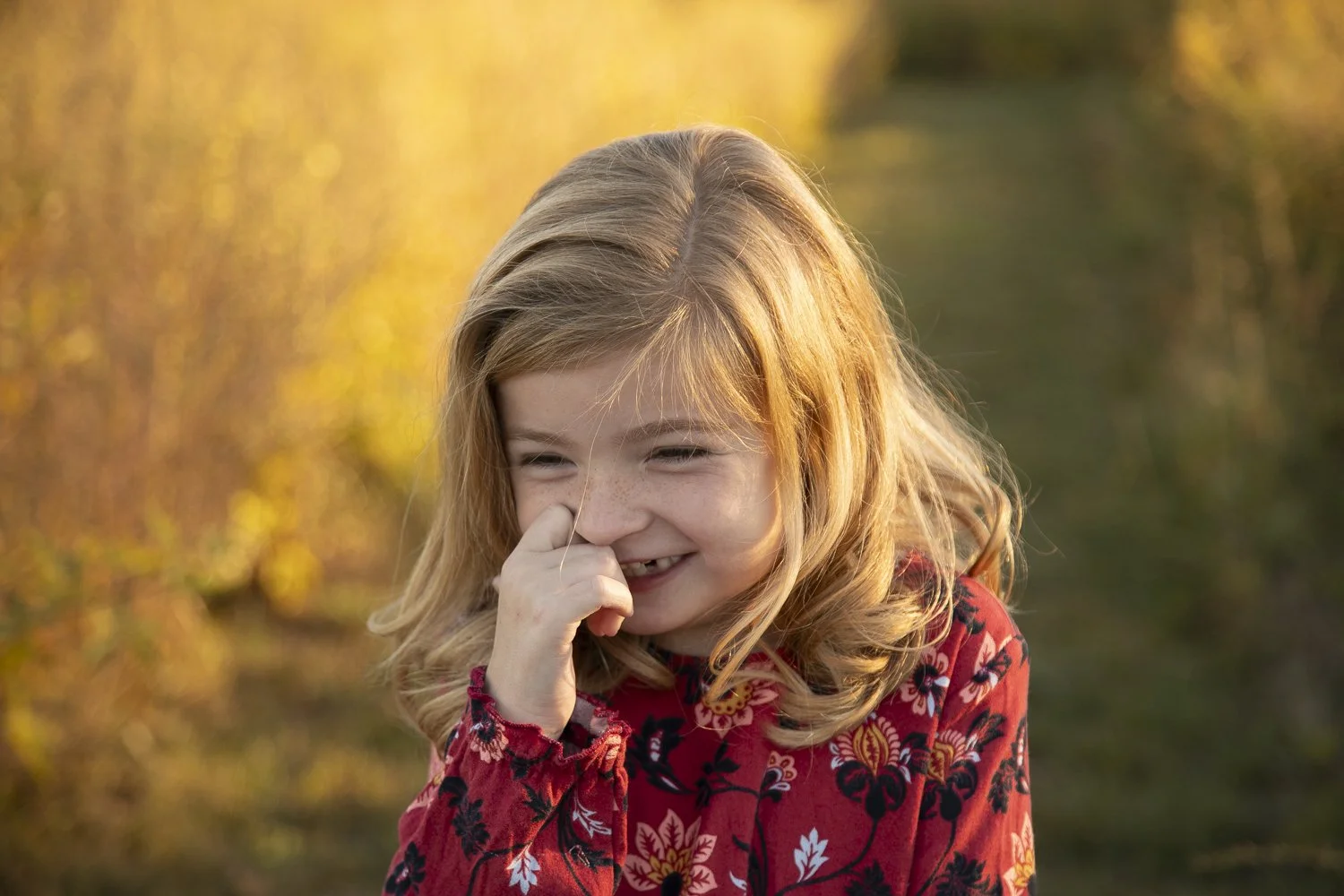
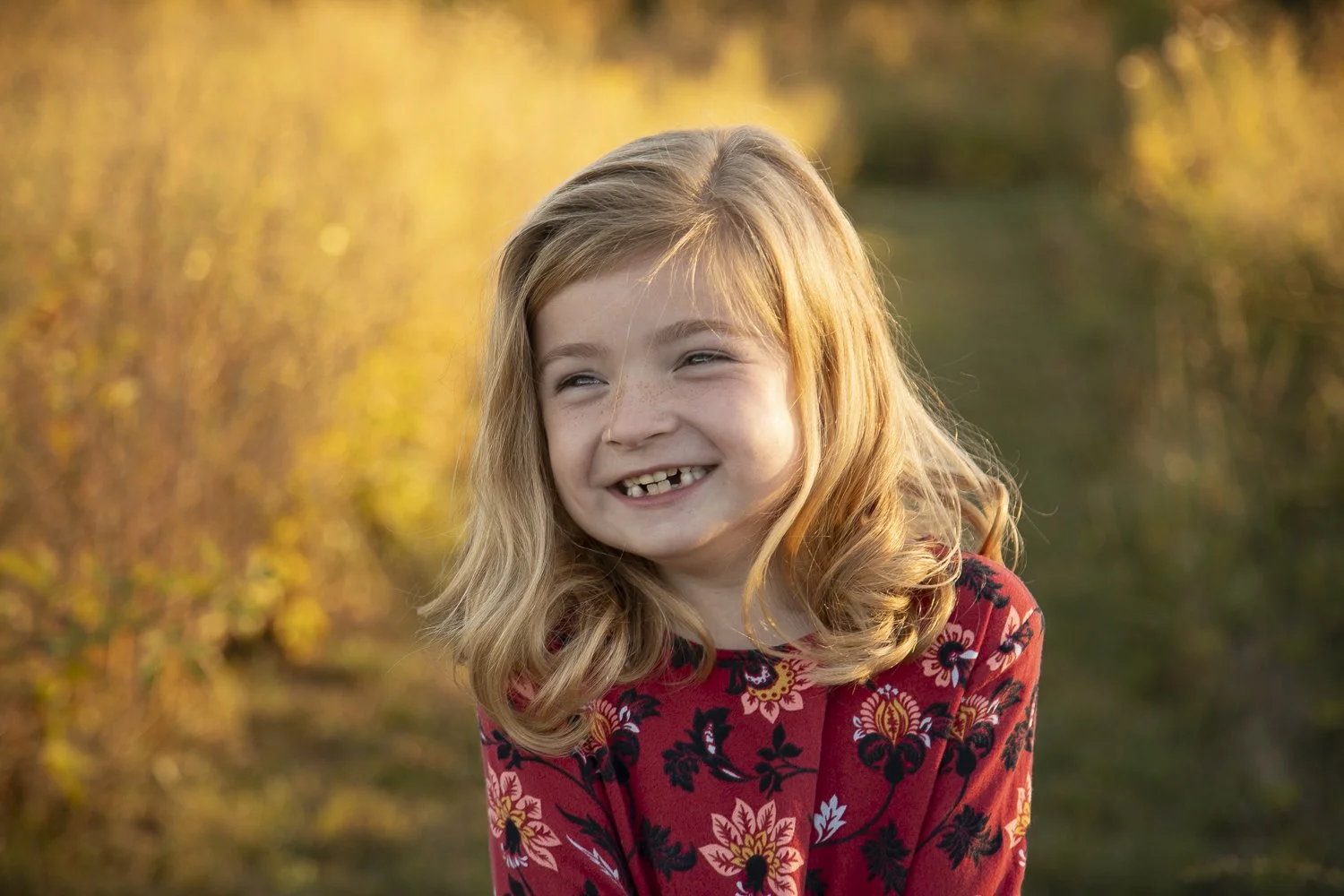
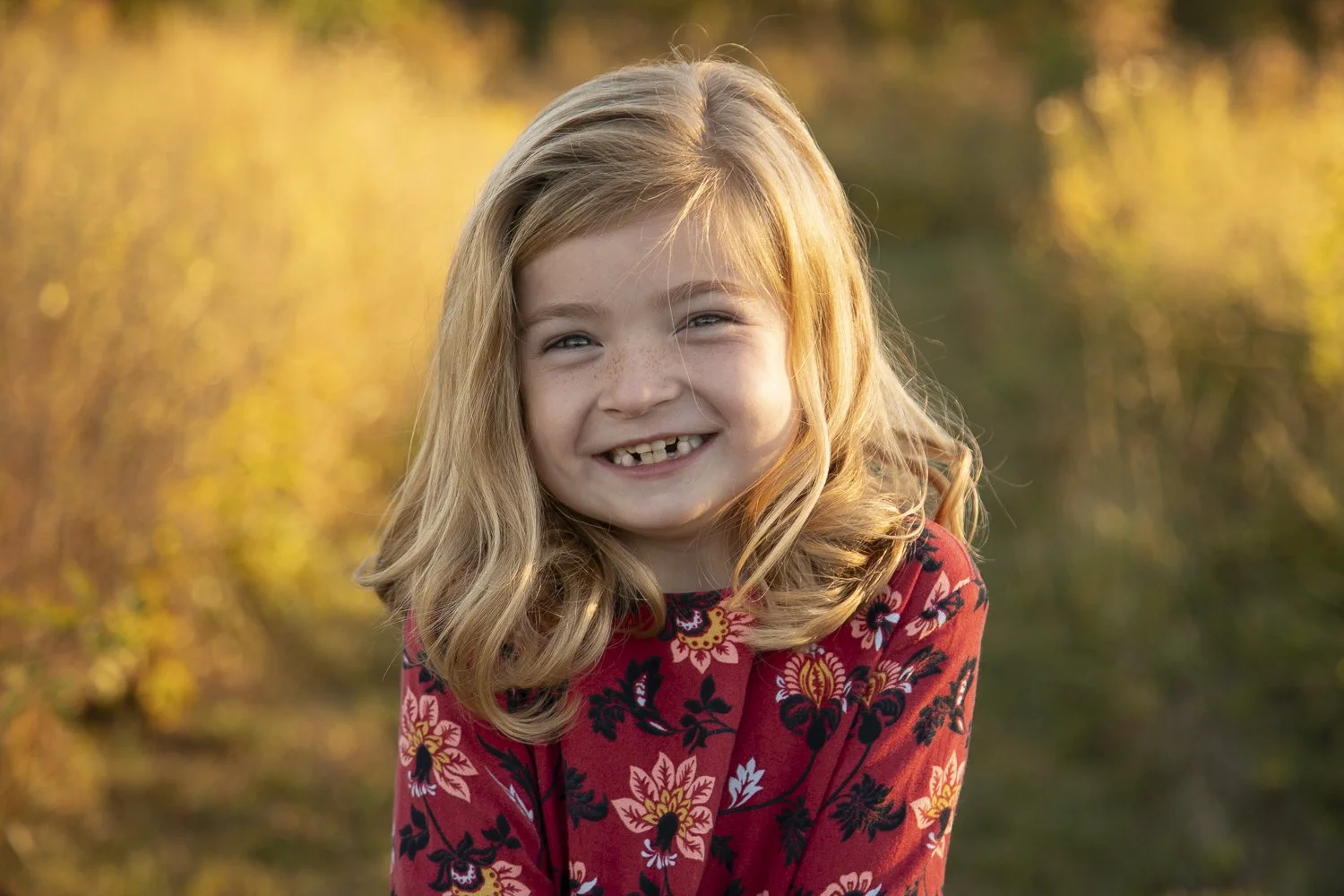
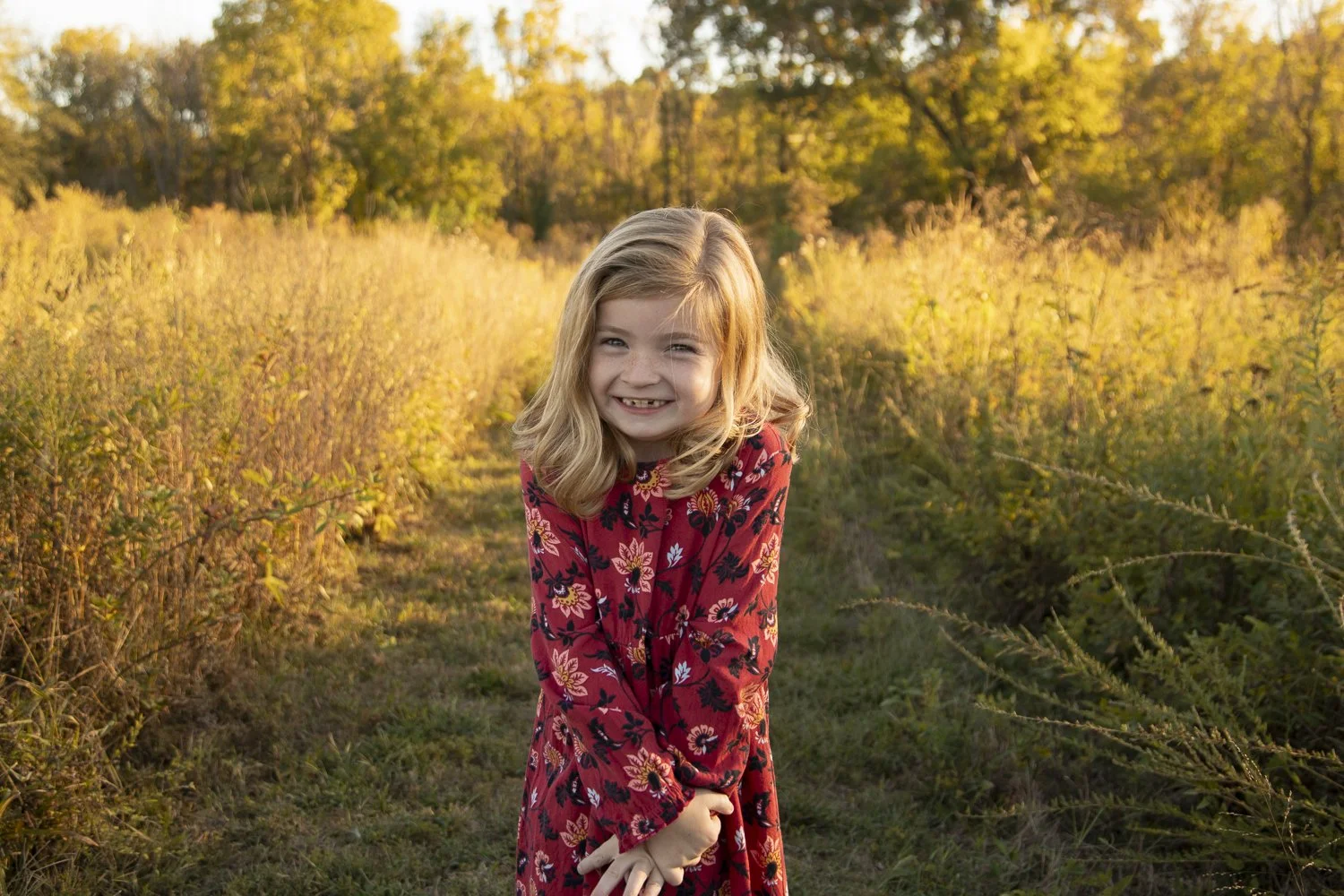
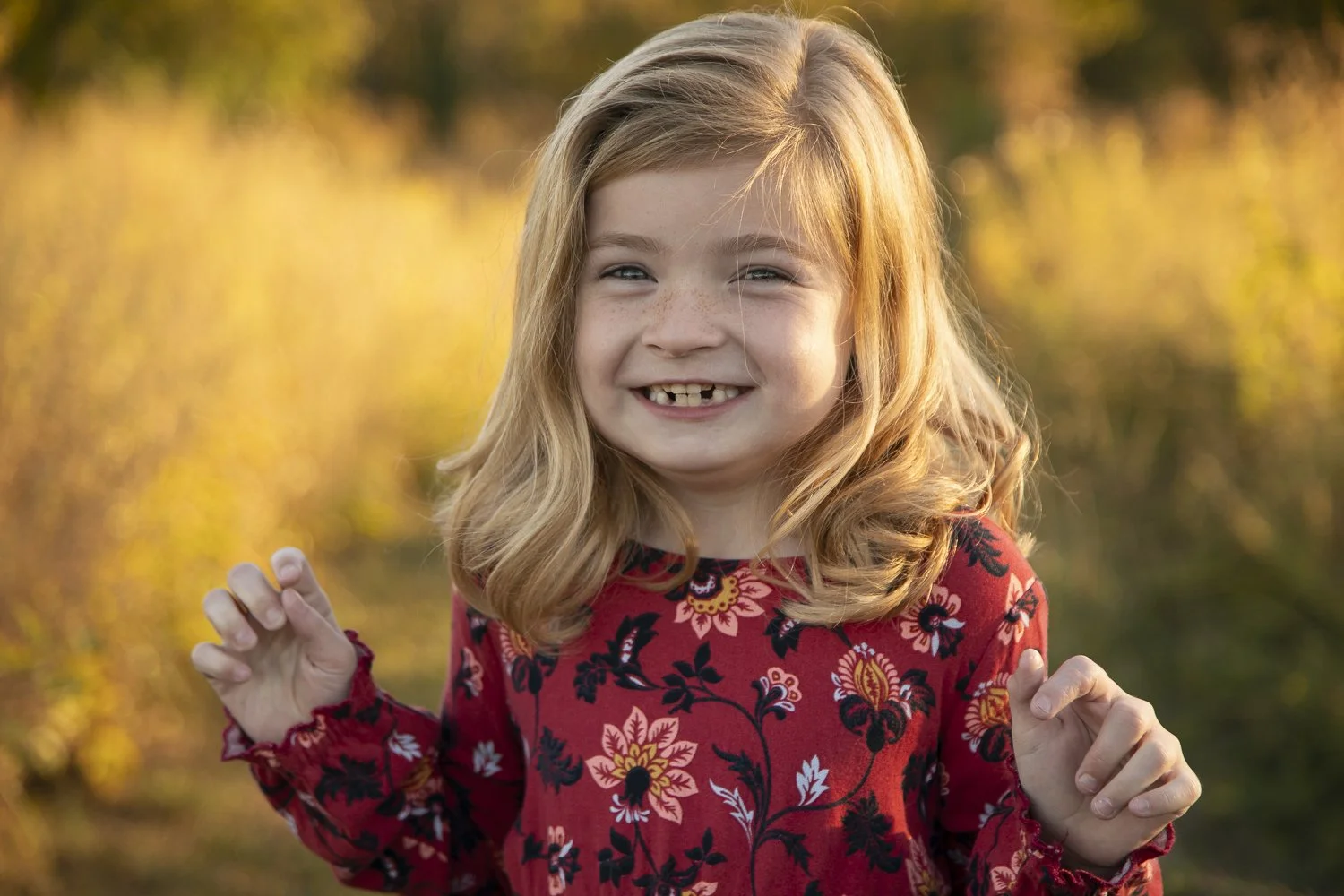
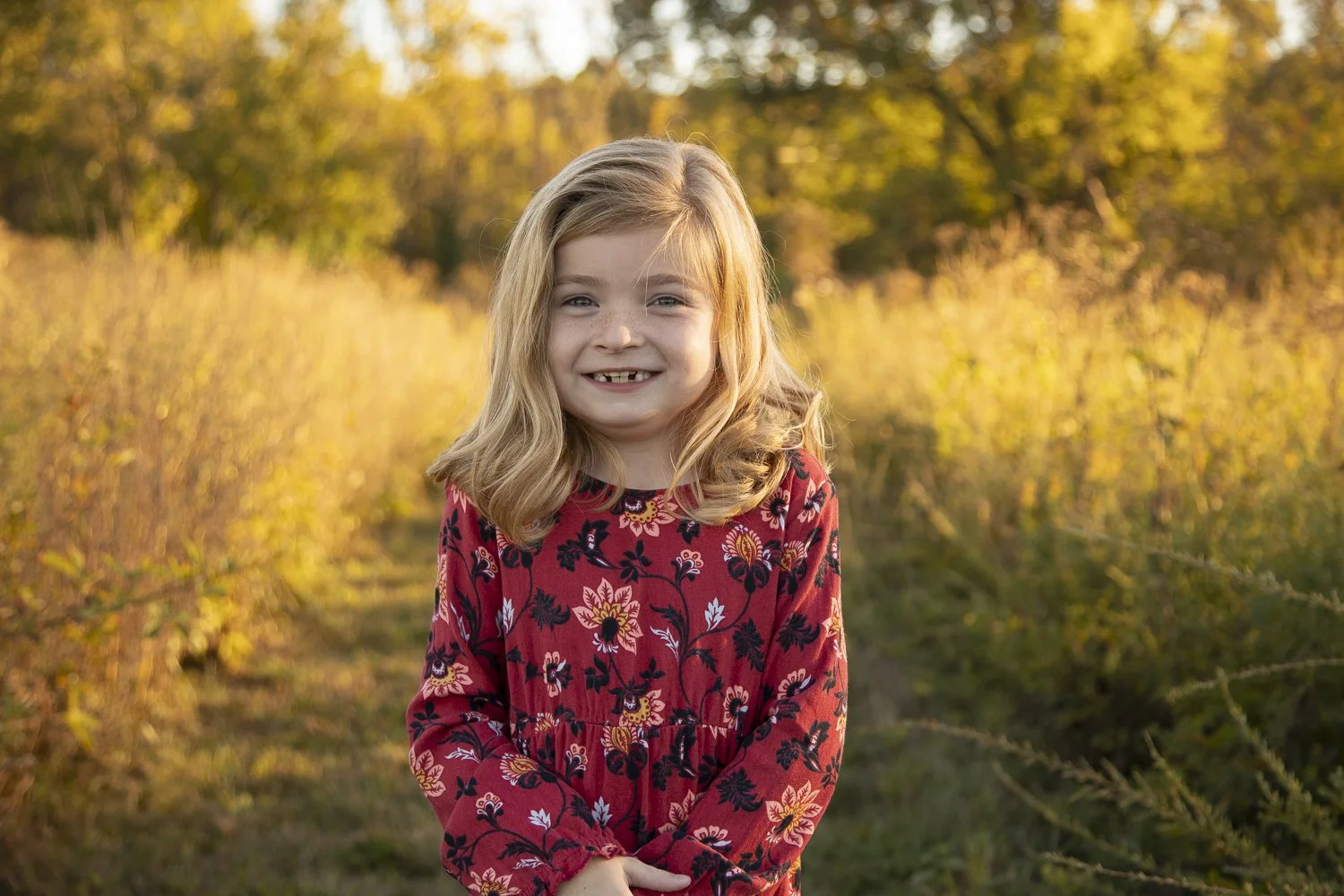
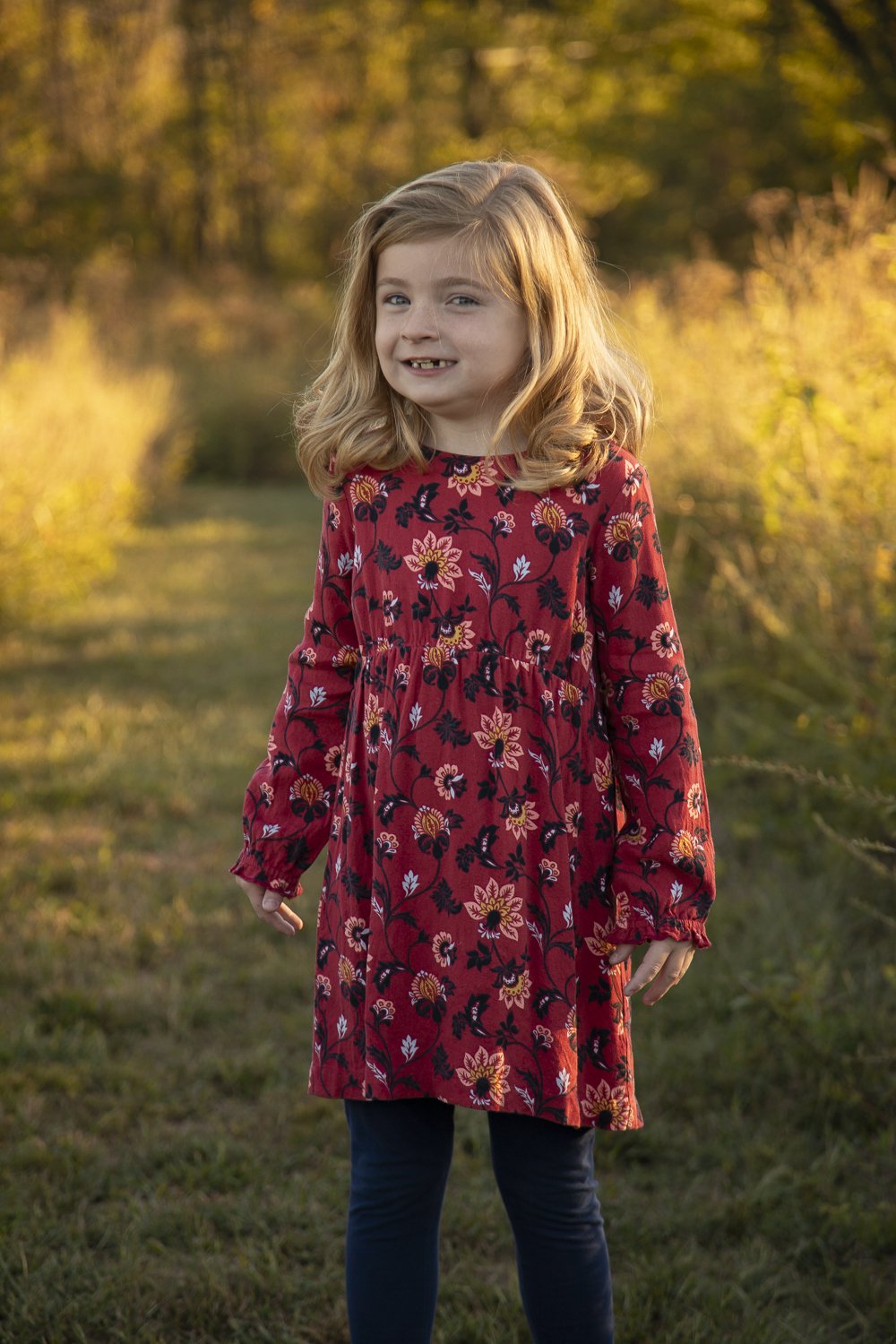
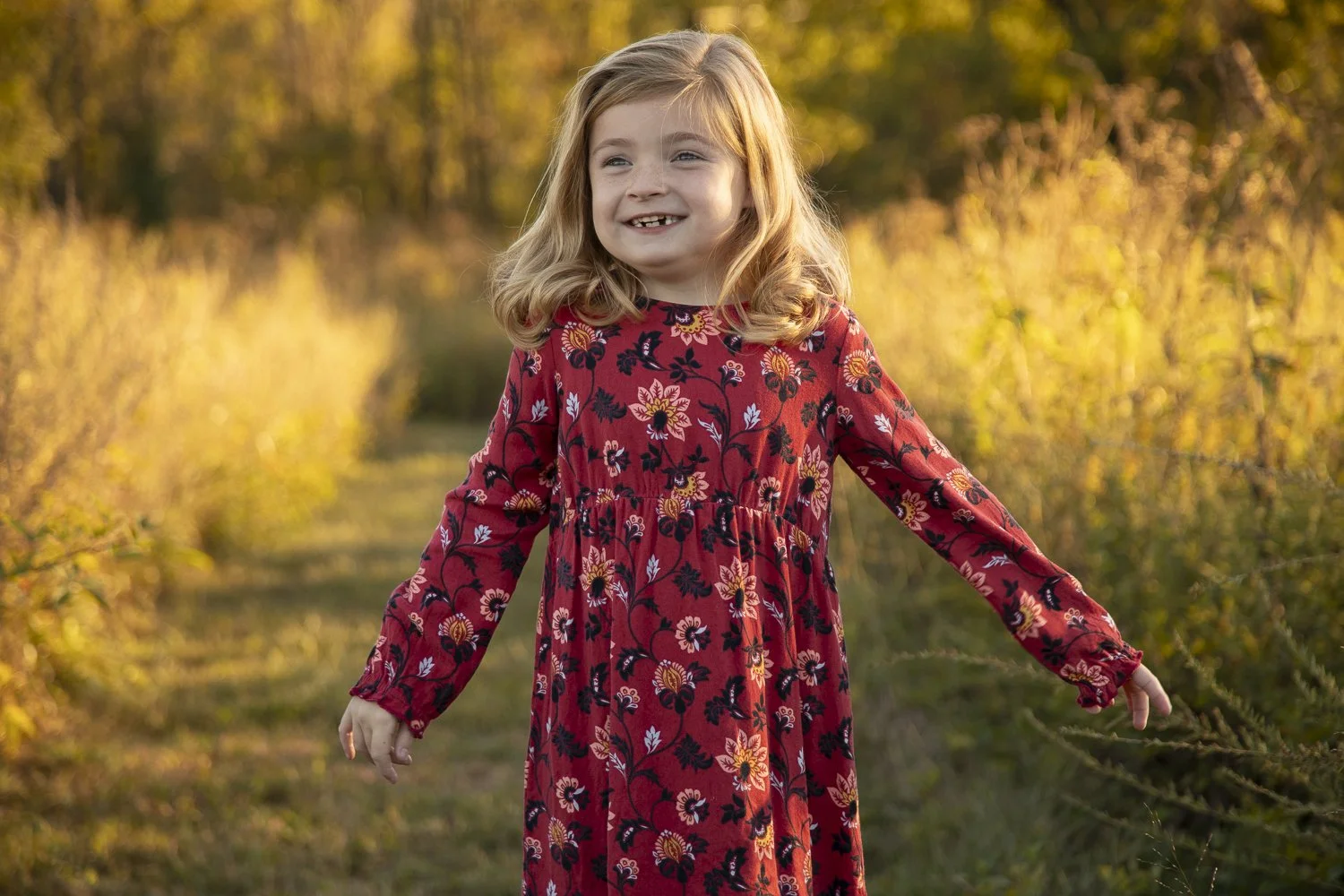
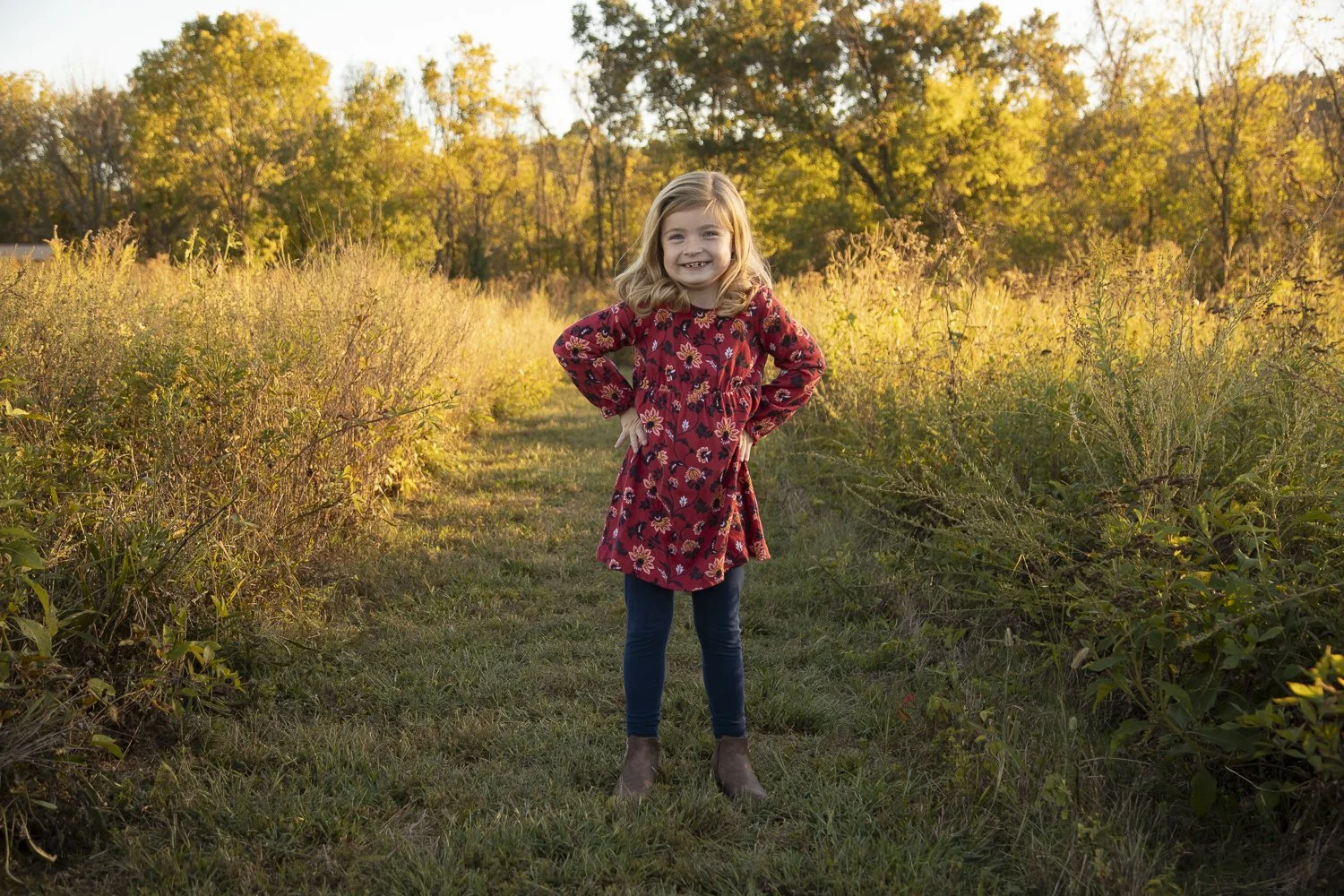
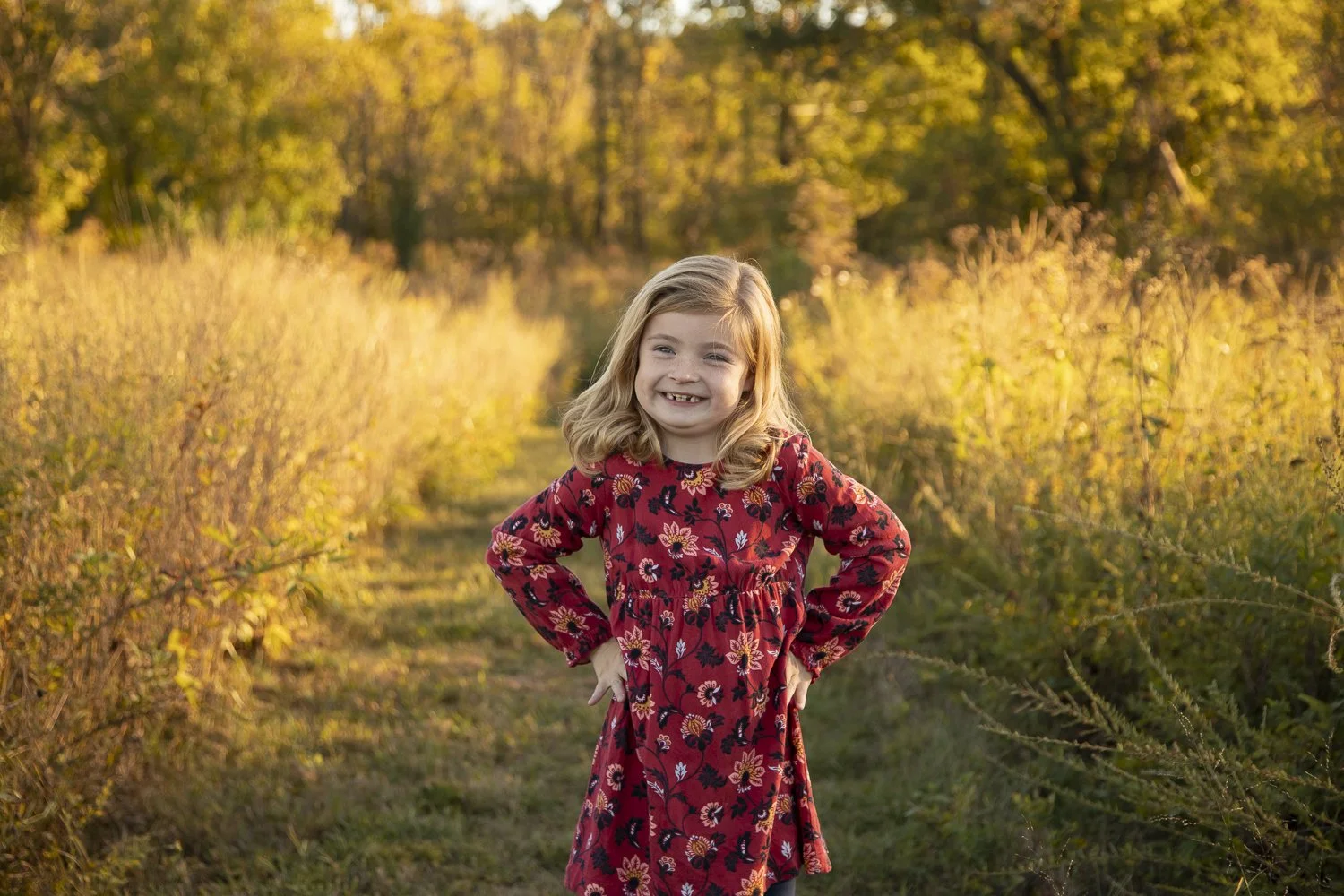
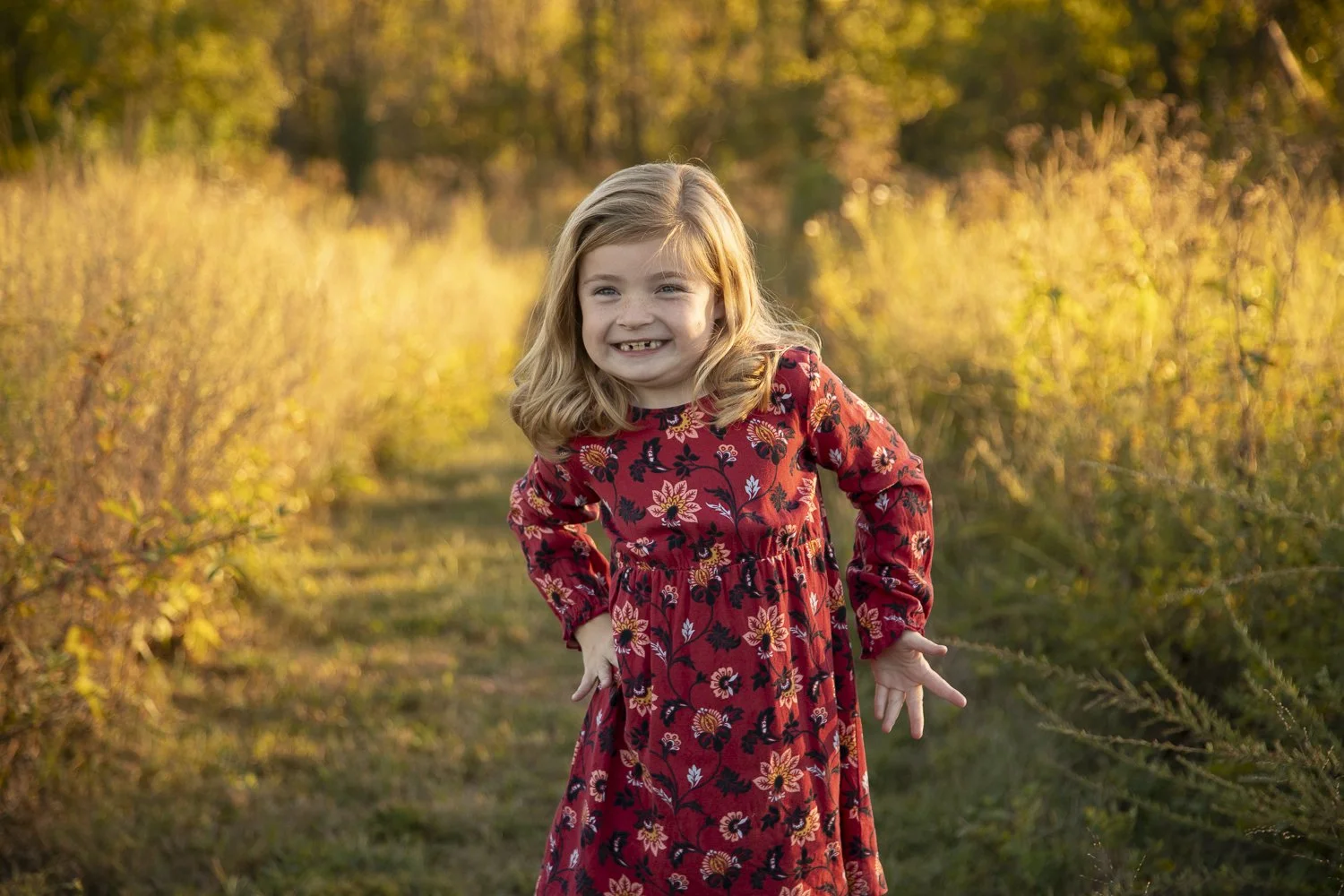
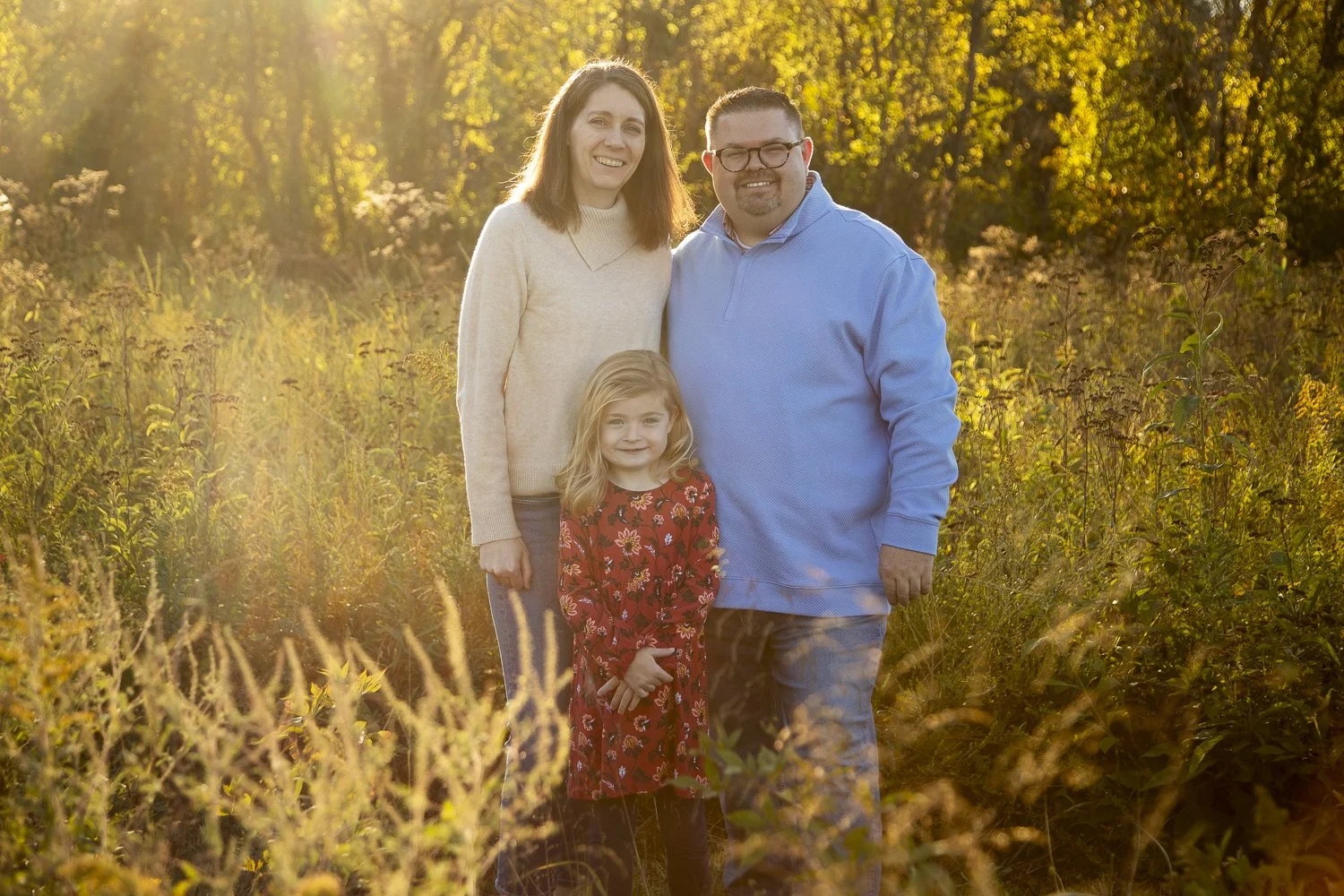
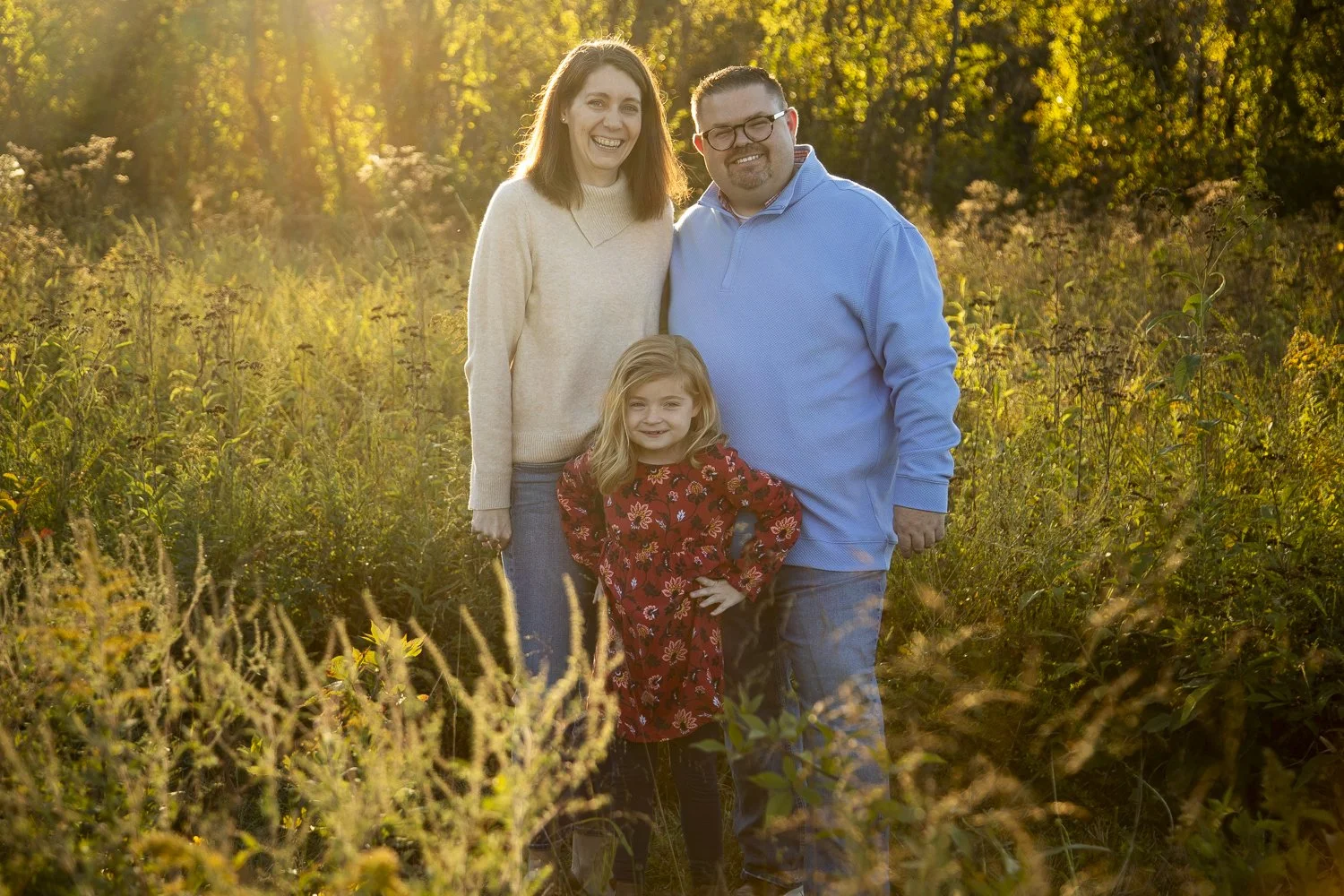
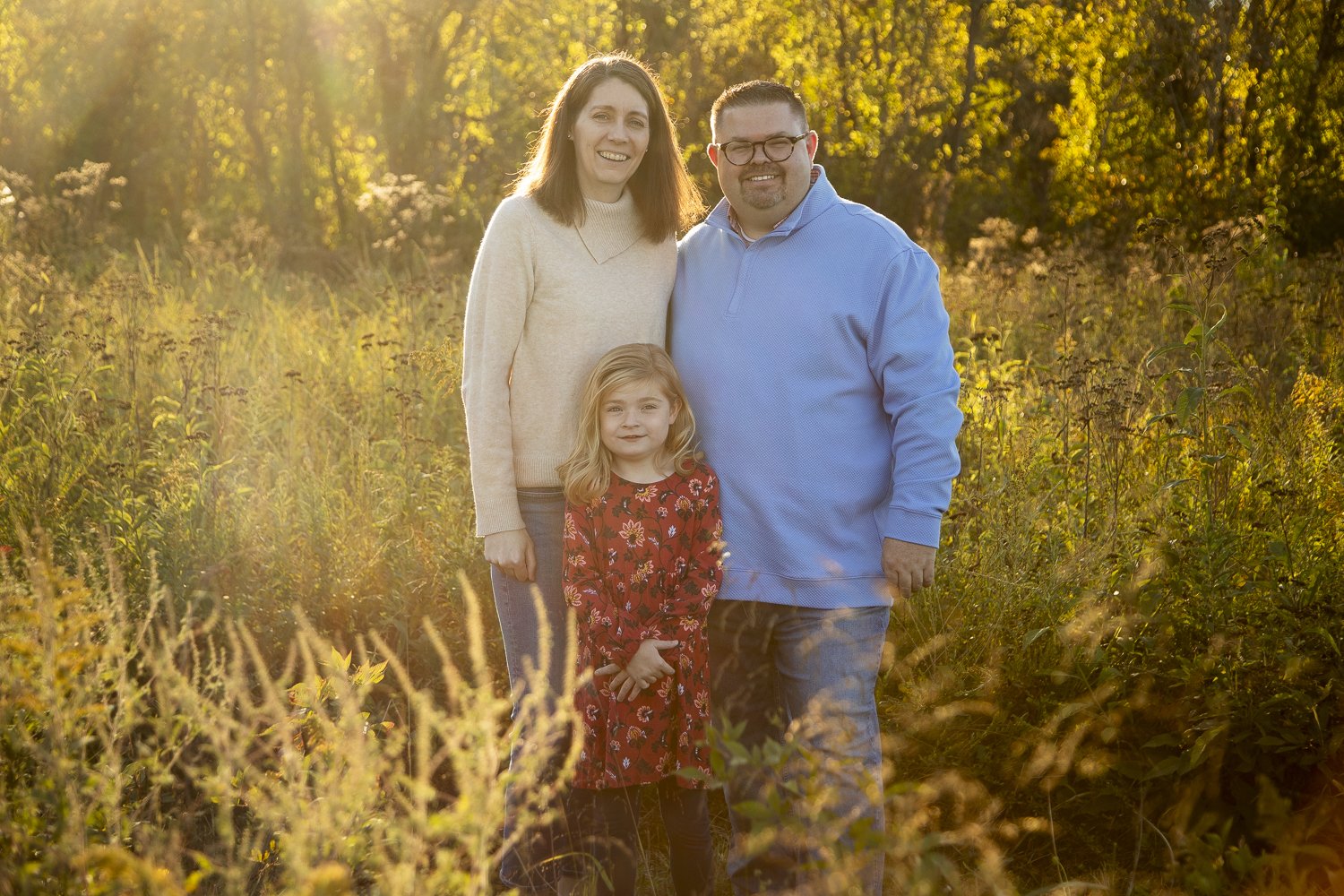
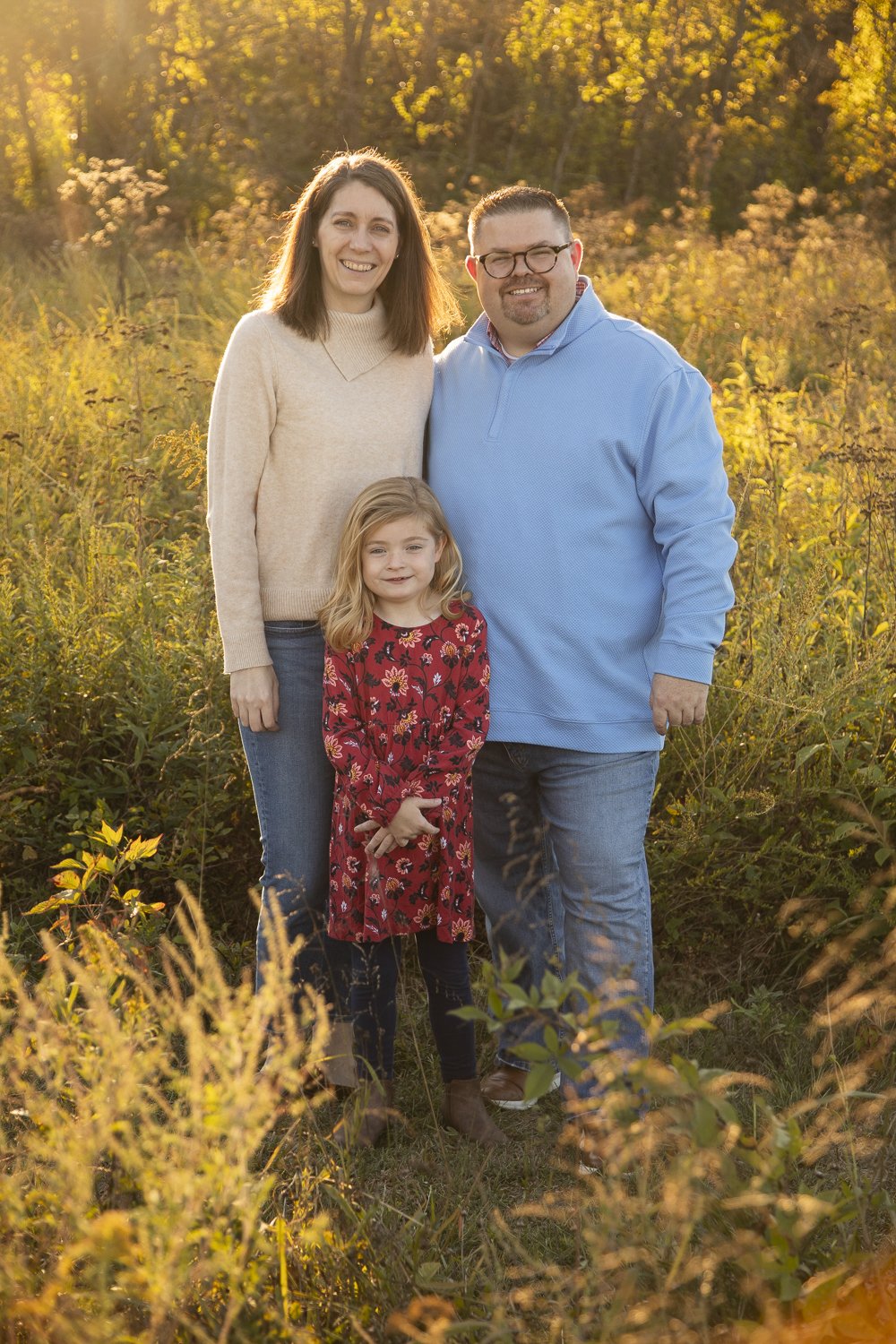
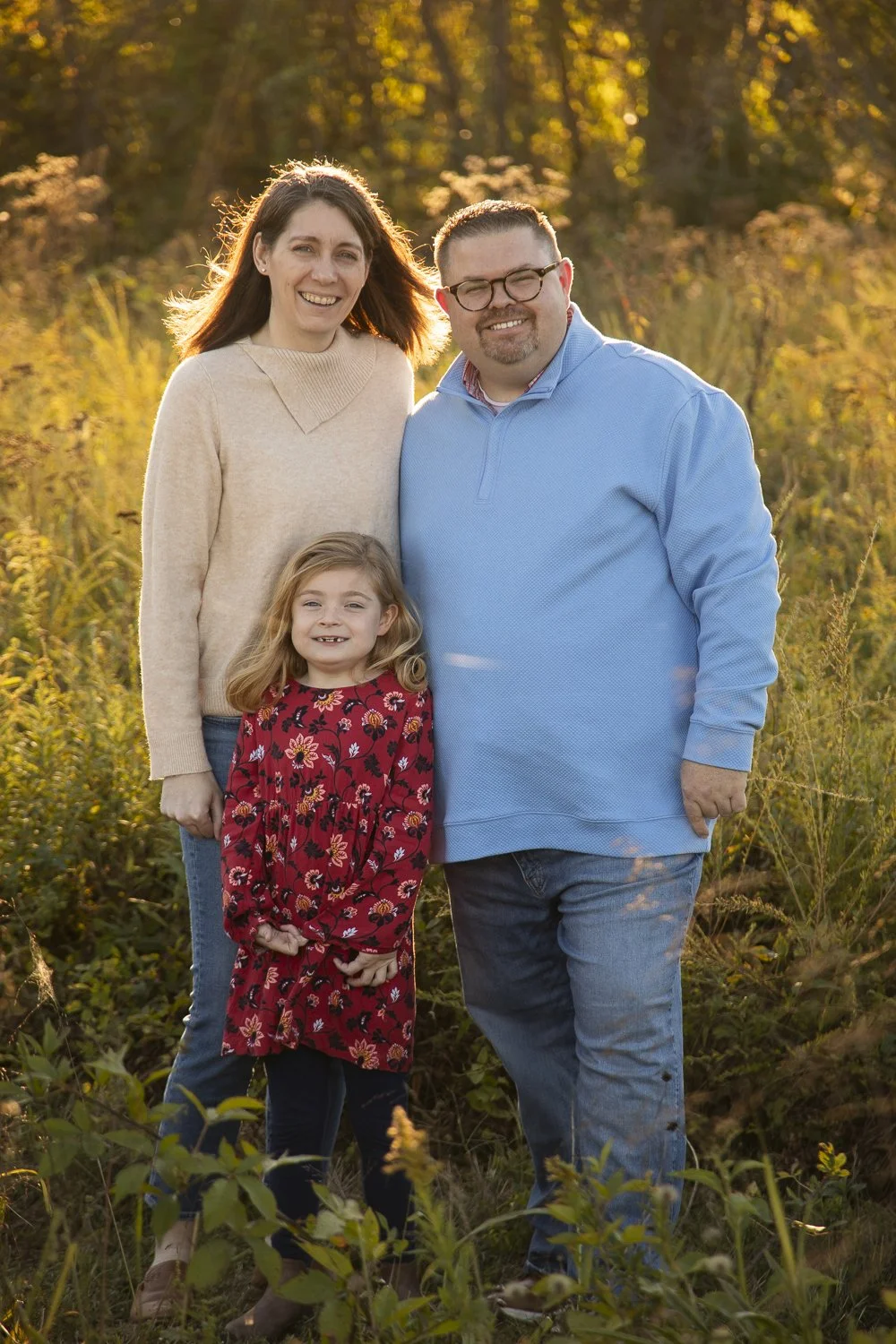
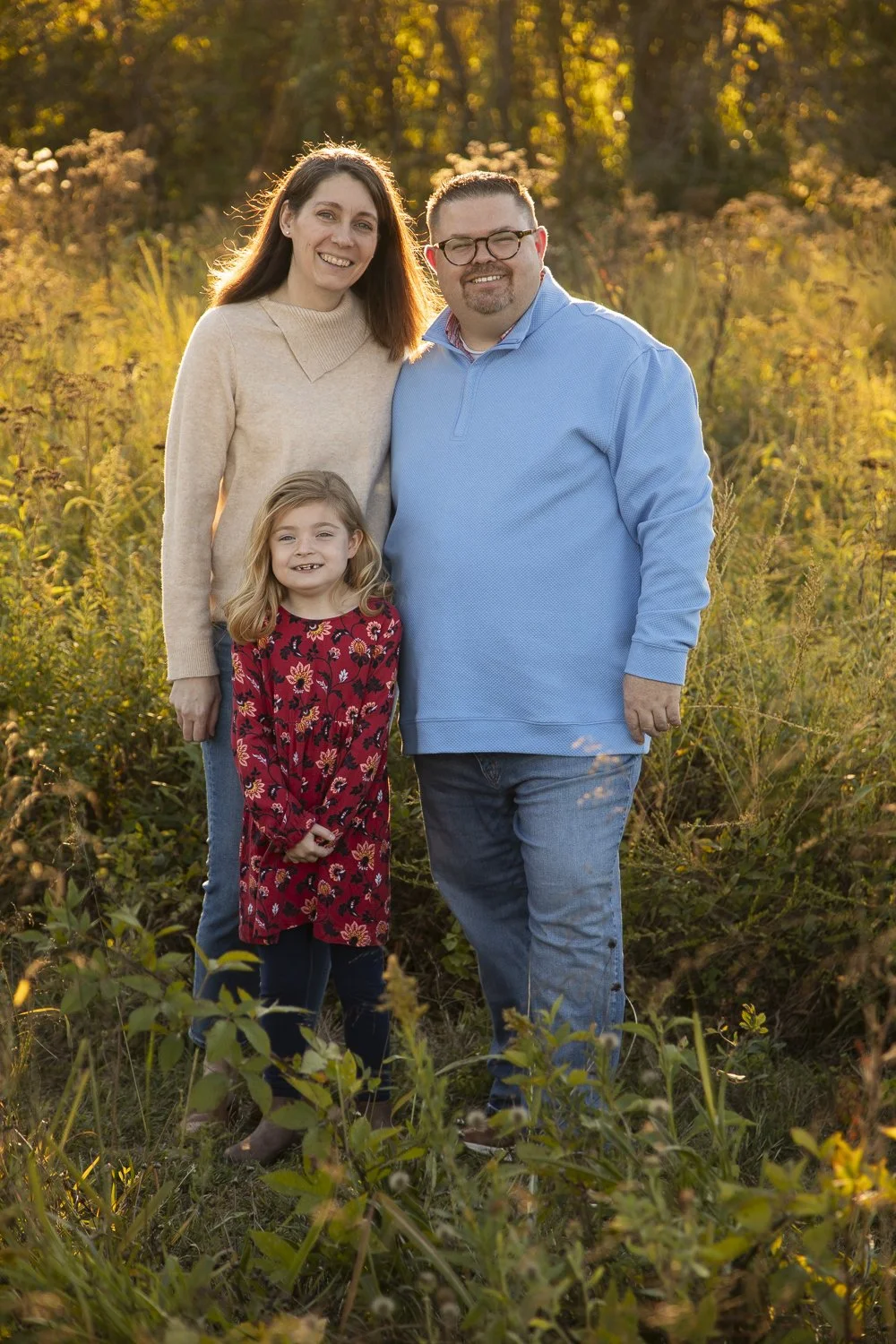
Tap the heart on a photo to favorite it. Tap the photo itself to see it larger. You can change your mind until you send your list.
Every photo has a number. AJ uses those numbers to find the originals, so they show up on your list at the end. Photos are in the order they were taken.
No favorites yet. Switch to All photos and tap a heart.
Get ready to send
Work down the checklist. Sending unlocks when every item is green, so nothing goes to retouching by accident.
-
Photos picked
Done -
Your name
DoneSo AJ knows whose list this is. Adding your email is optional and lets AJ reply to confirm.
-
Look at each pick
DoneOpen each photo below and look for closed eyes, an expression you do not love, or anything you want fixed. Add it as a note on that photo, then tap Looks right on each one.
-
Compare similar shots
Done -
Confirm your final list
Done
Your picks
Retouching notes are optional. Use them for anything specific you want done to that photo.